🇹🇷 AUTO iTunes & App Store 25-1500 TRY | Turkey 🇹🇷
Content: text (16 symbols)
Available: 3
Uploaded: 18.09.2024
Positive responses: 0
Negative responses: 0
Sold: 42
Refunds: 0
Seller: RockyGrizzly
information about the seller and its items
Loyalty discount! If the total amount of your purchases from the seller more than:
| $1 | the discount is | 1% |
| $500 | the discount is | 2% |
| $2000 | the discount is | 3% |
$1.97
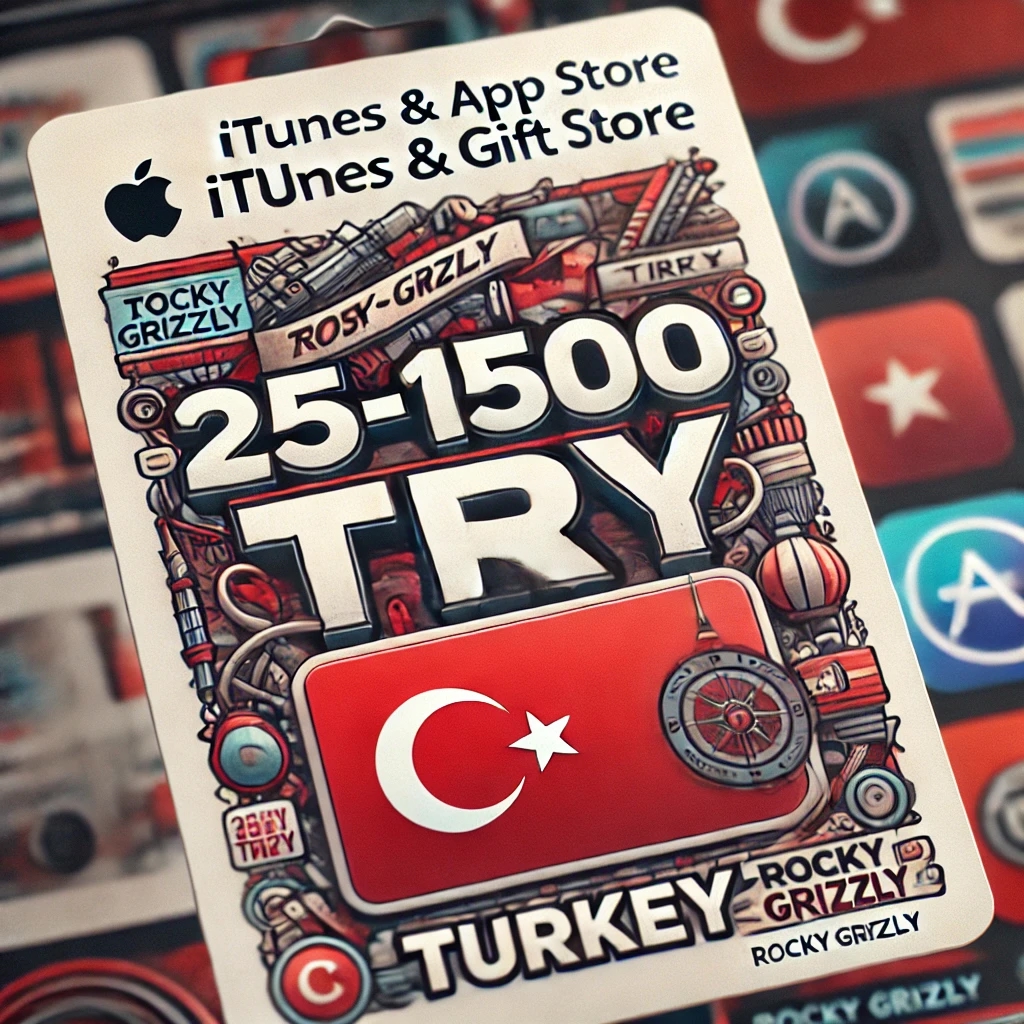
After purchase you will receive iTunes & App Store | Turkey (TL - TRY)
🔑This order will be delivered as a key and automatic delivery. 🔑
This product is shipped directly by the original distributor.
🛒 Immediately after payment, a 16-digit code will appear in your browser window and will be sent to your email. When you activate the code, the amount will be immediately credited to your account.🛒
Only official cards purchased from authorised Apple outlets are sold in our shop.
🎁 Once your gift card is activated, you will be able to:
✴ Pay for subscriptions such as Apple Music, Apple Arcade and Apple TV+
✴ Buy apps, games or make in-app purchases from the App Store
✴ Buy music, movies, and more from the iTunes Store, Apple TV app, or Apple Books
✴ Pay for iCloud storage
✔ You can buy multiple gift cards, activate them one at a time, use them later, or buy them as a gift.
🕑 We are online 24/7 and always ready to help you. You can place an order at any time. 🕑
🔑This order will be delivered as a key and automatic delivery. 🔑
This product is shipped directly by the original distributor.
🛒 Immediately after payment, a 16-digit code will appear in your browser window and will be sent to your email. When you activate the code, the amount will be immediately credited to your account.🛒
Only official cards purchased from authorised Apple outlets are sold in our shop.
🎁 Once your gift card is activated, you will be able to:
✴ Pay for subscriptions such as Apple Music, Apple Arcade and Apple TV+
✴ Buy apps, games or make in-app purchases from the App Store
✴ Buy music, movies, and more from the iTunes Store, Apple TV app, or Apple Books
✴ Pay for iCloud storage
✔ You can buy multiple gift cards, activate them one at a time, use them later, or buy them as a gift.
🕑 We are online 24/7 and always ready to help you. You can place an order at any time. 🕑
🍎 How to redeem:
How to use an iTunes code on an iPhone, iPad, or iPod?
- Open the App Store on your device;
- Tap the Today button at the bottom of the screen;
- Tap the Sign In button or your photo at the top of the screen;
- Select the Redeem Gift Card or Code option;
- Enter the code for the purchased iTunes Gift Card;
- Complete the process by tapping the Redeem button.
How to redeem an iTunes code on a Mac?
- Open the App Store on your Mac;
- Sign in or tap your profile name;
- Select the Redeem Gift Card option;
- Enter the code for the purchased iTunes Gift Card;
- Complete the process by tapping the Redeem button.
How to redeem an iTunes code on a Windows PC?
- Tap the Account button at the top of the iTunes window;
- Tap the Redeem option;
- Sign in with your Apple ID;
- Enter the code for the purchased iTunes Gift Card;
- Complete the process by pressing the "Redeem" button.
How to redeem an iTunes code on an Android device?
- Open the Apple Music app on your Android device;
- Press the menu button and select "Account";
- Select the "Redeem a gift card or code" option;
- Enter the code of the purchased iTunes gift card;
- Complete the process by pressing the "Redeem" button.
💵 Refund policy:
✅Item delivered - no return possible❌
How to use an iTunes code on an iPhone, iPad, or iPod?
- Open the App Store on your device;
- Tap the Today button at the bottom of the screen;
- Tap the Sign In button or your photo at the top of the screen;
- Select the Redeem Gift Card or Code option;
- Enter the code for the purchased iTunes Gift Card;
- Complete the process by tapping the Redeem button.
How to redeem an iTunes code on a Mac?
- Open the App Store on your Mac;
- Sign in or tap your profile name;
- Select the Redeem Gift Card option;
- Enter the code for the purchased iTunes Gift Card;
- Complete the process by tapping the Redeem button.
How to redeem an iTunes code on a Windows PC?
- Tap the Account button at the top of the iTunes window;
- Tap the Redeem option;
- Sign in with your Apple ID;
- Enter the code for the purchased iTunes Gift Card;
- Complete the process by pressing the "Redeem" button.
How to redeem an iTunes code on an Android device?
- Open the Apple Music app on your Android device;
- Press the menu button and select "Account";
- Select the "Redeem a gift card or code" option;
- Enter the code of the purchased iTunes gift card;
- Complete the process by pressing the "Redeem" button.
💵 Refund policy:
✅Item delivered - no return possible❌
No feedback yet