КОМПАС-3D v24 Home 1 YEAR for WINDOWS
Content: text (0 symbol)
Available: 1
Uploaded: 21.04.2026
Positive responses: 12
Negative responses: 0
Sold: 44
Refunds: 0
$20.72
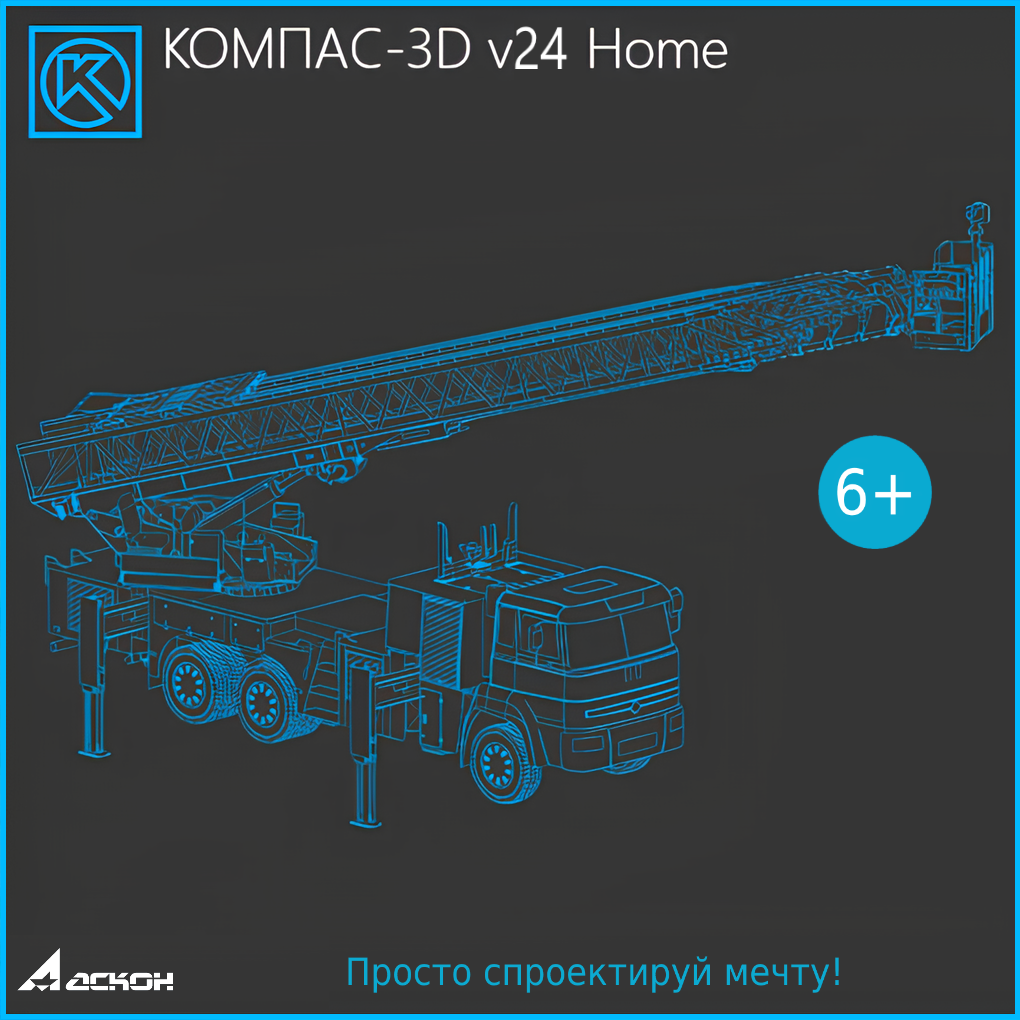
KOMPAS-3D v24 Home is a modeling system designed for creating 3D models and drawings. Suitable for both educational and creative purposes.
KOMPAS-3D Home is a non-commercial version of the KOMPAS-3D system. KOMPAS-3D Home is intended for personal, non-commercial use on your home computer. Its functionality allows it to be used in various fields. It can be successfully used for homework, coursework, theses, and other academic work, as well as for developing documents for independent, non-commercial use.
Main components of KOMPAS-3D Home:
A 3D modeling system designed for creating 3D associative models of individual parts and assemblies. Parametric technology allows for the rapid generation of standard product models based on a single designed prototype. Drawing and graphic editor (KOMPAS-Graphic). Designed to automate design and engineering work.
Specification design module. This module allows for the production of a variety of specifications, lists, and other tabular documents. When used in conjunction with the 3D Modeling System and/or
The Drawing and Graphic Editor allows for the creation of specifications associated with assembly drawings and 3D assembly models.
Text editor. Designed for developing various types of text documentation. Both standard and custom document formatting are supported.
In addition to the main components listed above, KOMPAS-3D Home includes applications that automate both specific tasks, such as calculations, and various design aspects and areas, such as modeling mechanical transmissions, piping, etc.
A significant number of applications are included with KOMPAS-3D Home for mechanical engineering and instrument making and are installed with it. What´s new in KOMPAS-3D v24 Home:
Over 150 functional changes—KOMPAS-3D Home now makes solving problems even faster, easier, and more convenient;
Create photorealistic images using the KOMPAS-3D Home module built into KOMPAS-3D Home;
Powerful tools for preparing geometry based on complex curves and surfaces;
Match a polygonal object with a solid or surface, and construct analytical surfaces based on a polygonal mesh;
The "Geometry Check" command is designed to diagnose objects for the correctness of their mathematical description;
The ability to change the shape ("deform") of components in an assembly without modifying the source files when working with flexible parts;
The new "Value Check" command helps identify variable values that are outside the acceptable range;
The "Tubular Element" command is a new way to construct a solid (or cutout) along a path with a circular cross-section;
Midsurface construction—used, among other things, to eliminate defects in imported surfaces during reverse engineering;
New model diagnostic tools, for example, to identify small faces or non-parallel edges—anything that could interfere with obtaining high-quality geometry;
The design concept in the "Shafts and Mechanical Transmissions" app has changed: mechanical transmissions are now designed entirely within the context of the assembly´s 3D model;
A new method for constructing pipelines—from point to point—has been added to the "Equipment: Pipelines" app.
KOMPAS-3D Home is a non-commercial version of the KOMPAS-3D system. KOMPAS-3D Home is intended for personal, non-commercial use on your home computer. Its functionality allows it to be used in various fields. It can be successfully used for homework, coursework, theses, and other academic work, as well as for developing documents for independent, non-commercial use.
Main components of KOMPAS-3D Home:
A 3D modeling system designed for creating 3D associative models of individual parts and assemblies. Parametric technology allows for the rapid generation of standard product models based on a single designed prototype. Drawing and graphic editor (KOMPAS-Graphic). Designed to automate design and engineering work.
Specification design module. This module allows for the production of a variety of specifications, lists, and other tabular documents. When used in conjunction with the 3D Modeling System and/or
The Drawing and Graphic Editor allows for the creation of specifications associated with assembly drawings and 3D assembly models.
Text editor. Designed for developing various types of text documentation. Both standard and custom document formatting are supported.
In addition to the main components listed above, KOMPAS-3D Home includes applications that automate both specific tasks, such as calculations, and various design aspects and areas, such as modeling mechanical transmissions, piping, etc.
A significant number of applications are included with KOMPAS-3D Home for mechanical engineering and instrument making and are installed with it. What´s new in KOMPAS-3D v24 Home:
Over 150 functional changes—KOMPAS-3D Home now makes solving problems even faster, easier, and more convenient;
Create photorealistic images using the KOMPAS-3D Home module built into KOMPAS-3D Home;
Powerful tools for preparing geometry based on complex curves and surfaces;
Match a polygonal object with a solid or surface, and construct analytical surfaces based on a polygonal mesh;
The "Geometry Check" command is designed to diagnose objects for the correctness of their mathematical description;
The ability to change the shape ("deform") of components in an assembly without modifying the source files when working with flexible parts;
The new "Value Check" command helps identify variable values that are outside the acceptable range;
The "Tubular Element" command is a new way to construct a solid (or cutout) along a path with a circular cross-section;
Midsurface construction—used, among other things, to eliminate defects in imported surfaces during reverse engineering;
New model diagnostic tools, for example, to identify small faces or non-parallel edges—anything that could interfere with obtaining high-quality geometry;
The design concept in the "Shafts and Mechanical Transmissions" app has changed: mechanical transmissions are now designed entirely within the context of the assembly´s 3D model;
A new method for constructing pipelines—from point to point—has been added to the "Equipment: Pipelines" app.
System Requirements:
Minimum:
Processor with support for SSE2 and AVX1* instructions
Video card with OpenGL 2.0 support
Other minimum computer configuration parameters for installing and running KOMPAS-3D Home are determined by the minimum system requirements for the corresponding operating systems.
Recommended for comfortable operation:
Multi-core processor (4 cores or more) with a clock speed of 3 GHz or higher
16 GB of RAM or more
Video card with OpenGL 4.5 support, 4 GB of video memory or more, and a video memory bandwidth of 140 GB/s or more
Monitor with a resolution of 1920x1080 pixels or higher
Recommended for working with large assemblies:
Multi-core processor (6 cores or more) with the highest possible clock speed (4 GHz or higher)
64 GB of RAM or more
Video card with OpenGL 4.5 support, 8 GB of video memory or more, and a bandwidth of 140 GB/s or more Video memory — 250 GB/s or more
Monitor with a resolution of 1920x1080 pixels or higher
Solid-state drive (SSD) for installing the operating system, KOMPAS-3D Home, and KOMPAS document storage
* Support for AVX instructions is required if the Full installation type is selected, or if the Custom installation type includes the installation of Advanced Proprietary Format Readers.
Software:
KOMPAS-3D Home is designed for use on personal computers running Russian-language (localized) 64-bit versions of operating systems updated to the latest version:
Microsoft Windows 11
Microsoft Windows 10
Microsoft .NET Framework version 4.8 must be installed on your computer.
A web browser is required to view the Help system.
Some KOMPAS-3D Home applications may require additional components for proper operation.
Additional requirements:
Disk space: 19 GB (for mechanical engineering and instrumentation)
Documents can be printed using any printer or plotter model with drivers developed for the version of Windows installed on your computer.
Notes:
Stable operation is not guaranteed on integrated video cards.
When selecting a computer configuration, keep in mind that requirements increase with the complexity of the tasks (the richness of the drawings, the complexity of the assemblies).
The speed of KOMPAS-3D Home on a specific computer also depends on characteristics of its individual components (processor, RAM, etc.)
Minimum:
Processor with support for SSE2 and AVX1* instructions
Video card with OpenGL 2.0 support
Other minimum computer configuration parameters for installing and running KOMPAS-3D Home are determined by the minimum system requirements for the corresponding operating systems.
Recommended for comfortable operation:
Multi-core processor (4 cores or more) with a clock speed of 3 GHz or higher
16 GB of RAM or more
Video card with OpenGL 4.5 support, 4 GB of video memory or more, and a video memory bandwidth of 140 GB/s or more
Monitor with a resolution of 1920x1080 pixels or higher
Recommended for working with large assemblies:
Multi-core processor (6 cores or more) with the highest possible clock speed (4 GHz or higher)
64 GB of RAM or more
Video card with OpenGL 4.5 support, 8 GB of video memory or more, and a bandwidth of 140 GB/s or more Video memory — 250 GB/s or more
Monitor with a resolution of 1920x1080 pixels or higher
Solid-state drive (SSD) for installing the operating system, KOMPAS-3D Home, and KOMPAS document storage
* Support for AVX instructions is required if the Full installation type is selected, or if the Custom installation type includes the installation of Advanced Proprietary Format Readers.
Software:
KOMPAS-3D Home is designed for use on personal computers running Russian-language (localized) 64-bit versions of operating systems updated to the latest version:
Microsoft Windows 11
Microsoft Windows 10
Microsoft .NET Framework version 4.8 must be installed on your computer.
A web browser is required to view the Help system.
Some KOMPAS-3D Home applications may require additional components for proper operation.
Additional requirements:
Disk space: 19 GB (for mechanical engineering and instrumentation)
Documents can be printed using any printer or plotter model with drivers developed for the version of Windows installed on your computer.
Notes:
Stable operation is not guaranteed on integrated video cards.
When selecting a computer configuration, keep in mind that requirements increase with the complexity of the tasks (the richness of the drawings, the complexity of the assemblies).
The speed of KOMPAS-3D Home on a specific computer also depends on characteristics of its individual components (processor, RAM, etc.)
27.02.2026 14:36:40
Все четко. Без каких либо заморочек.
13.02.2026 13:05:10
Все классно
25.01.2026 17:19:14
+
14.11.2025 15:37:59
ok
10.03.2025 11:28:37
ок
03.03.2025 13:40:09
ок
15.02.2025 10:41:31
ок
13.01.2025 17:00:29
ок
13.01.2025 14:15:41
ок
12.01.2025 19:19:30
Ключ получил моментально, пользоваться удобно, порадовал ночной режим глазам стало легче :D