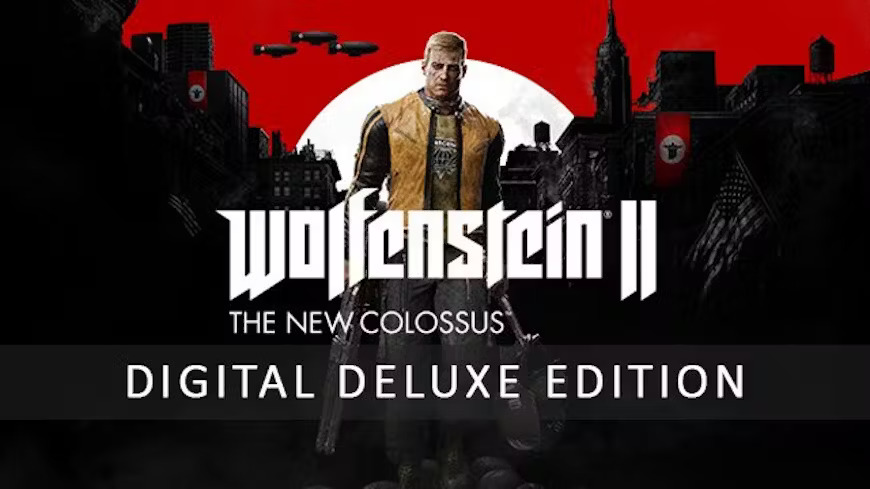
Wolfenstein II: The New Colossus Digital Deluxe Edition
Content: text (0 symbol)
Available: 7
Uploaded: 15.05.2026
Positive responses: 24
Negative responses: 1
Sold: 1427
Refunds: 0
$1.28
From the Microsoft Store:
To claim the game, open a Windows 10 or 11 device and search for "Microsoft Store".
Ensure that you are signed into the Microsoft Store under the account you wish to play Minecraft Legends, then select the Account button in the upper-right corner, next to the search bar.
A menu will open with the option to "Redeem code or gift cards".
Select that option, input the 25-character code, and click "Next" to link the content to the account.
From a Microsoft account:
Follow the link here. https://setup.office.com/redeem/enter-key
Select "Redeem Code".
Enter the 25-character code, select "Next", and then follow the prompts.
To claim the game, open a Windows 10 or 11 device and search for "Microsoft Store".
Ensure that you are signed into the Microsoft Store under the account you wish to play Minecraft Legends, then select the Account button in the upper-right corner, next to the search bar.
A menu will open with the option to "Redeem code or gift cards".
Select that option, input the 25-character code, and click "Next" to link the content to the account.
From a Microsoft account:
Follow the link here. https://setup.office.com/redeem/enter-key
Select "Redeem Code".
Enter the 25-character code, select "Next", and then follow the prompts.
02.06.2026 20:36:34
Thank you so much
20.02.2026 19:28:22
Отлично
02.12.2025 23:15:48
Оплата прошла быстро. На экране появился код на Вулфен 2 Дэлюкс. Код моментально сработал в Microsoft Store на РУ аккаунт без впн.
16.11.2025 16:12:43
Все отлично
17.10.2025 3:02:32
TOP!!!
31.08.2025 13:04:56
активировался, все супер
11.08.2025 16:53:32
Продавец перестал читать мои сообщения и отвечать на вопросы. В описании нигде не указано, что это ключ именно на ПК версию игры в Майкрософт стор, я думал, что этот ключ для xbox.
29.07.2025 11:57:44
The game works, thanks!
11.06.2025 19:46:20
товар получен
17.05.2025 8:28:16
Все пришло моментально