Borderlands 4 Offline
Content: text (0 symbol)
Available: 2
Uploaded: 19.01.2026
Positive responses: 9
Negative responses: 0
Sold: 26
Refunds: 0
$1.61
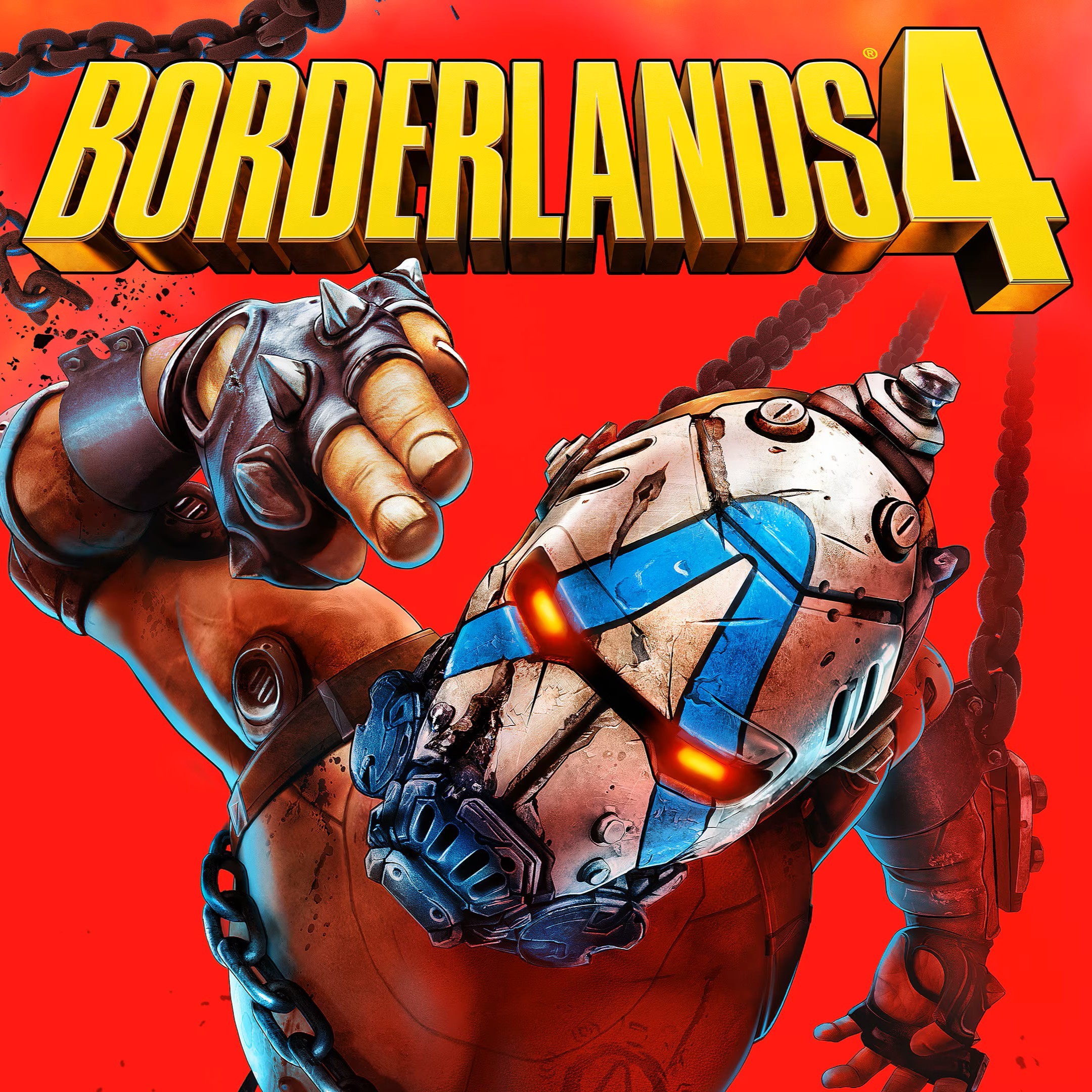
WE ALWAYS HAVE ACTIVATIONS (NO QUEUE)
THE GAME WILL BE INSTALLED WITHOUT OTHER PROGRAMS: YOU WILL RECEIVE A LOGIN AND PASSWORD
-You buy a Shared STEAM account with the game 🔥 Borderlands 4 🔥 Offline 🔥
- After the purchase, you will be given a login and password from the steam account in which the game has already been purchased, playing after installation is possible only in offline mode
- The account protected, mail and password cannot be changed.
- One activation per device
+Games
Monster Hunter Wilds
Sniper Elite: Resistance
SILENT HILL 2
Mortal Kombat 1
Dead Space 2023
Hogwarts Legacy
The Callisto Protocol
Monster Hunter: World
Metro Exodus
Just Cause 4
Devil May Cry 5
The Quarry
Marvel´s Midnight Suns
Gotham Knights
Cyberpunk 2077
DOOM: The Dark Ages
Stellar Blade
THE GAME WILL BE INSTALLED WITHOUT OTHER PROGRAMS: YOU WILL RECEIVE A LOGIN AND PASSWORD
-You buy a Shared STEAM account with the game 🔥 Borderlands 4 🔥 Offline 🔥
- After the purchase, you will be given a login and password from the steam account in which the game has already been purchased, playing after installation is possible only in offline mode
- The account protected, mail and password cannot be changed.
- One activation per device
+Games
Monster Hunter Wilds
Sniper Elite: Resistance
SILENT HILL 2
Mortal Kombat 1
Dead Space 2023
Hogwarts Legacy
The Callisto Protocol
Monster Hunter: World
Metro Exodus
Just Cause 4
Devil May Cry 5
The Quarry
Marvel´s Midnight Suns
Gotham Knights
Cyberpunk 2077
DOOM: The Dark Ages
Stellar Blade
BENEFITS OF OFFLINE MODE
1. You buy the original game without viruses (Pirated versions in 99% contain viruses that threaten the security of your personal data and the security of your computer)
2. You can not wait for the game to be hacked (the data of the game with Denuvo protection, which has not been hacked, you will not find them on torrents)
3. The cost of a shared account is several times cheaper than the price tag on Steam (10-20 times)
4. You can complete the game 100%
📋 INSTALLATION
GAMES WITH DENUVO PROTECTION
Offline instructions
1. Install the Steam client
2. We go on Steam with the username and password that we received
3. Download and install the game from Steam (or you can download it in advance from the torrent)
4. Turn on the game until the game menu appears
5. Turn off the game
6. In Steam, in the upper left corner, click on the menu (Steam), set it to “Go Offline…”
7. Turn on the game
8. Enjoy the game
IMPORTANT
Always keep Steam offline"
1. You buy the original game without viruses (Pirated versions in 99% contain viruses that threaten the security of your personal data and the security of your computer)
2. You can not wait for the game to be hacked (the data of the game with Denuvo protection, which has not been hacked, you will not find them on torrents)
3. The cost of a shared account is several times cheaper than the price tag on Steam (10-20 times)
4. You can complete the game 100%
📋 INSTALLATION
GAMES WITH DENUVO PROTECTION
Offline instructions
1. Install the Steam client
2. We go on Steam with the username and password that we received
3. Download and install the game from Steam (or you can download it in advance from the torrent)
4. Turn on the game until the game menu appears
5. Turn off the game
6. In Steam, in the upper left corner, click on the menu (Steam), set it to “Go Offline…”
7. Turn on the game
8. Enjoy the game
IMPORTANT
Always keep Steam offline"
22.04.2026 12:02:31
Продавец очень хороший, оперативно реагирует, с ним можно иметь дело. Купил давно (26.09.25), а уже дважды помогал (сегодня 22.04.26). Спасибо ему! Всем рекомендую
08.02.2026 11:01:09
Все оплатил, продавец вышел на связь активировал аккаунт, скачиваю игры.
29.11.2025 21:38:49
fast response
21.10.2025 10:19:38
Практически моментальная активация. Все работает без проблем. Бонусные игры на аккаунте возможно также кому то покажутся интересными, так что это плюс!
28.09.2025 17:01:21
Супер быстрые ответы, моментальное подтверждение входа. Рекомендую!
21.09.2025 8:23:08
отличный продавец, сразу прислал код
14.09.2025 11:48:37
Найс!
13.09.2025 9:50:40
Товар пришел быстро, активацию аккаунта ждать не пришлось. Пока все работает в штатном режиме.
12.09.2025 11:36:20
Все супер, логин с паролем прислали очень быстро. Все доп. игры из списка в библиотеку добавили. Рекомендую.