Dying Light: The Beast Deluxe Edition | Steam | Offline
Positive responses: 0
Negative responses: 0
Sold: 2
Refunds: 0
$1.6
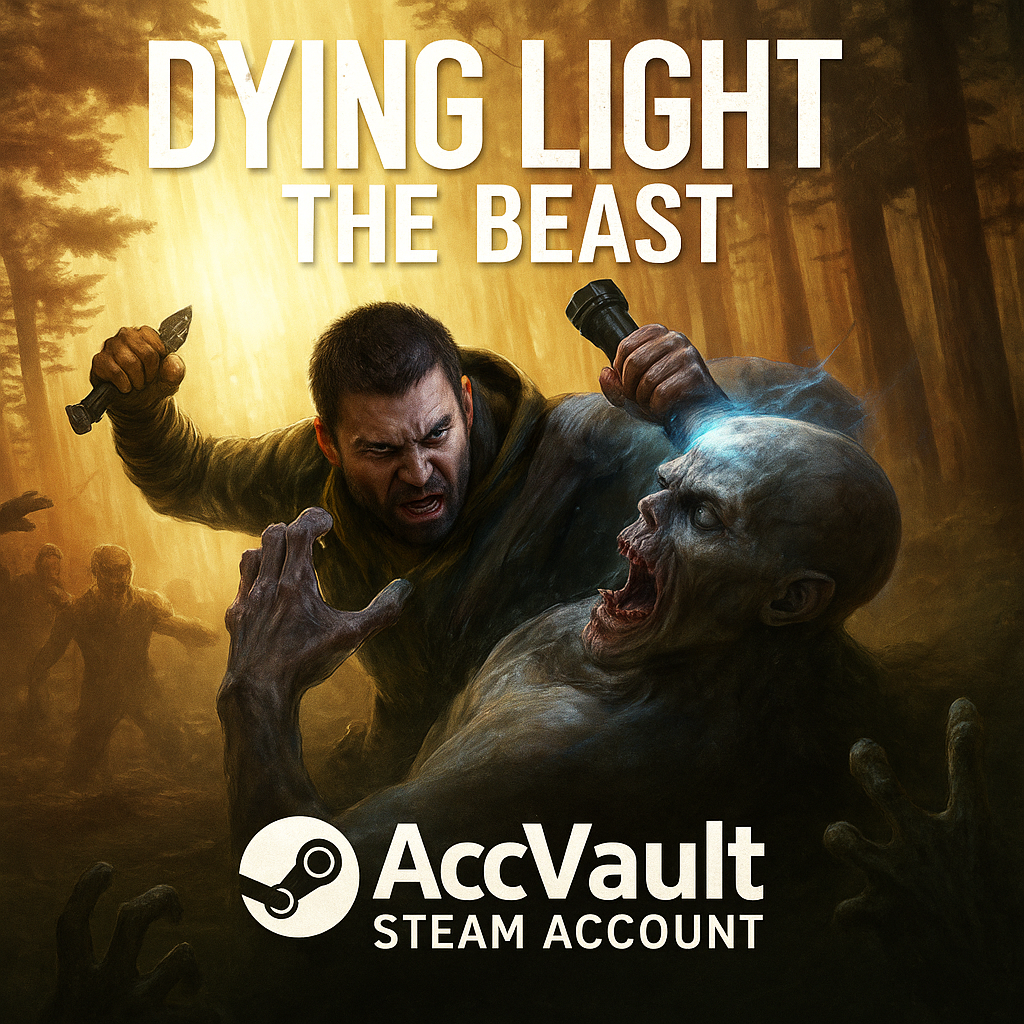
🔹 Product: Dying Light: The Beast Deluxe Edition (Offline Mode, Shared Account)
❗️ You will receive a shared Steam account with the game Dying Light: The Beast Deluxe Edition, intended for offline play only.
☝️ I´m available almost 24/7.
🎮 Perfect for a quick start — the game launches via offline mode
🔌 No internet needed — once activated, you can play fully offline
🔹 The game runs in offline mode only
🔹 All updates and DLC are available (manual updates on request)
🔹 Changing account information is strictly prohibited
🔹 Issues related to Denuvo protection (possible errors, first-time launch issues, etc.) are not grounds for a refund, as access to the account has already been provided
📌 Important Notes:
⚠️ The game only works in offline mode — do not enable internet while playing
⚠️ The account is shared — progress is saved locally only
⚠️ You may not change the login, password, or link the account to your email
⚠️ No refunds due to the nature of the access provided
⚠️ Once the Steam Guard code has been sent, refunds are not possible
🛠 After purchase, you will receive:
1️⃣ Login and password for the Steam account
2️⃣ Instructions on how to log in and switch to offline mode
3️⃣ Full support and assistance with any issues
❗️ You will receive a shared Steam account with the game Dying Light: The Beast Deluxe Edition, intended for offline play only.
☝️ I´m available almost 24/7.
🎮 Perfect for a quick start — the game launches via offline mode
🔌 No internet needed — once activated, you can play fully offline
🔹 The game runs in offline mode only
🔹 All updates and DLC are available (manual updates on request)
🔹 Changing account information is strictly prohibited
🔹 Issues related to Denuvo protection (possible errors, first-time launch issues, etc.) are not grounds for a refund, as access to the account has already been provided
📌 Important Notes:
⚠️ The game only works in offline mode — do not enable internet while playing
⚠️ The account is shared — progress is saved locally only
⚠️ You may not change the login, password, or link the account to your email
⚠️ No refunds due to the nature of the access provided
⚠️ Once the Steam Guard code has been sent, refunds are not possible
🛠 After purchase, you will receive:
1️⃣ Login and password for the Steam account
2️⃣ Instructions on how to log in and switch to offline mode
3️⃣ Full support and assistance with any issues
🎮 Instructions for launching the game in offline mode via Steam (shared account)
1️⃣ 🔑 Log into another account
🖥 Open the Steam client → click your nickname in the top right corner and select "Log into another account".
2️⃣ 📝 Log into the provided account
🔑 Use the login and password received with your purchase.
🔒 Enter the Steam Guard code if required (request it from the seller in chat).
3️⃣ 🌐 Launch the game once in online mode
⏳ Wait until the game fully loads.
🎯 Make sure to reach the main menu of the game.
❌ Then close the game.
4️⃣ 📴 Switch Steam to offline mode
🖱 In the top menu, select: Steam → "Go Offline…".
🔄 Confirm and wait for the client to restart.
5️⃣ 🕹 Play only in offline mode
▶ When starting the client again, always choose "Start in Offline Mode".
⚠ Do not go back online to avoid being logged out of the account.
⚠️ Important
🚫 Online features (multiplayer, achievements, cloud saves) are not available.
💾 If you delete the game or the client, you will need to log in to the account again to download it.
❗ Do not change the account details (login, password, email), otherwise access will be blocked.
1️⃣ 🔑 Log into another account
🖥 Open the Steam client → click your nickname in the top right corner and select "Log into another account".
2️⃣ 📝 Log into the provided account
🔑 Use the login and password received with your purchase.
🔒 Enter the Steam Guard code if required (request it from the seller in chat).
3️⃣ 🌐 Launch the game once in online mode
⏳ Wait until the game fully loads.
🎯 Make sure to reach the main menu of the game.
❌ Then close the game.
4️⃣ 📴 Switch Steam to offline mode
🖱 In the top menu, select: Steam → "Go Offline…".
🔄 Confirm and wait for the client to restart.
5️⃣ 🕹 Play only in offline mode
▶ When starting the client again, always choose "Start in Offline Mode".
⚠ Do not go back online to avoid being logged out of the account.
⚠️ Important
🚫 Online features (multiplayer, achievements, cloud saves) are not available.
💾 If you delete the game or the client, you will need to log in to the account again to download it.
❗ Do not change the account details (login, password, email), otherwise access will be blocked.
No feedback yet