Sonnox Soften 🔑 Official Key
Positive responses: 0
Negative responses: 0
Sold: 3
Refunds: 0
$4.43
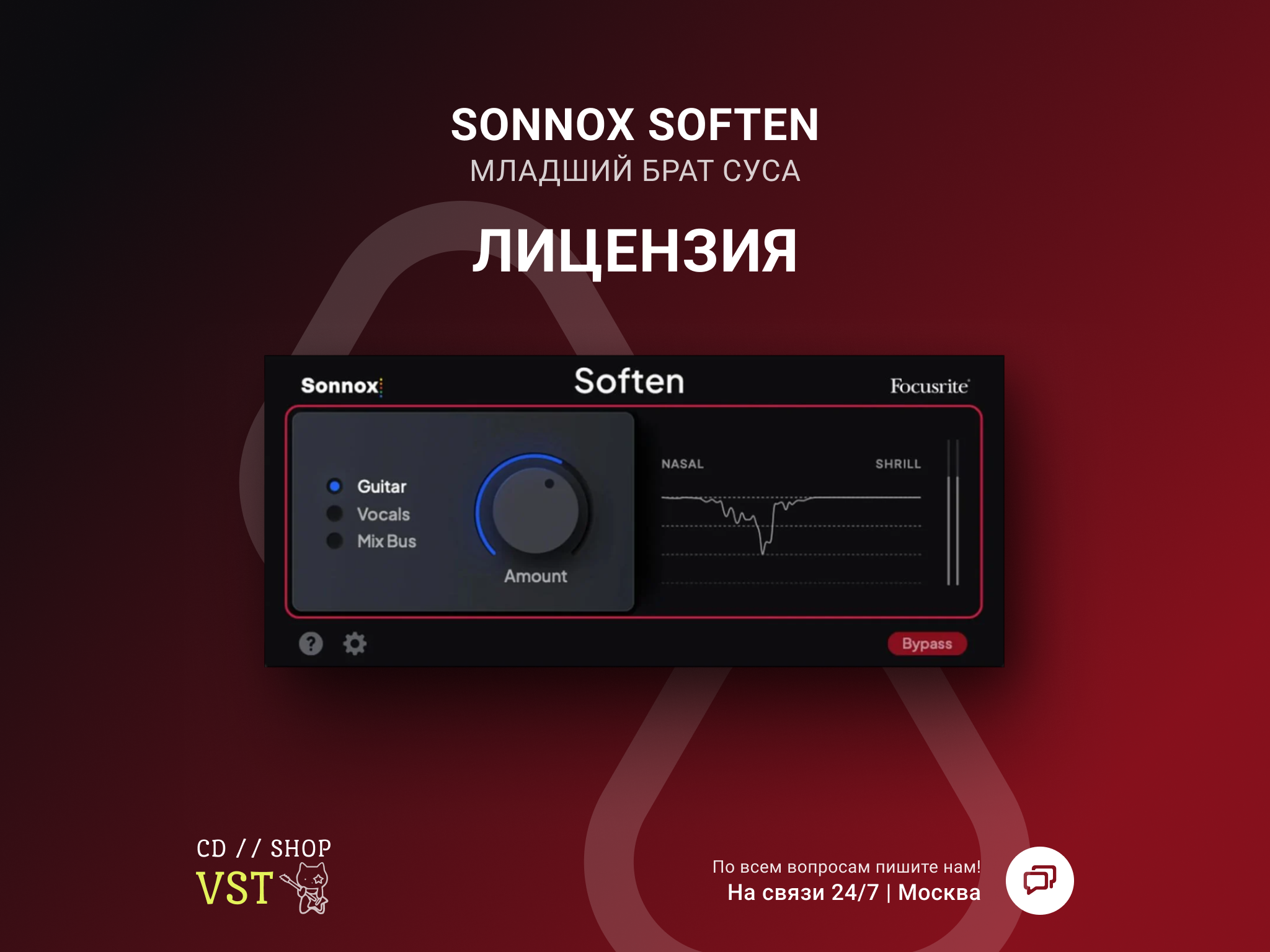
🚀 AUTOMATIC DELIVERY | ⏱ INSTANT | 🌍 RUSSIA AND WORLD
• Smart smoothing plugin
• Lifetime license for 1 computer
- Automatic detection and processing of problem areas
- Preserving natural sound
- Easy control of processing intensity
- Ideal for vocals and individual instruments
• Systems: Windows 10+ / macOS 10.14+
• Instant delivery after payment
❤️ 100% OFFICIAL SONNOX LICENSE
🔑 YOUR ORDER INCLUDES:
• Sonnox Soften activation key• Smart smoothing plugin
• Lifetime license for 1 computer
🎚️ KEY FEATURES:
- Smart smoothing of harsh frequencies- Automatic detection and processing of problem areas
- Preserving natural sound
- Easy control of processing intensity
- Ideal for vocals and individual instruments
💻 TECHNICAL SPECIFICATIONS:
• Formats: VST2 / VST3 / AAX Native / AU• Systems: Windows 10+ / macOS 10.14+
• Instant delivery after payment
✨ INTELLIGENT SMOOTHING WITHOUT LOSS OF NATURALNESS
/delivery
English Installation and Activation Guide for Sonnox Soften
Download Links
Windows: https://dload.sonnox.com/Sonnox%20Soften_v1.00.0%5B6004%5DP_Windows.zip
Mac: https://dload.sonnox.com/Sonnox%20Soften_v1.00.0%5B6004%5DP_macOS.zip
If you do NOT have an iLok account:
Create an iLok account at: https://www.ilok.com/#!registration
Download the iLok License Manager from: https://www.ilok.com/#!license-manager
Install the iLok License Manager and sign in using your new account.
Download and install Sonnox Soften (if not already installed):
Windows: https://dload.sonnox.com/Sonnox%20Soften_v1.00.0%5B6004%5DP_Windows.zip
Mac: https://dload.sonnox.com/Sonnox%20Soften_v1.00.0%5B6004%5DP_macOS.zip
Open your DAW and load the Soften plugin.
In the Soften plugin window, enter your activation code.
Click “Sign in with iLok” inside Soften and follow the on-screen instructions.
Soften is now activated and ready to use.
If you ALREADY have an iLok account:
Make sure you are signed in to the iLok License Manager.
Download and install Sonnox Soften:
Windows: https://dload.sonnox.com/Sonnox%20Soften_v1.00.0%5B6004%5DP_Windows.zip
Mac: https://dload.sonnox.com/Sonnox%20Soften_v1.00.0%5B6004%5DP_macOS.zip
Open your DAW and load the Soften plugin.
In the Soften plugin window, enter your activation code.
Click “Sign in with iLok” inside Soften and follow the on-screen instructions.
Soften is now activated and ready to use.
Download Links
Windows: https://dload.sonnox.com/Sonnox%20Soften_v1.00.0%5B6004%5DP_Windows.zip
Mac: https://dload.sonnox.com/Sonnox%20Soften_v1.00.0%5B6004%5DP_macOS.zip
If you do NOT have an iLok account:
Create an iLok account at: https://www.ilok.com/#!registration
Download the iLok License Manager from: https://www.ilok.com/#!license-manager
Install the iLok License Manager and sign in using your new account.
Download and install Sonnox Soften (if not already installed):
Windows: https://dload.sonnox.com/Sonnox%20Soften_v1.00.0%5B6004%5DP_Windows.zip
Mac: https://dload.sonnox.com/Sonnox%20Soften_v1.00.0%5B6004%5DP_macOS.zip
Open your DAW and load the Soften plugin.
In the Soften plugin window, enter your activation code.
Click “Sign in with iLok” inside Soften and follow the on-screen instructions.
Soften is now activated and ready to use.
If you ALREADY have an iLok account:
Make sure you are signed in to the iLok License Manager.
Download and install Sonnox Soften:
Windows: https://dload.sonnox.com/Sonnox%20Soften_v1.00.0%5B6004%5DP_Windows.zip
Mac: https://dload.sonnox.com/Sonnox%20Soften_v1.00.0%5B6004%5DP_macOS.zip
Open your DAW and load the Soften plugin.
In the Soften plugin window, enter your activation code.
Click “Sign in with iLok” inside Soften and follow the on-screen instructions.
Soften is now activated and ready to use.
No feedback yet