BATTLEFIELD 6 STANDARD XBOX 24/7 AUTO CODE OR CURRENCY
Content: text (0 symbol)
Available: 1
Uploaded:
Positive responses: 1
Negative responses: 0
Sold: 10
Refunds: 0
$14.72

🔒 Reliable seller since 2010
⚡️ 100% working, instant delivery 24/7
🏆 Over 40,000 successful sales
💰 Fair prices for everyone
⚡️ 100% working, instant delivery 24/7
🏆 Over 40,000 successful sales
💰 Fair prices for everyone
❗️Please note: product options include both the game and in-game currency❗️
🎮 After payment, you will receive a unique digital code to activate Battlefield 6. You can also choose in-game currency in the product options. XBOX only! The code is suitable for accounts with ANY region (except RU/Russia).
💥 Battlefield™ 6 — the grand return of the legendary series! Dive into massive battles of the future, where every bullet and every decision determines the outcome of the fight. Two editions are available:
🥈 Standard Edition:
🔸 Full version of Battlefield 6.
🔸 Epic battles on massive dynamic maps.
🔸 Modern weapons, vehicles, and special operations.
🔸 Classic modes — Conquest, Breakthrough, and new team missions.
🥇 Phantom Edition:
🔸 Includes everything from the Standard Edition.
🔸 Exclusive “Phantom” operator and premium arsenal.
🔸 Unique vehicle skins, emblems, and first-season bonus battle pass.
🔸 Maximum adrenaline, exclusivity, and style on the battlefield!
🥈 Standard Edition:
🔸 Full version of Battlefield 6.
🔸 Epic battles on massive dynamic maps.
🔸 Modern weapons, vehicles, and special operations.
🔸 Classic modes — Conquest, Breakthrough, and new team missions.
🥇 Phantom Edition:
🔸 Includes everything from the Standard Edition.
🔸 Exclusive “Phantom” operator and premium arsenal.
🔸 Unique vehicle skins, emblems, and first-season bonus battle pass.
🔸 Maximum adrenaline, exclusivity, and style on the battlefield!
❗️PLEASE NOTE
The code is suitable for accounts with ANY region (except RU/Russia). If your account region does not match, you can change it using an IP change tool (creating a new account is not required). An IP change tool is required for activation.
XBOX only! Please note: product options include both the game and in-game currency❗️
The code is suitable for accounts with ANY region (except RU/Russia). If your account region does not match, you can change it using an IP change tool (creating a new account is not required). An IP change tool is required for activation.
XBOX only! Please note: product options include both the game and in-game currency❗️
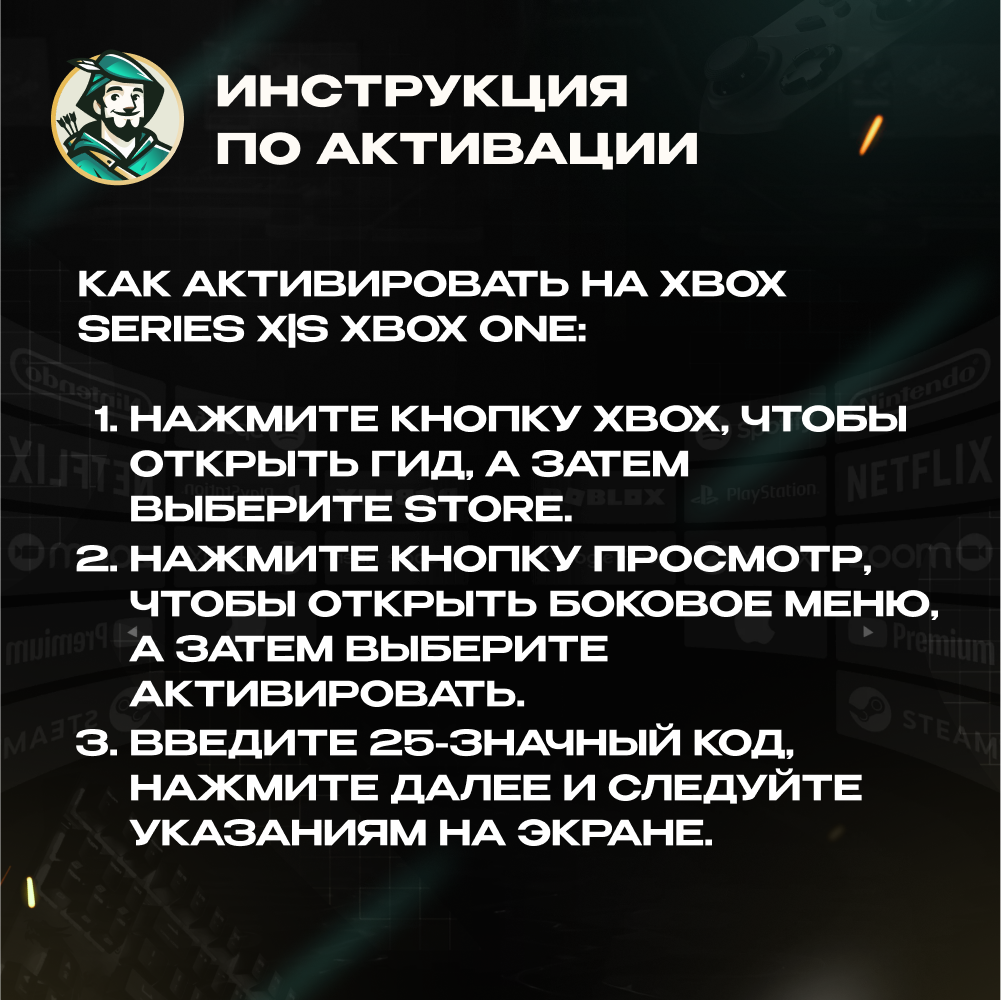
📜 How to activate on XBOX Series X|S and Xbox One:
1. Press the Xbox button to open the guide, then select Store.
2. Press the View button to open the side menu, then select Redeem.
3. Enter the 25-digit code, click Next, and follow the on-screen instructions.
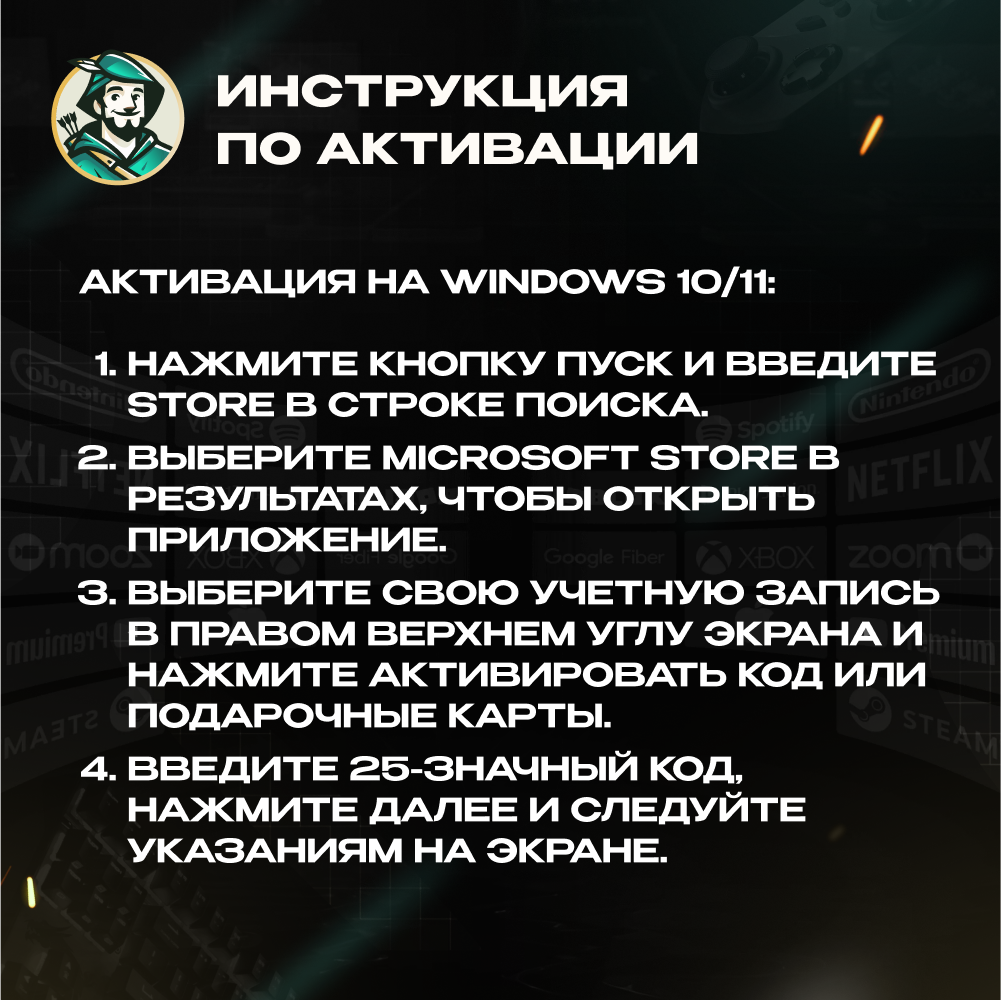
📜 Activation on Windows 10/11:
1. Press the Start button and type “store” in the search bar.
2. Select Microsoft Store from the results to open the app.
3. Select your account in the top-right corner and click “Redeem code or gift cards”.
4. Enter the 25-digit code, click Next, and follow the on-screen instructions.
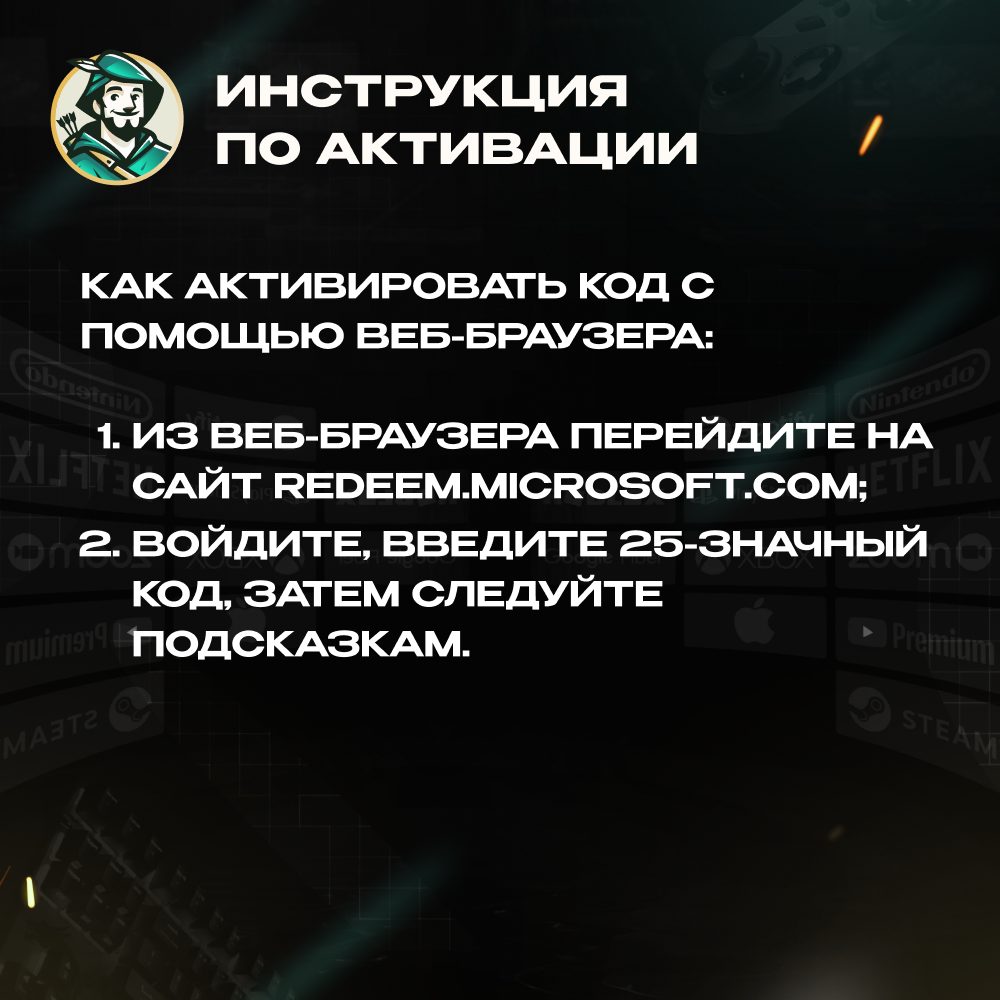
📜 How to activate via web browser:
1. Go to the official Microsoft website in your browser.
2. Sign in, enter the 25-digit code, and follow the instructions.
1. Press the Xbox button to open the guide, then select Store.
2. Press the View button to open the side menu, then select Redeem.
3. Enter the 25-digit code, click Next, and follow the on-screen instructions.
📜 Activation on Windows 10/11:
1. Press the Start button and type “store” in the search bar.
2. Select Microsoft Store from the results to open the app.
3. Select your account in the top-right corner and click “Redeem code or gift cards”.
4. Enter the 25-digit code, click Next, and follow the on-screen instructions.
📜 How to activate via web browser:
1. Go to the official Microsoft website in your browser.
2. Sign in, enter the 25-digit code, and follow the instructions.
How to get the code? 🤔
After payment, in the email or on the purchase page, click "Get Product". After that, you will be taken to a page with a unique code 🎉 There is no need to send the unique code to the seller in the chat.
After payment, in the email or on the purchase page, click "Get Product". After that, you will be taken to a page with a unique code 🎉 There is no need to send the unique code to the seller in the chat.
📌POPULAR CHOICES:
🌍 GLOBAL — ❤️🔥🍑🍆 TINDER GOLD 1 MONTH ⚡️24/7
https://www.top.steamkeygift.ru/item/3476534
🔴 TURKEY — 🍎 APPLE / ITUNES / APP STORE 10–1500 TL ⚡️24/7
https://www.top.steamkeygift.ru/item/4366927
🔵 USA — 🍎 APPLE / ITUNES / APP STORE 2–500$ ⚡️24/7
https://www.top.steamkeygift.ru/item/4396500
🔴 TURKEY — 📱 GOOGLE PLAY 25–1000 TRY ⚡️24/7
https://www.top.steamkeygift.ru/item/4394225
🌍 GLOBAL — 👑 PAYMENT CARD US/EU 5–500$ ⚡️24/7
https://plati.io/itm/rewarble-voucher-5-500-payment-everywhere-24-7/4633007
🔵 USA — 🍄🧱 NINTENDO ESHOP CARD 10–50$ ⚡️24/7
https://www.top.steamkeygift.ru/item/4379844
🌍 GLOBAL — ❤️🔥🍑🍆 TINDER GOLD 1 MONTH ⚡️24/7
https://www.top.steamkeygift.ru/item/3476534
🔴 TURKEY — 🍎 APPLE / ITUNES / APP STORE 10–1500 TL ⚡️24/7
https://www.top.steamkeygift.ru/item/4366927
🔵 USA — 🍎 APPLE / ITUNES / APP STORE 2–500$ ⚡️24/7
https://www.top.steamkeygift.ru/item/4396500
🔴 TURKEY — 📱 GOOGLE PLAY 25–1000 TRY ⚡️24/7
https://www.top.steamkeygift.ru/item/4394225
🌍 GLOBAL — 👑 PAYMENT CARD US/EU 5–500$ ⚡️24/7
https://plati.io/itm/rewarble-voucher-5-500-payment-everywhere-24-7/4633007
🔵 USA — 🍄🧱 NINTENDO ESHOP CARD 10–50$ ⚡️24/7
https://www.top.steamkeygift.ru/item/4379844
😍 We offer the best prices combined with transaction reliability.
😍 We provide a guarantee for every product and answer all questions.
😍 Your trusted seller with a 5.0 rating and many years of experience on other platforms.
😍 We provide a guarantee for every product and answer all questions.
😍 Your trusted seller with a 5.0 rating and many years of experience on other platforms.
Full catalog of our products:
https://www.top.steamkeygift.ru/seller/141019
https://www.top.steamkeygift.ru/seller/141019
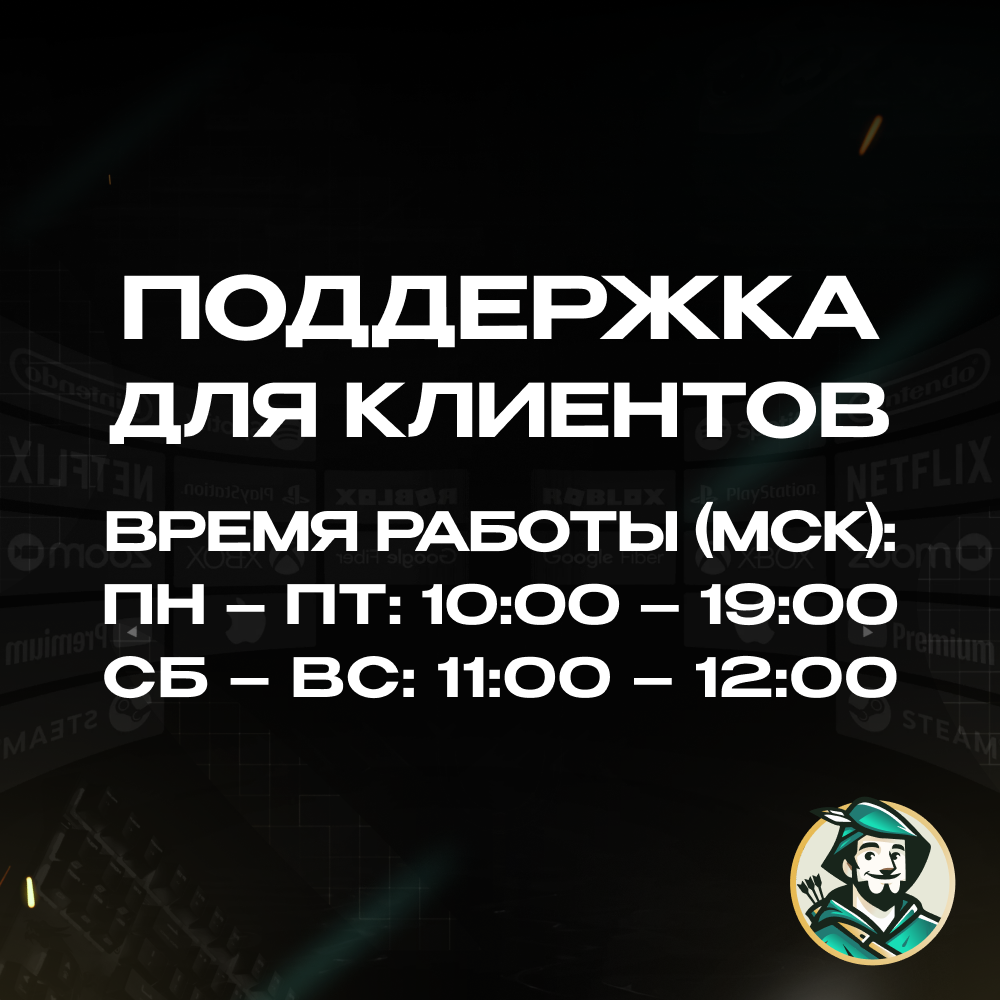
⏰ Support working hours (MSK):
🔖Mon – Fri: 10:00 – 19:00
🔖Sat – Sun: 11:00 – 12:00
Thank you for using Robin Hood SHOP! 💚
🔖Mon – Fri: 10:00 – 19:00
🔖Sat – Sun: 11:00 – 12:00
Thank you for using Robin Hood SHOP! 💚
07.12.2025 12:57:23
Всё прошло супер хорошо