Windows 10/11 Pro/Home Retail [Original | MS Partner | Receipt]
Content: text (0 symbol)
Available: 6
Uploaded: 12.02.2026
Positive responses: 15
Negative responses: 0
Sold: 53
Refunds: 0
Seller: el:Store
information about the seller and its items
Loyalty discount! If the total amount of your purchases from the seller more than:
| $50 | the discount is | 1% |
| $75 | the discount is | 2% |
| $100 | the discount is | 3% |
| $133 | the discount is | 4% |
| $167 | the discount is | 5% |
| $200 | the discount is | 6% |
| $250 | the discount is | 7% |
| $300 | the discount is | 8% |
| $400 | the discount is | 9% |
| $500 | the discount is | 10% |
$27.72
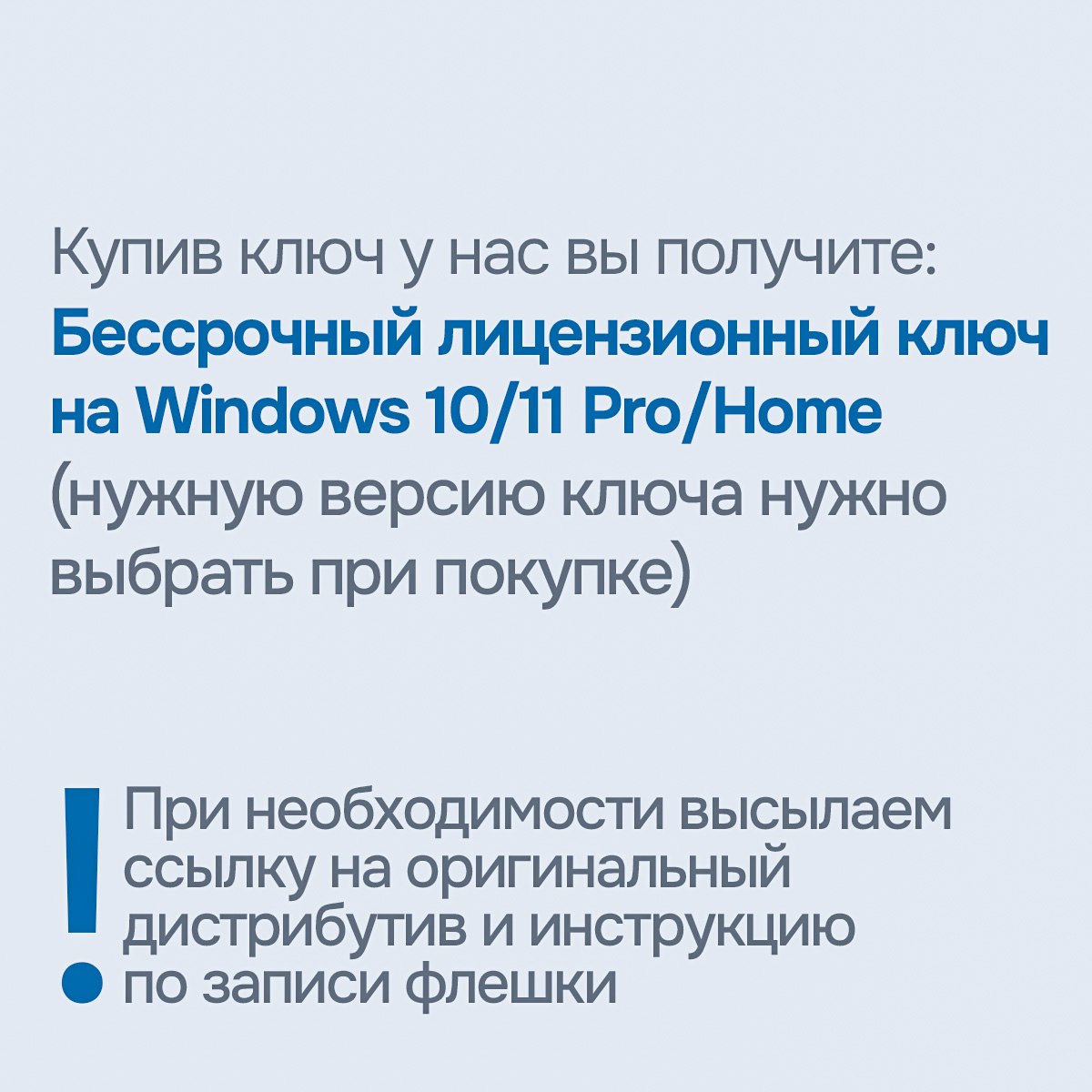
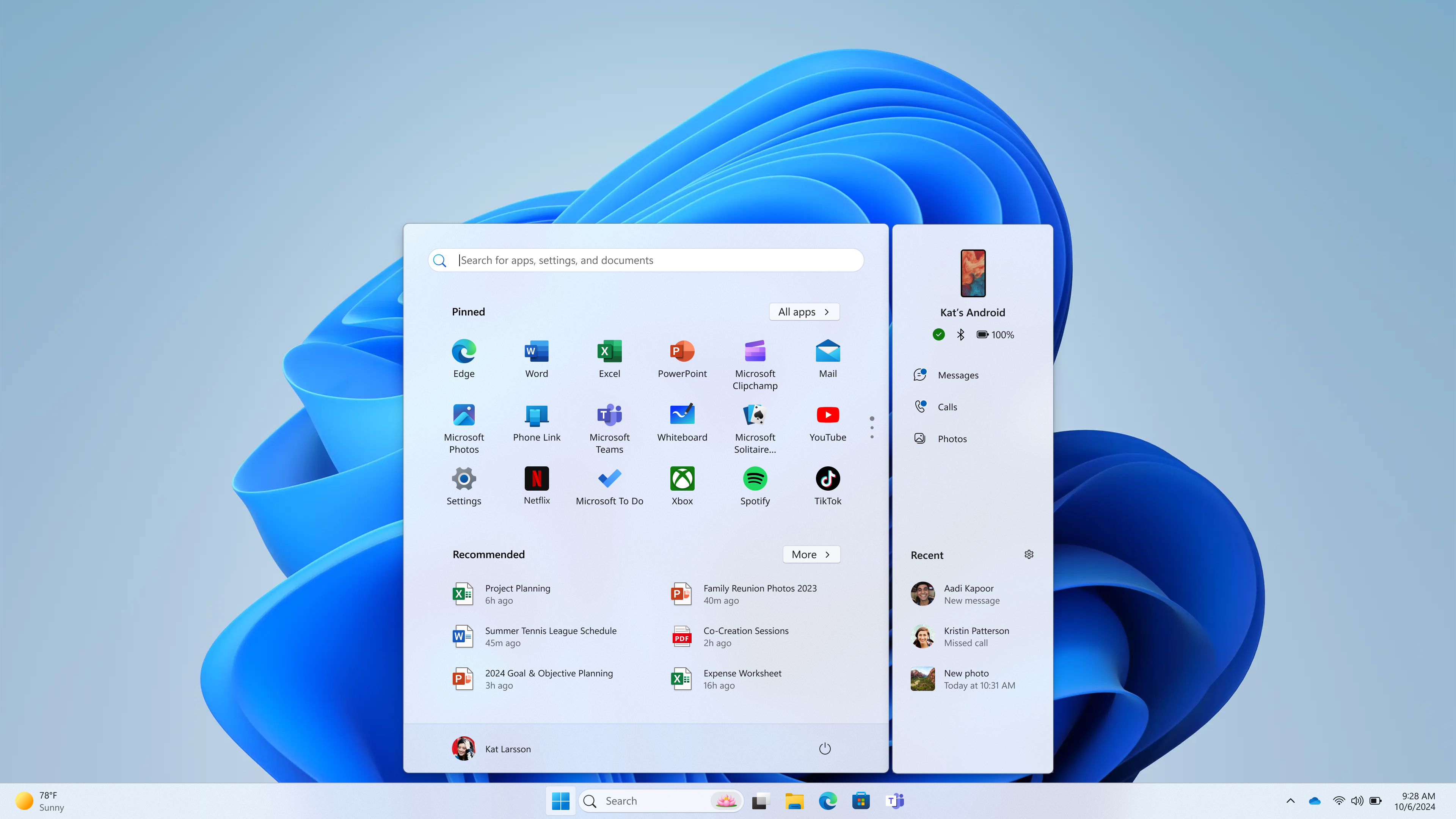
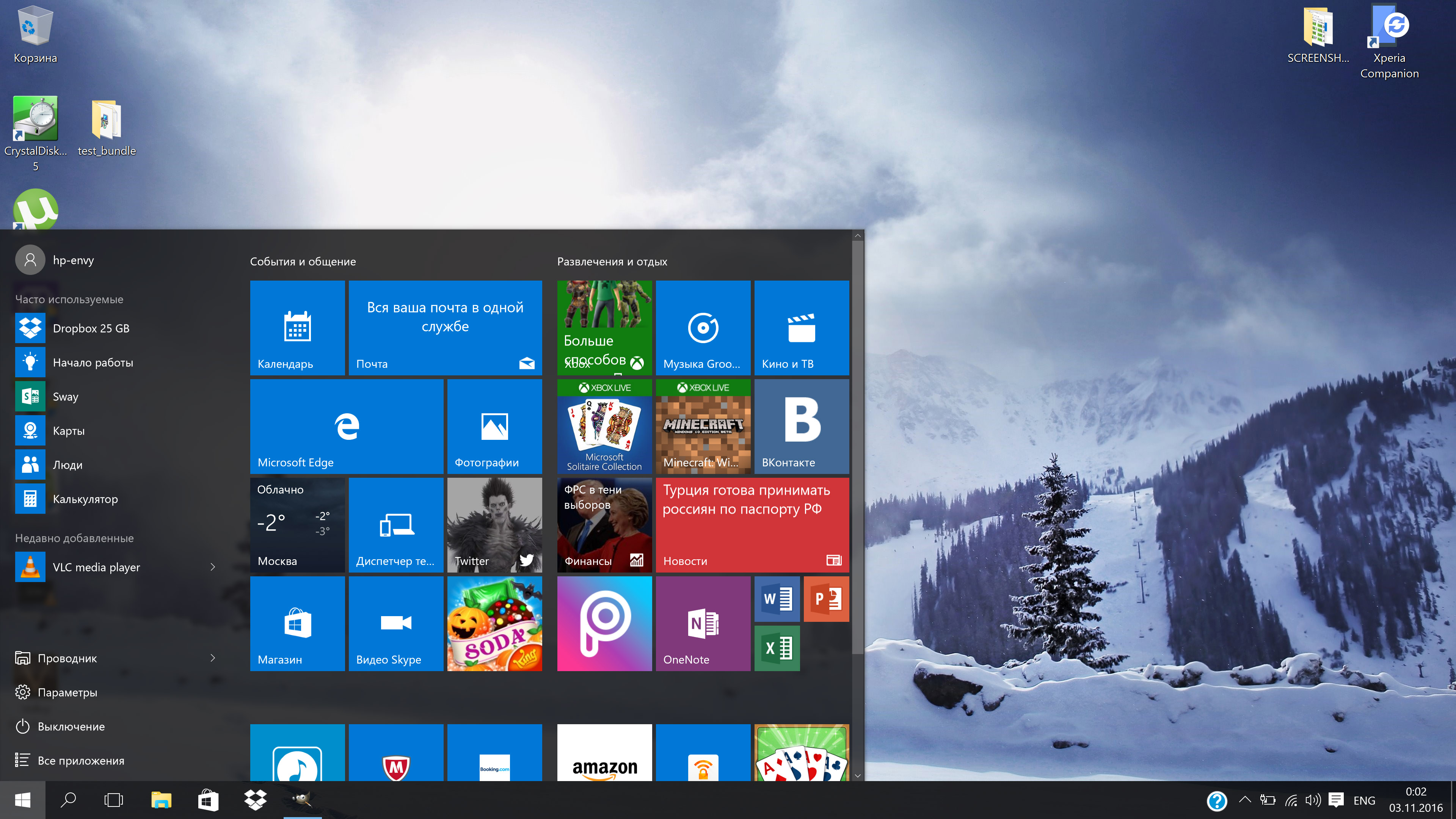
✅ Windows 10 / 11 Pro | Home — Genuine Activation License Key (for 1 PC)
* Choose the required version
🚚 Instant delivery
🤝 Wide range of payment methods with NO commission, including bank cards from all over the world
💬 Have questions? Message us — we’re always here to help!
• Fast boot, intuitive interface, built-in apps
• Updated design and touchscreen support (Windows 11)
• Advanced business features in Pro edition (BitLocker, Remote Desktop, Hyper-V)
• Compatible with most PCs, laptops, and hybrid devices
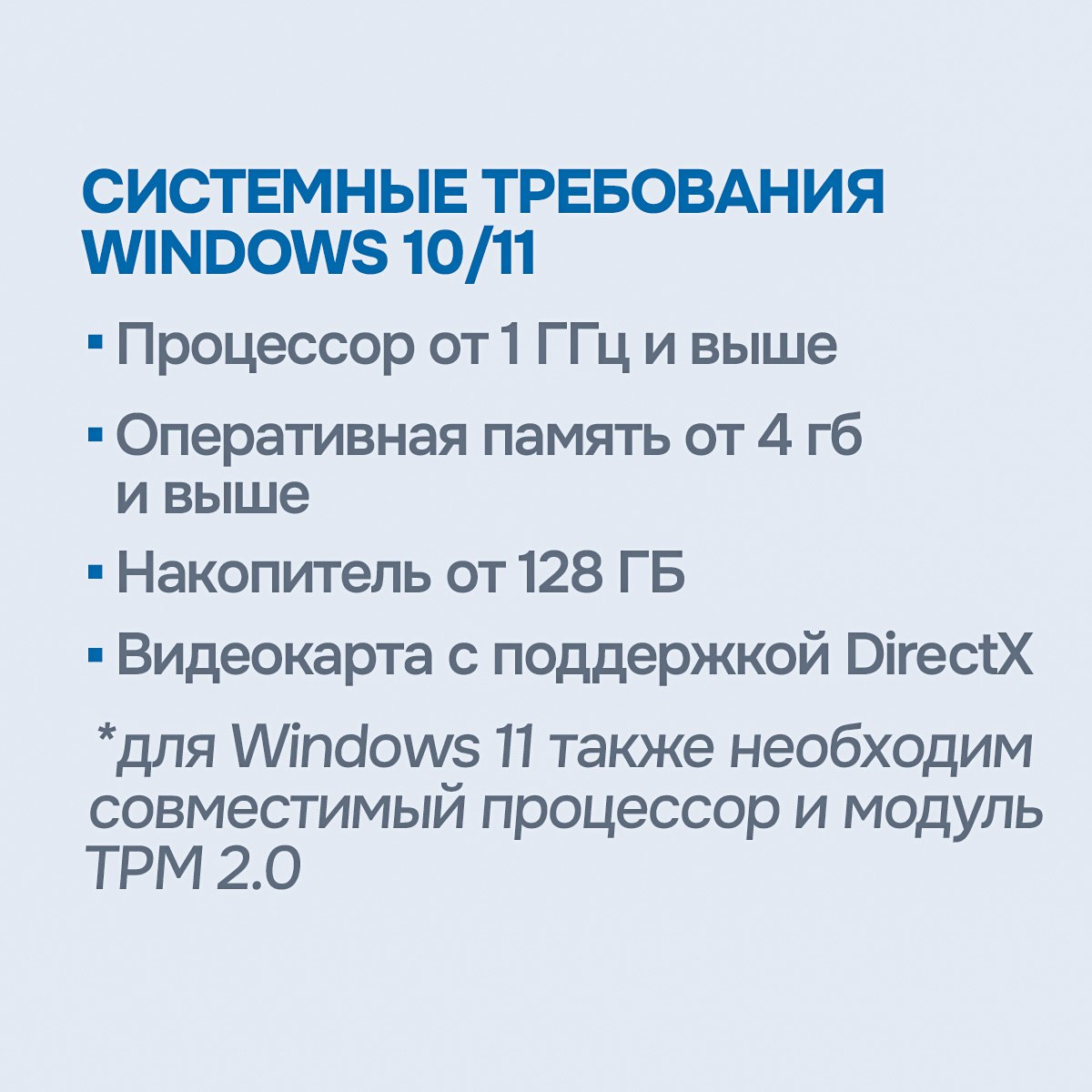
CPU 1–2 GHz, RAM 2–4 GB, 20–64 GB storage, DirectX 9 / 12
For Windows 11: TPM 2.0 and Secure Boot are required
🔐 We sell only original activation codes — unique keys linked to your Microsoft account or PC
💡 We do not use MAK or KMS keys — only genuine licenses
⚡️ Instant key delivery after payment
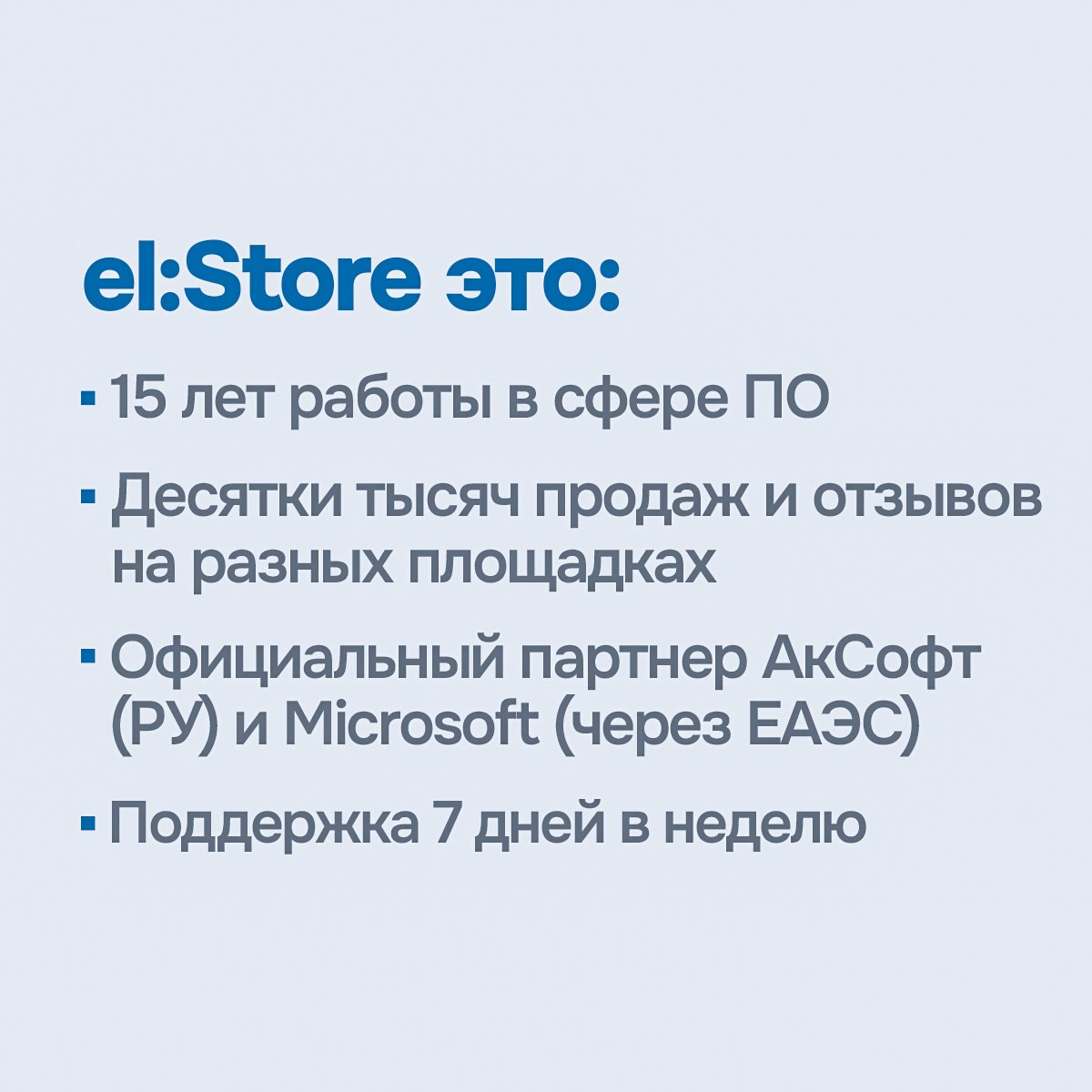
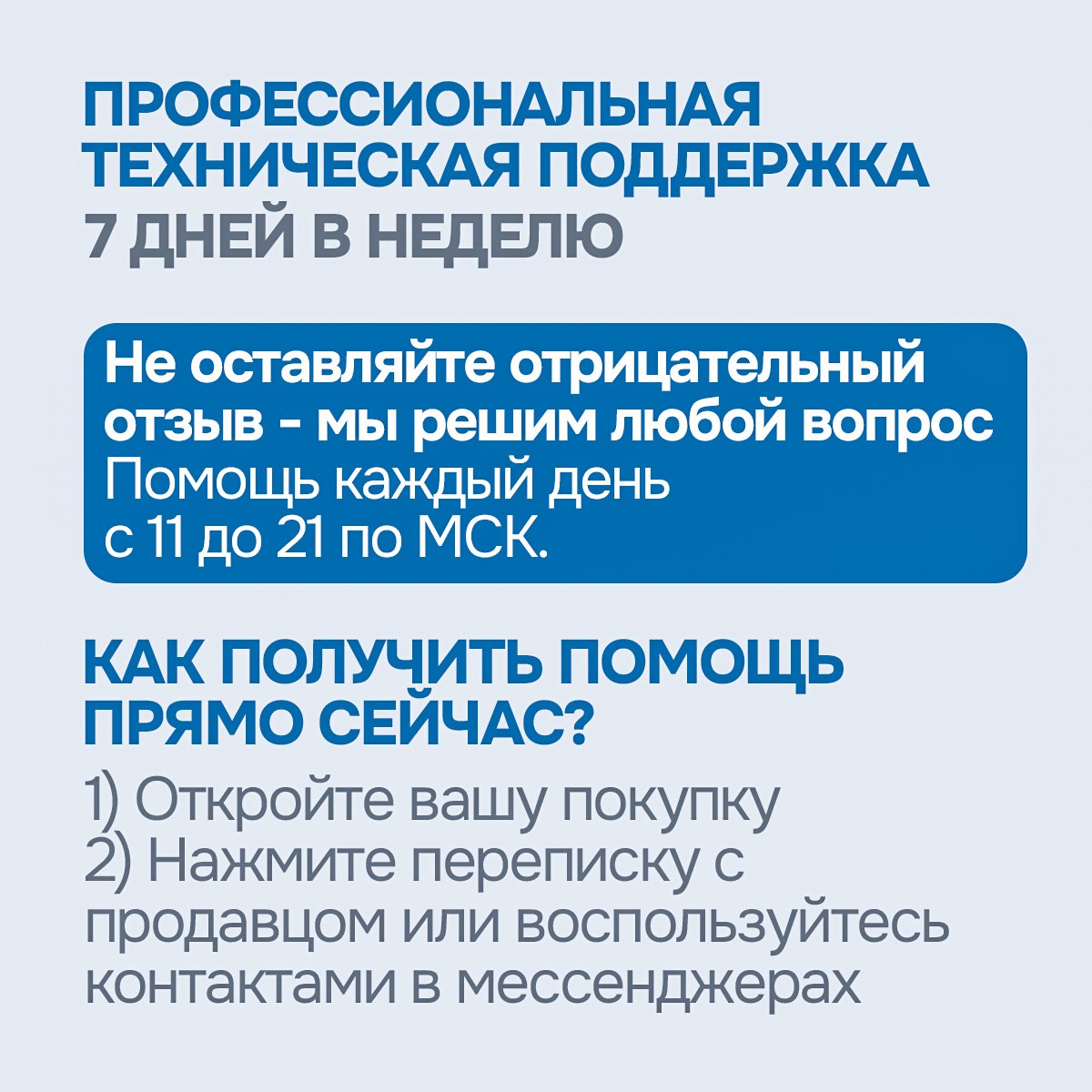
💬 Support and assistance 7 days a week
🔧 Help with installation and activation
✨ Microsoft Partner — we work with major distributors and guarantee the authenticity and legality of the software
➡️ 15 years of experience in the digital licensing market — thousands of satisfied customers and a proven reputation
* Choose the required version
🚚 Instant delivery
🤝 Wide range of payment methods with NO commission, including bank cards from all over the world
💬 Have questions? Message us — we’re always here to help!
👌 What you get with your purchase:
• Genuine 25-character activation license key: XXXXX-XXXXX-XXXXX-XXXXX-XXXXX
• Installation and activation instructions
• Official product download link
• Store support 7 days a week, from 11:00 to 21:00 (Moscow time)
• Receipt issued in accordance with Russian Federal Law No. 54-FZ
💻 Windows 11 / 10 — convenient, stable, modern:• Genuine 25-character activation license key: XXXXX-XXXXX-XXXXX-XXXXX-XXXXX
• Installation and activation instructions
• Official product download link
• Store support 7 days a week, from 11:00 to 21:00 (Moscow time)
• Receipt issued in accordance with Russian Federal Law No. 54-FZ
• Fast boot, intuitive interface, built-in apps
• Updated design and touchscreen support (Windows 11)
• Advanced business features in Pro edition (BitLocker, Remote Desktop, Hyper-V)
• Compatible with most PCs, laptops, and hybrid devices
🔑 License details:
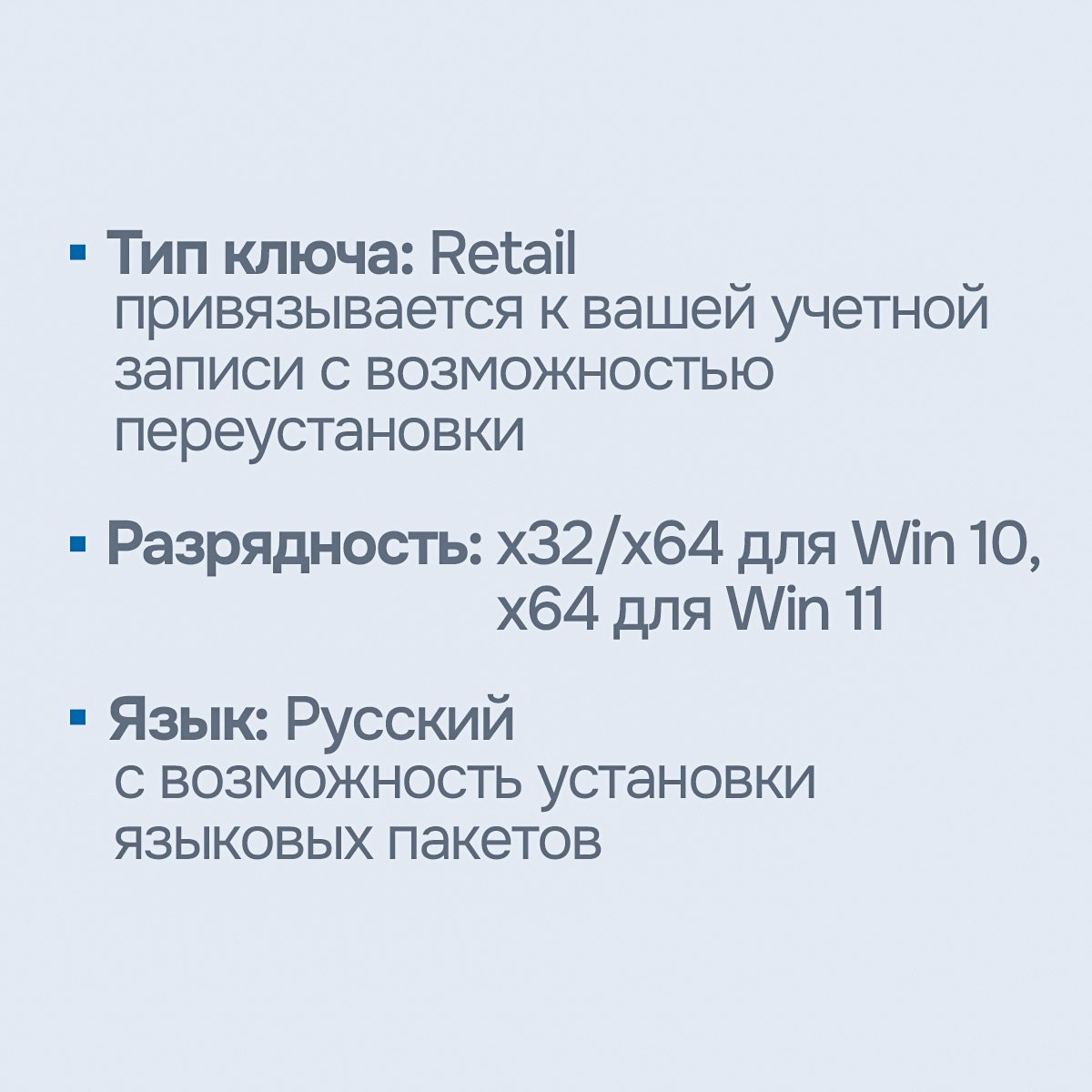
• License type: Lifetime, Retail, for 1 PC
• Linked to your Microsoft account — the license remains valid after system reinstallation
• Lifetime warranty
• Activation: Online
• Architecture: x32 / x64 (Windows 11 — x64 only)
• Region & language: No restrictions — works in any country and any language
🖥 System requirements (minimum):• License type: Lifetime, Retail, for 1 PC
• Linked to your Microsoft account — the license remains valid after system reinstallation
• Lifetime warranty
• Activation: Online
• Architecture: x32 / x64 (Windows 11 — x64 only)
• Region & language: No restrictions — works in any country and any language
CPU 1–2 GHz, RAM 2–4 GB, 20–64 GB storage, DirectX 9 / 12
For Windows 11: TPM 2.0 and Secure Boot are required
🔄 Activation options:
✅ Suitable for activating existing installations (with data preserved) or clean installations
✅ Upgrade from Home to Pro (does not upgrade Home Single Language)
❌ Not suitable for: Enterprise, LTSC, Pro N, Home N, and other special editions
❌ Not suitable for corporate/legal entities
💎 About us:✅ Suitable for activating existing installations (with data preserved) or clean installations
✅ Upgrade from Home to Pro (does not upgrade Home Single Language)
❌ Not suitable for: Enterprise, LTSC, Pro N, Home N, and other special editions
❌ Not suitable for corporate/legal entities
🔐 We sell only original activation codes — unique keys linked to your Microsoft account or PC
💡 We do not use MAK or KMS keys — only genuine licenses
⚡️ Instant key delivery after payment
💬 Support and assistance 7 days a week
🔧 Help with installation and activation
✨ Microsoft Partner — we work with major distributors and guarantee the authenticity and legality of the software
➡️ 15 years of experience in the digital licensing market — thousands of satisfied customers and a proven reputation
🔑 Activating Windows with a Product Key
To activate Windows 10 / 11, you’ll need a valid 25-character license key in the following format:
Product Key: XXXXX-XXXXX-XXXXX-XXXXX-XXXXX
• Microsoft Windows 10 Professional: https://www.microsoft.com/ru-ru/software-download/windows10ISO
• Microsoft Windows 11 Professional: https://www.microsoft.com/ru-ru/software-download/windows11
To activate Windows 10 / 11, you’ll need a valid 25-character license key in the following format:
Product Key: XXXXX-XXXXX-XXXXX-XXXXX-XXXXX
▶️ How to activate Windows:
During installation, you’ll be prompted to enter the key. You can also activate Windows after installation:
Start → Settings → System → Activation → Update product key → Change product key.
📥 Download official Windows images from Microsoft:During installation, you’ll be prompted to enter the key. You can also activate Windows after installation:
Start → Settings → System → Activation → Update product key → Change product key.
• Microsoft Windows 10 Professional: https://www.microsoft.com/ru-ru/software-download/windows10ISO
• Microsoft Windows 11 Professional: https://www.microsoft.com/ru-ru/software-download/windows11
🛠️ This key is suitable for Windows 10 / 11 Pro and Home, and supports both 32-bit and 64-bit versions.
❗ Important: If you experience activation issues, please contact the seller first. We’re always here to help. Avoid leaving negative feedback — we’ll solve the issue quickly!💡 We also recommend checking out our other products::
• Microsoft Office 2024/2021/2019/2016 - https://www.top.steamkeygift.ru/item/5715427
• Microsoft Office 365 Family / Personal - https://www.top.steamkeygift.ru/item/5760976
• Microsoft Office 365 Готовый Аккаунт - https://www.top.steamkeygift.ru/item/5800818
• Microsoft Project/Visio Pro 2021/2019 - https://www.top.steamkeygift.ru/item/5808616
• Microsoft Office 2024/2021/2019/2016 - https://www.top.steamkeygift.ru/item/5715427
• Microsoft Office 365 Family / Personal - https://www.top.steamkeygift.ru/item/5760976
• Microsoft Office 365 Готовый Аккаунт - https://www.top.steamkeygift.ru/item/5800818
• Microsoft Project/Visio Pro 2021/2019 - https://www.top.steamkeygift.ru/item/5808616
13.03.2026 17:59:58
Ключ активировался, все прошло хорошо.
03.03.2026 20:25:45
Активировался без танцев с бубном, спасибо
03.03.2026 17:53:20
Быстрая выдача, активировала без проблема. Продавцу спасибо!
02.03.2026 18:47:15
Активировал, норм
22.02.2026 21:15:28
Ключ пришел моментально на почту. Систему активировала без проблем :) все Оки доки
20.02.2026 13:36:50
++++
18.02.2026 9:07:09
Беру уже 2 ключ у данного продавца. Все отлично работает. Спасибо огромное!!!!
13.02.2026 11:10:39
Всё чётко без проблем.
12.02.2026 22:21:57
Всё отлично.
12.02.2026 20:30:54
Встал без проблем, спасибо.