Call of Duty: WWII Steam Account
Positive responses: 1
Negative responses: 0
Sold: 1
Refunds: 0
$28.28
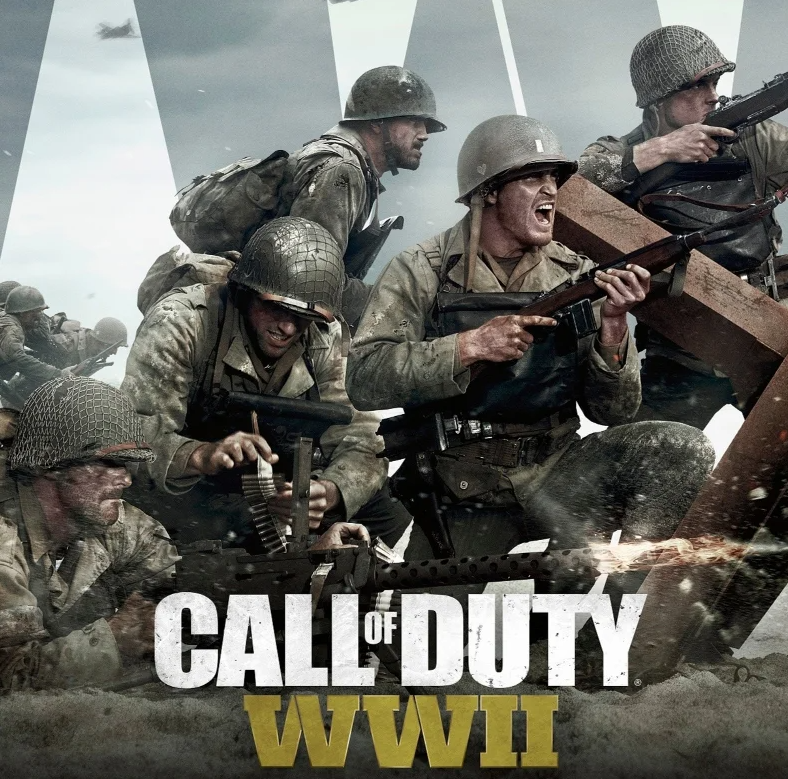
You are buying a new Steam Account with the game : Call of Duty: WWII
After payment, you will receive:
- STEAM login.
- STEAM password.
- STEAM mail.
- The email password.
THIS IS NOT AN ACTIVATION KEY.
You can change your temporary email address to your own — this is done through your Steam account settings. It is also recommended to change the password immediately after receiving the data.
This is a personal and permanent account that only you will have access to. No one else will get access to it.
Important: it is strictly forbidden to use temporary mail received with the account to register other services or accounts.
Languages: English, German, French, Spanish, Italian.
Call of Duty: WWII is an epic war story in classic style
Return to the frontline of World War II!
"Call of Duty: WWII" is a fast—paced shooter that takes players into one of the most violent and decisive conflicts in human history.
Why should you play Call of Duty: WWII?
Realistic and intense plot:
Reenactment of historical events, including the Normandy Landings, battles in Europe, and the Pacific Theater, with a focus on the personal stories of soldiers.
Classic gameplay:
A fast, dynamic shooter with an emphasis on teamwork, tactics and realism. Use a variety of weapons and equipment to overcome the enemies.
Multi-user mode:
A wide range of maps, modes and settings where you can challenge your friends or other players around the world.
The campaign:
A multi-faceted single player campaign with emotional moments, realistic battles and deep character development.
Exciting multiplayer:
A variety of modes, including classic team battles, and new mechanics created for true FPS fans.
Cooperative modes:
Joint missions and tasks for team battles, where strategy and interaction are important.
Atmosphere and graphics:
High-quality visual effects and sound design immerse you in the atmosphere of a historical war.
"Call of Duty: WWII" is a return to the roots of the series with modern technology and respect for history, creating an unforgettable combat experience.
After payment, you will receive:
- STEAM login.
- STEAM password.
- STEAM mail.
- The email password.
THIS IS NOT AN ACTIVATION KEY.
You can change your temporary email address to your own — this is done through your Steam account settings. It is also recommended to change the password immediately after receiving the data.
This is a personal and permanent account that only you will have access to. No one else will get access to it.
Important: it is strictly forbidden to use temporary mail received with the account to register other services or accounts.
Languages: English, German, French, Spanish, Italian.
Call of Duty: WWII is an epic war story in classic style
Return to the frontline of World War II!
"Call of Duty: WWII" is a fast—paced shooter that takes players into one of the most violent and decisive conflicts in human history.
Why should you play Call of Duty: WWII?
Realistic and intense plot:
Reenactment of historical events, including the Normandy Landings, battles in Europe, and the Pacific Theater, with a focus on the personal stories of soldiers.
Classic gameplay:
A fast, dynamic shooter with an emphasis on teamwork, tactics and realism. Use a variety of weapons and equipment to overcome the enemies.
Multi-user mode:
A wide range of maps, modes and settings where you can challenge your friends or other players around the world.
The campaign:
A multi-faceted single player campaign with emotional moments, realistic battles and deep character development.
Exciting multiplayer:
A variety of modes, including classic team battles, and new mechanics created for true FPS fans.
Cooperative modes:
Joint missions and tasks for team battles, where strategy and interaction are important.
Atmosphere and graphics:
High-quality visual effects and sound design immerse you in the atmosphere of a historical war.
"Call of Duty: WWII" is a return to the roots of the series with modern technology and respect for history, creating an unforgettable combat experience.
After payment, you will receive :
1) Login and password to log in to the Steam account where the game has already been added.
2)The address of the mail server, the e-mail and the password from the e-mail.
The Steam account is not shared, the account is yours only.
- Log in to the Steam website via the app or to the steampowered com store website.
- Enter the login and password from the Steam account received in the order letter.
- Log out to the mail server in the browser. Enter the email address and the email password you received in the order. You will receive an email notification from Steam about logging into your account, possibly with a confirmation code.
- Change the email address in your Steam account to your email address. On Steam, in the "Account" section, click the "Change contact email address" button. Follow the on-screen instructions. A confirmation code will be sent to the old email address. Log out to the mail server, open the email, and click on the link from the email to confirm the email change.
1) Login and password to log in to the Steam account where the game has already been added.
2)The address of the mail server, the e-mail and the password from the e-mail.
The Steam account is not shared, the account is yours only.
- Log in to the Steam website via the app or to the steampowered com store website.
- Enter the login and password from the Steam account received in the order letter.
- Log out to the mail server in the browser. Enter the email address and the email password you received in the order. You will receive an email notification from Steam about logging into your account, possibly with a confirmation code.
- Change the email address in your Steam account to your email address. On Steam, in the "Account" section, click the "Change contact email address" button. Follow the on-screen instructions. A confirmation code will be sent to the old email address. Log out to the mail server, open the email, and click on the link from the email to confirm the email change.
19.12.2025 14:45:45
Продавец хороший на аккаунте есть игра рекомендую