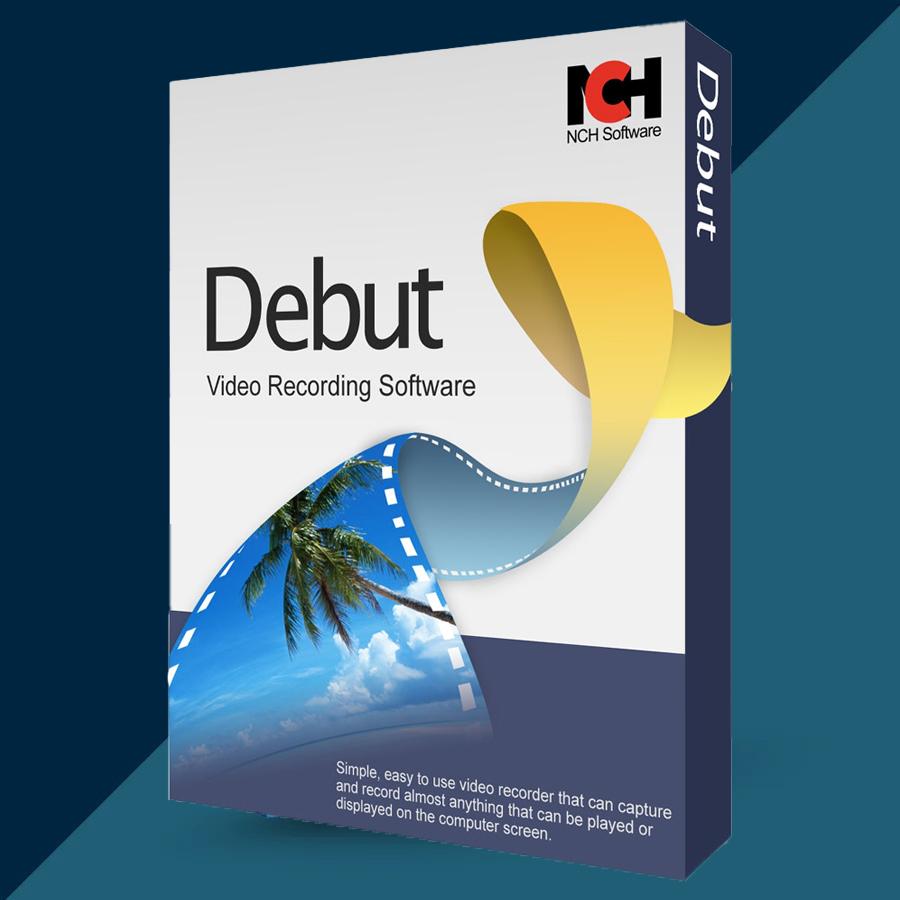
Debut Video Capture and Screen Recorder 2026 Lifetime
Content: text (0 symbol)
Available: 10
Uploaded: 28.12.2025
Positive responses: 0
Negative responses: 0
Sold: 0
Refunds: 0
$9.97
🤝 GUARANTEED INSTANT DELIVERY 🤝
✅ NCH Debut Video Capture & Screen Recorder (Lifetime) — Windows — License Key
⚡ INSTANT DELIVERY ⚡ Digital Key
📌 PRODUCT OVERVIEW:
Debut is a powerful video capture and screen recording software for Windows. Record your computer screen, webcam, external devices (capture card/VHS), and even network/IP camera sources — then save the recording in popular video formats with the settings you choose.
⭐ MAIN FEATURES (HIGHLIGHTS):
✅ Record from Almost Any Source:
• Screen recording: full screen, single window, or selected area
• Webcam recording
• Record from external video input devices (example: VHS via capture device)
• Capture from network/IP cameras
✅ Screen + Webcam Together (Picture-in-Picture):
• Record your screen and webcam simultaneously using video overlay
• Perfect for tutorials, presentations, and reaction-style videos
✅ Audio Recording Included:
• Record audio from your microphone
• Record computer/system audio with your video (ideal for webinars/meetings)
✅ Useful Screen Recording Tools:
• Mouse highlighting (spotlight your cursor)
• Show keystrokes in screen recordings (great for tutorials)
✅ Customize Before & During Recording:
• Adjust resolution, size, frame rate, and output settings
• Add captions/text overlays
• Add timestamp
• Add logo/watermark
• Apply filters (black & white, negative, sepia, etc.)
• Color adjustments (brightness/contrast/gamma)
✅ Green Screen Tool:
• Replace your background with an image, video, or solid color
✅ Scheduling + Extra Tools:
• Schedule recordings (one-time / daily / weekly)
• Time-lapse recording
• Take snapshots (capture frames) while recording
• Trim unwanted parts at the beginning/end of recordings
✅ Save to Popular Formats:
• Export to common formats such as AVI, WMV, FLV, MPG, MP4, MOV and more
🖥 SYSTEM REQUIREMENTS (WINDOWS):
• Windows 7 / 8 / 8.1 / 10 / 11
• Works on 64-bit Windows
• Optional: USB capture device or webcam (depending on what you want to record)
🔑 LICENSE DETAILS:
• License type: Lifetime (one-time purchase)
• Activation region: Global 🌍
• Delivery: Digital license key
📦 WHAT YOU WILL RECEIVE:
✅ 1× Registration / Activation Code (Digital)
(Delivered instantly after payment)
🛠 HOW TO ACTIVATE (REGISTER):
1) Install and open Debut.
2) Click: File → Register Software…
3) Paste the registration code exactly as provided.
4) Click Register (restart the program if prompted).
⚠️ IMPORTANT NOTES:
• Digital product only.
• If activation fails: re-check copy/paste (no extra spaces) and confirm you installed Debut Video Capture, then contact me via the order page.
✅ NCH Debut Video Capture & Screen Recorder (Lifetime) — Windows — License Key
⚡ INSTANT DELIVERY ⚡ Digital Key
📌 PRODUCT OVERVIEW:
Debut is a powerful video capture and screen recording software for Windows. Record your computer screen, webcam, external devices (capture card/VHS), and even network/IP camera sources — then save the recording in popular video formats with the settings you choose.
⭐ MAIN FEATURES (HIGHLIGHTS):
✅ Record from Almost Any Source:
• Screen recording: full screen, single window, or selected area
• Webcam recording
• Record from external video input devices (example: VHS via capture device)
• Capture from network/IP cameras
✅ Screen + Webcam Together (Picture-in-Picture):
• Record your screen and webcam simultaneously using video overlay
• Perfect for tutorials, presentations, and reaction-style videos
✅ Audio Recording Included:
• Record audio from your microphone
• Record computer/system audio with your video (ideal for webinars/meetings)
✅ Useful Screen Recording Tools:
• Mouse highlighting (spotlight your cursor)
• Show keystrokes in screen recordings (great for tutorials)
✅ Customize Before & During Recording:
• Adjust resolution, size, frame rate, and output settings
• Add captions/text overlays
• Add timestamp
• Add logo/watermark
• Apply filters (black & white, negative, sepia, etc.)
• Color adjustments (brightness/contrast/gamma)
✅ Green Screen Tool:
• Replace your background with an image, video, or solid color
✅ Scheduling + Extra Tools:
• Schedule recordings (one-time / daily / weekly)
• Time-lapse recording
• Take snapshots (capture frames) while recording
• Trim unwanted parts at the beginning/end of recordings
✅ Save to Popular Formats:
• Export to common formats such as AVI, WMV, FLV, MPG, MP4, MOV and more
🖥 SYSTEM REQUIREMENTS (WINDOWS):
• Windows 7 / 8 / 8.1 / 10 / 11
• Works on 64-bit Windows
• Optional: USB capture device or webcam (depending on what you want to record)
🔑 LICENSE DETAILS:
• License type: Lifetime (one-time purchase)
• Activation region: Global 🌍
• Delivery: Digital license key
📦 WHAT YOU WILL RECEIVE:
✅ 1× Registration / Activation Code (Digital)
(Delivered instantly after payment)
🛠 HOW TO ACTIVATE (REGISTER):
1) Install and open Debut.
2) Click: File → Register Software…
3) Paste the registration code exactly as provided.
4) Click Register (restart the program if prompted).
⚠️ IMPORTANT NOTES:
• Digital product only.
• If activation fails: re-check copy/paste (no extra spaces) and confirm you installed Debut Video Capture, then contact me via the order page.
No feedback yet