Affinity Photo V1.9 (Lifetime / 1 PC)
Content: text (0 symbol)
Available: 9
Uploaded: 05.01.2026
Positive responses: 0
Negative responses: 0
Sold: 1
Refunds: 0
$0.99
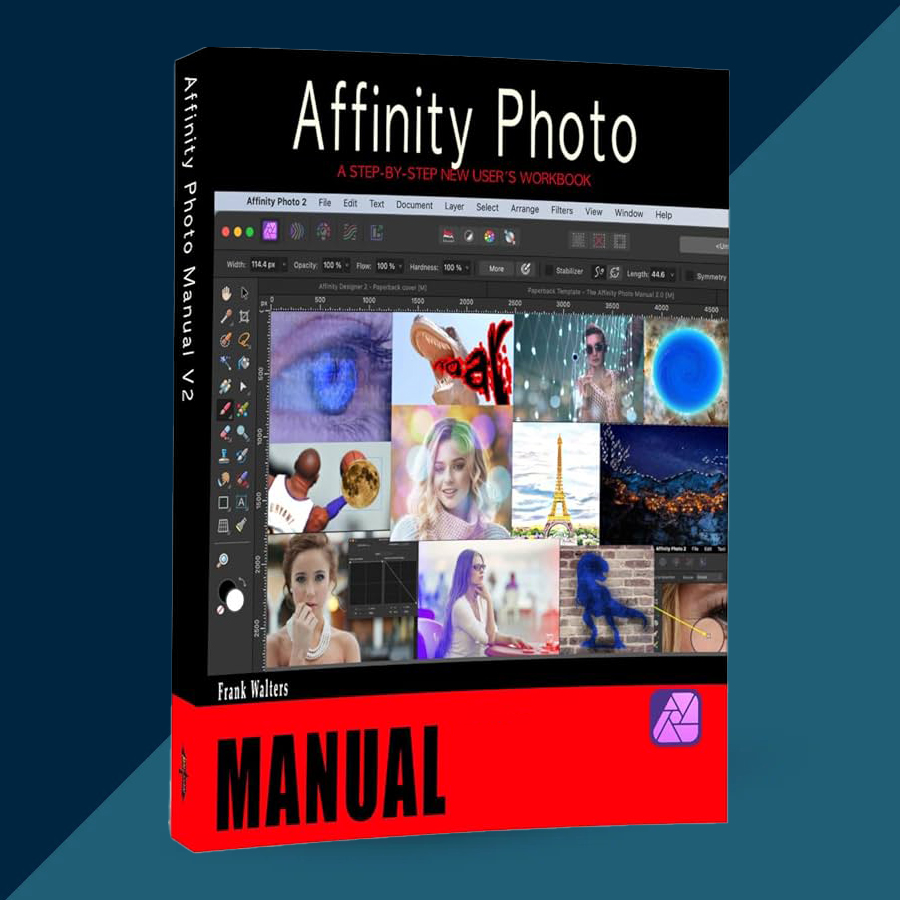
🤝 GUARANTEED INSTANT DELIVERY 🤝
✅ Affinity Photo V1.9 (Lifetime / 1 PC) — Windows — Official Perpetual License (Digital Delivery)
⚡ INSTANT DELIVERY ⚡ Digital License
📌 PRODUCT OVERVIEW:
Affinity Photo V1.9 is a professional photo editor built for serious retouching, compositing, and high-quality image work—without a subscription. Version 1.9 introduced major workflow upgrades like Live Liquify, Linked Layers, and Astrophotography Stacking, plus performance improvements and more.
⭐ MAIN FEATURES (HIGHLIGHTS):
✅ Live Liquify Layers (Non-Destructive Liquify):
• Apply Liquify as a live, editable layer you can tweak anytime
• Works cleanly inside your layer workflow
✅ Linked Layers + Better Asset Handling:
• Link layers for faster iteration and consistent edits
• Great for repeated elements and multi-doc workflows
✅ Astrophotography Stacking (Built-in Stacking Workflow):
• Dedicated stacking workflow designed for astro images
• Loads frames and builds the final stacked result inside Affinity Photo
✅ GPU Acceleration (Windows):
• Hardware acceleration support introduced for Windows users
• Requires Windows 10 (April 2020 update / later) + a Direct3D feature level 12.0 capable GPU
✅ Extra V1.9 Additions:
• Pattern Layers, Path Text, and other workflow enhancements
🖥 SYSTEM REQUIREMENTS (MINIMUM):
• OS: Windows 7 / 8.1 / 10 / 11 (64-bit)
• RAM: 4 GB minimum
• Graphics: DirectX-compatible GPU (DirectX 10+ listed; DirectX 11 is required on some Windows setups)
• Disk space: ~938 MB free (more during install)
• Display: 1280×768 or higher
• Note (Win7): Needs Windows 7 SP1 and certain platform updates / Aero requirements as noted in Affinity’s Windows install guidance
🔑 LICENSE DETAILS:
• License type: Lifetime / Perpetual (Affinity Photo Version 1)
• Device limit (this listing): 1 PC
• Region: Global 🌍
📦 WHAT YOU WILL RECEIVE:
✅ 1× Official License / Product Key (Digital)
(Delivered instantly after payment)
🛠 HOW TO INSTALL & ACTIVATE:
Download the official Windows installer (Affinity provides V1 installers via their update pages).
Install Affinity Photo normally.
Launch the app — you’ll be prompted on first launch to enter a Product Key (choose “I have a product key”).
Paste the provided key → confirm → finish activation.
⚠️ IMPORTANT NOTES:
• Digital delivery only (no physical shipment).
• This listing is for 1 PC.
• If activation fails: double-check for extra spaces when copy/pasting, confirm you installed Affinity Photo V1 (not V2), then message me via the order page with the exact error text.
✅ Affinity Photo V1.9 (Lifetime / 1 PC) — Windows — Official Perpetual License (Digital Delivery)
⚡ INSTANT DELIVERY ⚡ Digital License
📌 PRODUCT OVERVIEW:
Affinity Photo V1.9 is a professional photo editor built for serious retouching, compositing, and high-quality image work—without a subscription. Version 1.9 introduced major workflow upgrades like Live Liquify, Linked Layers, and Astrophotography Stacking, plus performance improvements and more.
⭐ MAIN FEATURES (HIGHLIGHTS):
✅ Live Liquify Layers (Non-Destructive Liquify):
• Apply Liquify as a live, editable layer you can tweak anytime
• Works cleanly inside your layer workflow
✅ Linked Layers + Better Asset Handling:
• Link layers for faster iteration and consistent edits
• Great for repeated elements and multi-doc workflows
✅ Astrophotography Stacking (Built-in Stacking Workflow):
• Dedicated stacking workflow designed for astro images
• Loads frames and builds the final stacked result inside Affinity Photo
✅ GPU Acceleration (Windows):
• Hardware acceleration support introduced for Windows users
• Requires Windows 10 (April 2020 update / later) + a Direct3D feature level 12.0 capable GPU
✅ Extra V1.9 Additions:
• Pattern Layers, Path Text, and other workflow enhancements
🖥 SYSTEM REQUIREMENTS (MINIMUM):
• OS: Windows 7 / 8.1 / 10 / 11 (64-bit)
• RAM: 4 GB minimum
• Graphics: DirectX-compatible GPU (DirectX 10+ listed; DirectX 11 is required on some Windows setups)
• Disk space: ~938 MB free (more during install)
• Display: 1280×768 or higher
• Note (Win7): Needs Windows 7 SP1 and certain platform updates / Aero requirements as noted in Affinity’s Windows install guidance
🔑 LICENSE DETAILS:
• License type: Lifetime / Perpetual (Affinity Photo Version 1)
• Device limit (this listing): 1 PC
• Region: Global 🌍
📦 WHAT YOU WILL RECEIVE:
✅ 1× Official License / Product Key (Digital)
(Delivered instantly after payment)
🛠 HOW TO INSTALL & ACTIVATE:
Download the official Windows installer (Affinity provides V1 installers via their update pages).
Install Affinity Photo normally.
Launch the app — you’ll be prompted on first launch to enter a Product Key (choose “I have a product key”).
Paste the provided key → confirm → finish activation.
⚠️ IMPORTANT NOTES:
• Digital delivery only (no physical shipment).
• This listing is for 1 PC.
• If activation fails: double-check for extra spaces when copy/pasting, confirm you installed Affinity Photo V1 (not V2), then message me via the order page with the exact error text.
No feedback yet