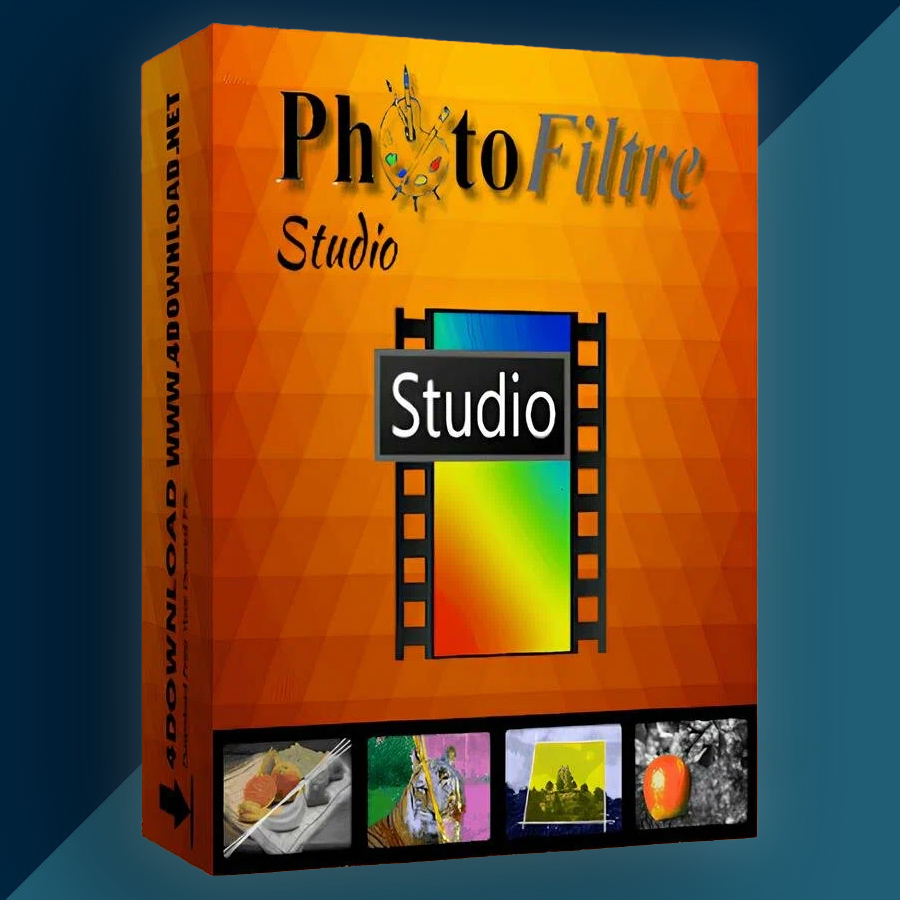
PhotoFiltre Studio 11 (Lifetime / 1 PC) Key
Content: text (0 symbol)
Available: 10
Uploaded: 05.01.2026
Positive responses: 0
Negative responses: 0
Sold: 0
Refunds: 0
$3.97
🤝 GUARANTEED INSTANT DELIVERY 🤝
✅ PhotoFiltre Studio 11 (Lifetime / 1 PC) — Windows (64-bit) — Serial Number / License Key
⚡ INSTANT DELIVERY ⚡ Digital Key
📌 PRODUCT OVERVIEW:
PhotoFiltre 11 is a powerful, lightweight image retouching and editing program (successor to the Studio X generation) built for both quick edits and more advanced work. It includes layers (with alpha channel), a wide range of filters, advanced brushes, batch processing, and many handy creative tools.
⭐ MAIN FEATURES (HIGHLIGHTS):
✅ Layers + Alpha Channel:
• Full layer manager with multiple layer types (bitmap, text, adjustment/settings layers, color layers)
• Useful for non-destructive edits, overlays, and multi-layer compositions
✅ Huge Filter Collection (Adjustments + Artistic):
• Standard adjustments: brightness, contrast, hue, saturation, gamma
• Artistic filters: watercolor, pastels, ink, pointillism, puzzle effect, and more
✅ Selections & Cutouts:
• Vector selections (shapes + lasso/polygon)
• Save selections to reuse later
✅ Advanced Brushes + “Tubes/Nozzles”:
• Multiple brush shapes and effects (including gradient/rainbow-style drawing options)
✅ Batch Module (Automate Repetitive Edits):
• Process multiple files in a batch for faster workflows
✅ Extra Creative Tools:
• Red-eye correction (easy to apply)
• Animated GIF generator (uses layers as frames)
• PhotoMasque module for contour/transparency effects using masks
• Icon export (32×32 / 48×48 / 64×64)
✅ Modern Format Support (v11):
• Supports newer formats such as HDR, RAW, WebP, JPEG2000
🖥 SYSTEM REQUIREMENTS (MINIMUM):
• OS: Windows Vista 64-bit or later (PhotoFiltre 11 is 64-bit)
• Required: Microsoft Visual C++ Redistributable 2015
• Notes: Runs on modern Windows setups (many users run Studio 10/11 on Windows 11)
🔑 LICENSE DETAILS:
• License type: Lifetime / Perpetual (one-time activation for this version)
• Device limit (this listing): 1 PC
• Region: Global 🌍
📦 WHAT YOU WILL RECEIVE:
✅ 1× Serial Number / License Key (Digital)
(Delivered instantly after payment)
🛠 HOW TO INSTALL & ACTIVATE:
Install PhotoFiltre 11 (64-bit) on your PC.
Open PhotoFiltre → go to [?] > Registration.
Enter your Name exactly as provided (case-sensitive).
Enter the Registration Key (groups of 5 characters; ignore “-” if shown).
Click OK to complete registration.
⚠️ IMPORTANT NOTES:
• Digital delivery only.
• This listing is for 1 PC only.
• If registration fails: re-check the name casing, copy/paste carefully (no extra spaces), then contact me via the order page.
✅ PhotoFiltre Studio 11 (Lifetime / 1 PC) — Windows (64-bit) — Serial Number / License Key
⚡ INSTANT DELIVERY ⚡ Digital Key
📌 PRODUCT OVERVIEW:
PhotoFiltre 11 is a powerful, lightweight image retouching and editing program (successor to the Studio X generation) built for both quick edits and more advanced work. It includes layers (with alpha channel), a wide range of filters, advanced brushes, batch processing, and many handy creative tools.
⭐ MAIN FEATURES (HIGHLIGHTS):
✅ Layers + Alpha Channel:
• Full layer manager with multiple layer types (bitmap, text, adjustment/settings layers, color layers)
• Useful for non-destructive edits, overlays, and multi-layer compositions
✅ Huge Filter Collection (Adjustments + Artistic):
• Standard adjustments: brightness, contrast, hue, saturation, gamma
• Artistic filters: watercolor, pastels, ink, pointillism, puzzle effect, and more
✅ Selections & Cutouts:
• Vector selections (shapes + lasso/polygon)
• Save selections to reuse later
✅ Advanced Brushes + “Tubes/Nozzles”:
• Multiple brush shapes and effects (including gradient/rainbow-style drawing options)
✅ Batch Module (Automate Repetitive Edits):
• Process multiple files in a batch for faster workflows
✅ Extra Creative Tools:
• Red-eye correction (easy to apply)
• Animated GIF generator (uses layers as frames)
• PhotoMasque module for contour/transparency effects using masks
• Icon export (32×32 / 48×48 / 64×64)
✅ Modern Format Support (v11):
• Supports newer formats such as HDR, RAW, WebP, JPEG2000
🖥 SYSTEM REQUIREMENTS (MINIMUM):
• OS: Windows Vista 64-bit or later (PhotoFiltre 11 is 64-bit)
• Required: Microsoft Visual C++ Redistributable 2015
• Notes: Runs on modern Windows setups (many users run Studio 10/11 on Windows 11)
🔑 LICENSE DETAILS:
• License type: Lifetime / Perpetual (one-time activation for this version)
• Device limit (this listing): 1 PC
• Region: Global 🌍
📦 WHAT YOU WILL RECEIVE:
✅ 1× Serial Number / License Key (Digital)
(Delivered instantly after payment)
🛠 HOW TO INSTALL & ACTIVATE:
Install PhotoFiltre 11 (64-bit) on your PC.
Open PhotoFiltre → go to [?] > Registration.
Enter your Name exactly as provided (case-sensitive).
Enter the Registration Key (groups of 5 characters; ignore “-” if shown).
Click OK to complete registration.
⚠️ IMPORTANT NOTES:
• Digital delivery only.
• This listing is for 1 PC only.
• If registration fails: re-check the name casing, copy/paste carefully (no extra spaces), then contact me via the order page.
No feedback yet