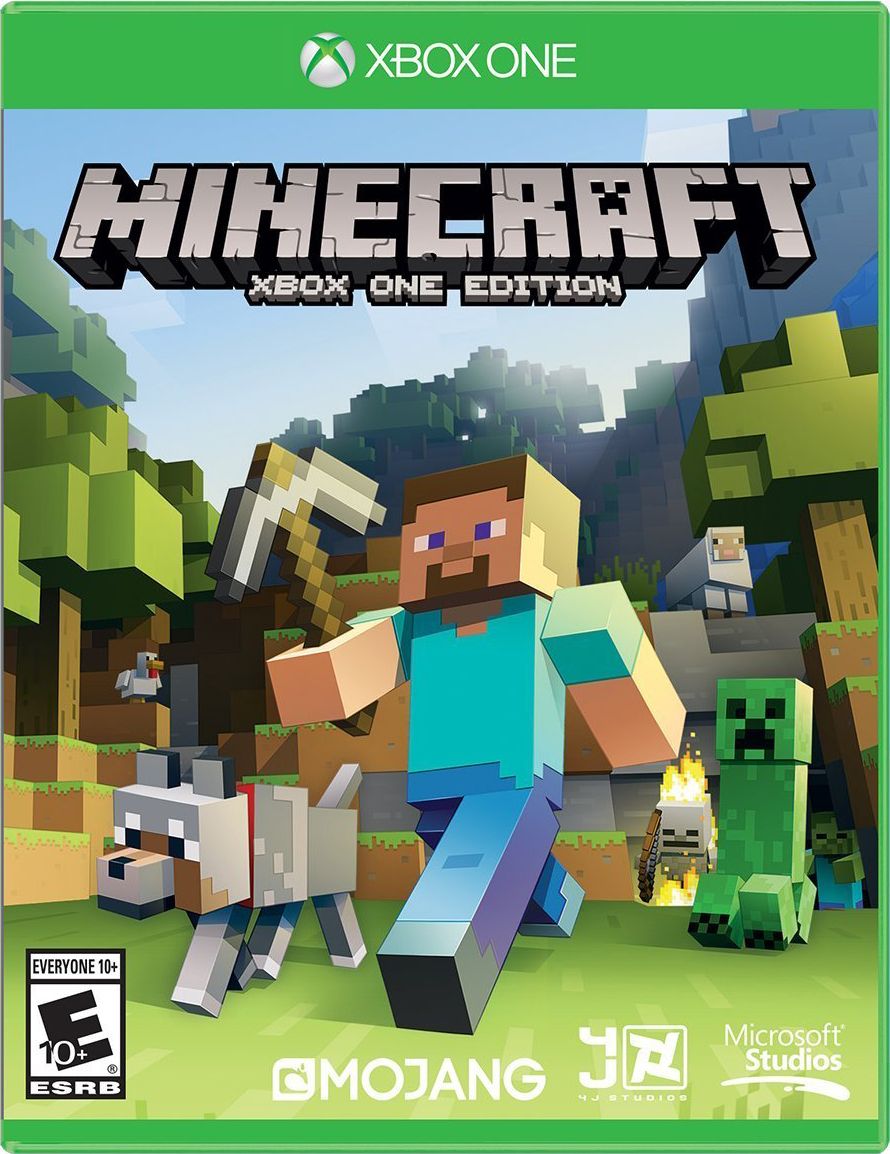
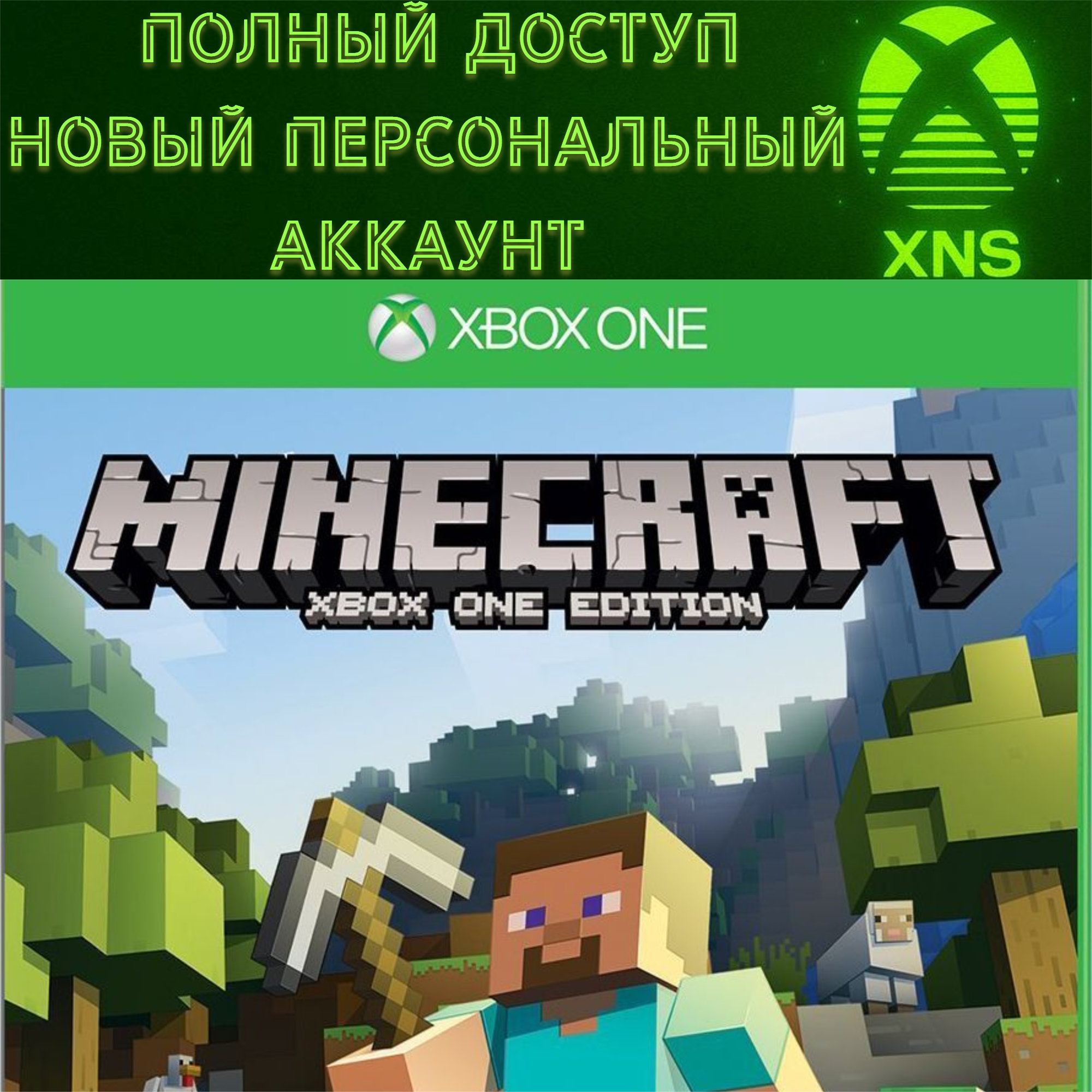
MINECRAFT XBOX FULL ACCESS NEW PERSONAL ACCOUNT
Content: text (0 symbol)
Available: 19
Uploaded: 01.02.2026
Positive responses: 0
Negative responses: 0
Sold: 3
Refunds: 0
Seller: Xbox Nice Shop
information about the seller and its items
Loyalty discount! If the total amount of your purchases from the seller more than:
| $10 | the discount is | 1% |
| $100 | the discount is | 2% |
| $500 | the discount is | 3% |
| $1000 | the discount is | 4% |
| $10000 | the discount is | 5% |
$18
❗️ The product has automatic delivery
You will receive the data immediately after payment❗️
✅ THE ACCOUNT IS SUITABLE FOR THE HOME CONSOLE FUNCTION (THE GAME WILL BE FULLY ACCESSIBLE ON YOUR PERSONAL ACCOUNT)
✅ NEW MICROSOFT ACCOUNT WITH AN ETERNAL LICENSE, NOT A SUBSCRIPTION
✅ YOUR PERSONAL ACCOUNT, NOT A COMMON ACCOUNT
✅ Minecraft ONLY FOR XBOX CONSOLES FOREVER
✅ Suitable for XBOX ONE and XBOX SERIES
✅ Your progress in the game
✅ Full data change (email/password/all)attention❗❗❗IMPORTANT INFORMATION❗❗❗
Read the description carefully. Due to your negligence or error on your part, no refunds will be issued. Refunds will only be issued if I have made a mistake.
❗All accounts have a game that was added by us only. Zero game hours
If you have any problems or just need help, please contact us and we will be happy to assist you./attention
You will receive the data immediately after payment❗️
✅ THE ACCOUNT IS SUITABLE FOR THE HOME CONSOLE FUNCTION (THE GAME WILL BE FULLY ACCESSIBLE ON YOUR PERSONAL ACCOUNT)
✅ NEW MICROSOFT ACCOUNT WITH AN ETERNAL LICENSE, NOT A SUBSCRIPTION
✅ YOUR PERSONAL ACCOUNT, NOT A COMMON ACCOUNT
✅ Minecraft ONLY FOR XBOX CONSOLES FOREVER
✅ Suitable for XBOX ONE and XBOX SERIES
✅ Your progress in the game
✅ Full data change (email/password/all)attention❗❗❗IMPORTANT INFORMATION❗❗❗
Read the description carefully. Due to your negligence or error on your part, no refunds will be issued. Refunds will only be issued if I have made a mistake.
❗All accounts have a game that was added by us only. Zero game hours
If you have any problems or just need help, please contact us and we will be happy to assist you./attention
Instructions for using a home account:
Add an account with a subscription/games to your console. (F.A.Q. 1p.) Then make the account with the subscription/games your "Home" account (F.A.Q. 2p.), and the subscription/games will be shared with your main account, and all your saves and achievements will remain.
After that, you can log in to your account as usual and play/download games. You can also delete the account from your console if it is causing you problems.
F.A.Q.:
1. How to add or change an account?
Guide button (central button of the gamepad) - scroll to the right - Add or change - Add a new one (or select from existing accounts to change)
2. How to make it "home"?
Guide button (central) - scroll to the right - options - General - Personalization - My home console - and there you need to check the box.
Add an account with a subscription/games to your console. (F.A.Q. 1p.) Then make the account with the subscription/games your "Home" account (F.A.Q. 2p.), and the subscription/games will be shared with your main account, and all your saves and achievements will remain.
After that, you can log in to your account as usual and play/download games. You can also delete the account from your console if it is causing you problems.
F.A.Q.:
1. How to add or change an account?
Guide button (central button of the gamepad) - scroll to the right - Add or change - Add a new one (or select from existing accounts to change)
2. How to make it "home"?
Guide button (central) - scroll to the right - options - General - Personalization - My home console - and there you need to check the box.
No feedback yet