New Steam account in Kazakhstan/USA/Türkiye/Russia and others | 24/7 automatic withdr
Content: text (0 symbol)
Available: 10
Uploaded: 17.02.2026
Positive responses: -1
Negative responses: 0
Sold: -1
Refunds: -1
$1.38
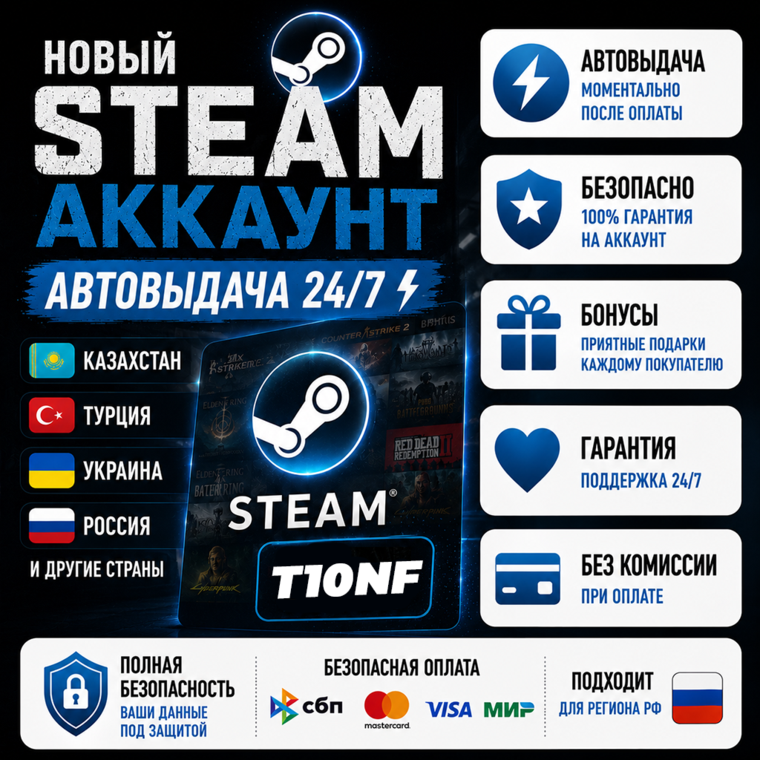
🔥 AUTOMATIC item delivery (24/7) after payment! 🚀
⚡You can pay at any time, day or night, NO need to wait for the Seller to respond to receive your item.
🟢 You get FULL ACCESS to your account with your NATIVE email!🔥
🟢 A new, clean Steam account
🟢 You will be the first owner of this account!
🟢 Account currency: depends on the selected region
🟢 All games are available for purchase and download
🟢 A perfectly clean and empty account; you are the first and last owner of the account. There are no purchases or sales on the account.
🟢 You can change any data (including your password and email address).
🟢 The account is not blocked in any games, linked to a phone number, or linked to any games.
🟢 After purchase, you will receive:
🔥 Steam account login and password
🔥 Your email login and password (Firstmail or other domains)
🔥 Instructions on how to change your password, email, etc.
⚡You can pay at any time, day or night, NO need to wait for the Seller to respond to receive your item.
🟢 You get FULL ACCESS to your account with your NATIVE email!🔥
🟢 A new, clean Steam account
🟢 You will be the first owner of this account!
🟢 Account currency: depends on the selected region
🟢 All games are available for purchase and download
🟢 A perfectly clean and empty account; you are the first and last owner of the account. There are no purchases or sales on the account.
🟢 You can change any data (including your password and email address).
🟢 The account is not blocked in any games, linked to a phone number, or linked to any games.
🟢 After purchase, you will receive:
🔥 Steam account login and password
🔥 Your email login and password (Firstmail or other domains)
🔥 Instructions on how to change your password, email, etc.
📌 How do I change my email address?
1. Open the Steam client and select "Settings" (Preferences on Mac) from the Steam menu in the upper left corner. In the "Account" tab, click "Change Contact Email."
2. Send a request to the email address of the purchased account and sign in.
3. Steam Support will send an email with a code to the email address of the purchased account. Keep the Steam window open until you receive the email.
4. Enter the code in the Steam window and the new email address, and you´re done!
📌 Can I link my Steam account (Family Library Sharing) to a purchased account in another country?
No, you can´t.
📌 How do I top up my Steam balance? (Example: Kazakhstan account)
1. Purchasing a Steam Wallet Card
2. Topping up via WebMoney (not available in all regions)
3. Steam Community Market Buying an item on a third-party marketplace and selling it on Steam (marketplace activation required)
1. Open the Steam client and select "Settings" (Preferences on Mac) from the Steam menu in the upper left corner. In the "Account" tab, click "Change Contact Email."
2. Send a request to the email address of the purchased account and sign in.
3. Steam Support will send an email with a code to the email address of the purchased account. Keep the Steam window open until you receive the email.
4. Enter the code in the Steam window and the new email address, and you´re done!
📌 Can I link my Steam account (Family Library Sharing) to a purchased account in another country?
No, you can´t.
📌 How do I top up my Steam balance? (Example: Kazakhstan account)
1. Purchasing a Steam Wallet Card
2. Topping up via WebMoney (not available in all regions)
3. Steam Community Market Buying an item on a third-party marketplace and selling it on Steam (marketplace activation required)
23.05.2026 10:04:30
хорошо все пришло, продавец отзывчивый помог по всем вопросам, аккаунт быстро пришел
11.03.2026 23:26:21
очень быстро, спасибо )
19.02.2026 20:40:49
Всё отлично, спасибо!)
18.02.2026 15:06:03
Хороший продавец, аккаунт рабочий, быстро ответил на все вопросы