YouTube Comment Export Software for Windows | Tube Comment Exporter
Content: text (0 symbol)
Uploaded: 07.04.2026
Positive responses: 0
Negative responses: 0
Sold: 0
Refunds: 0
$1.38
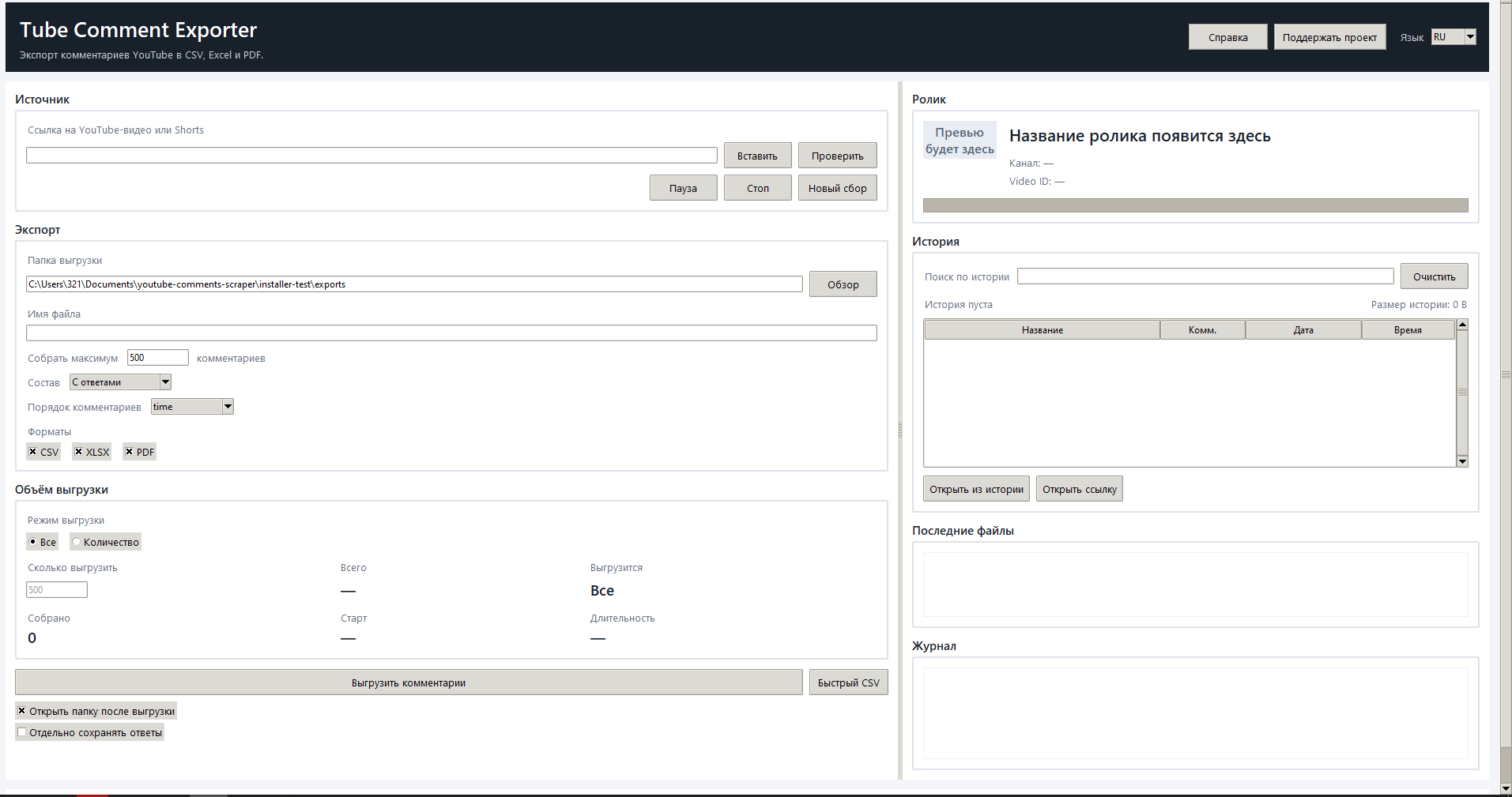
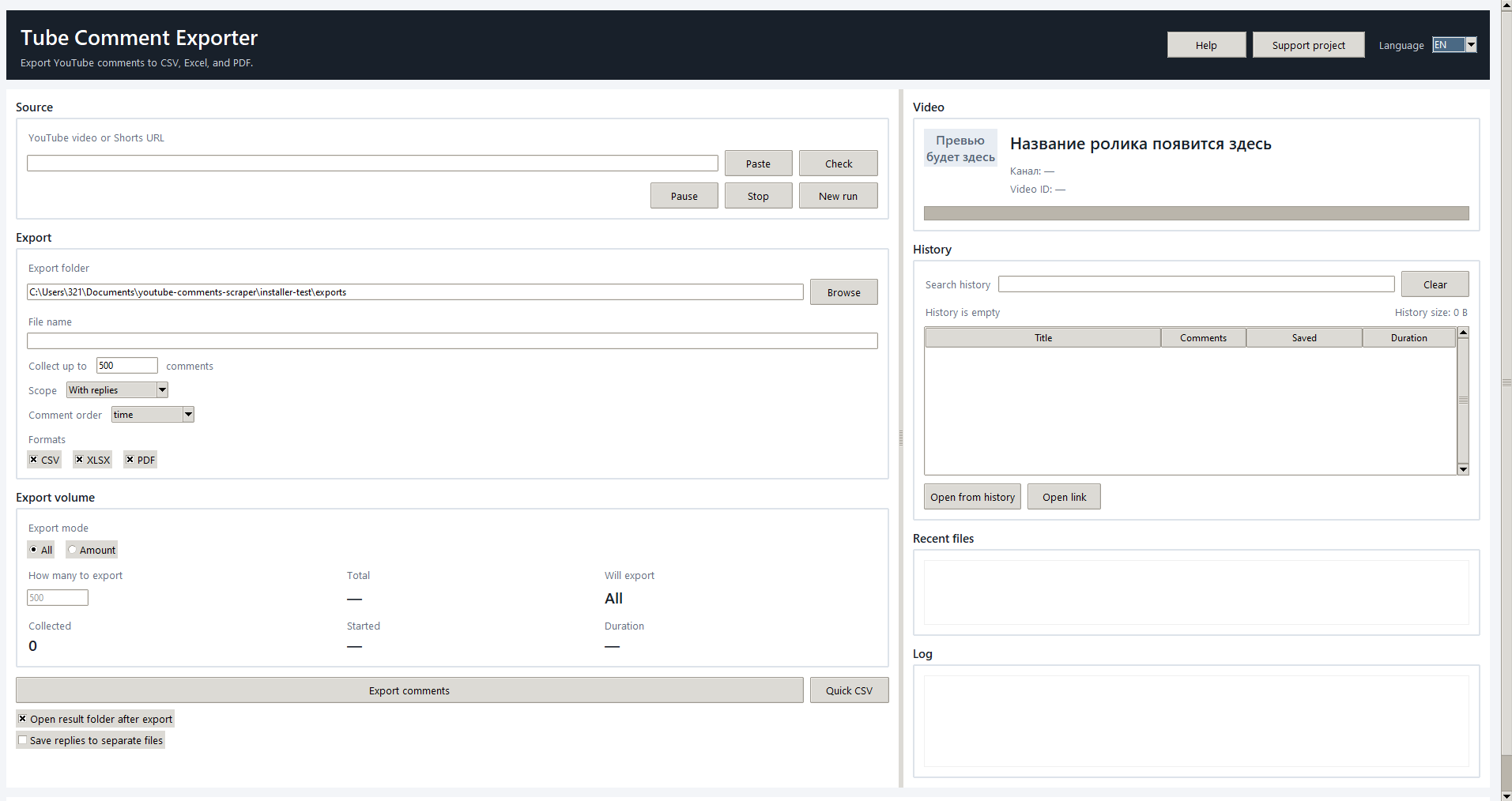
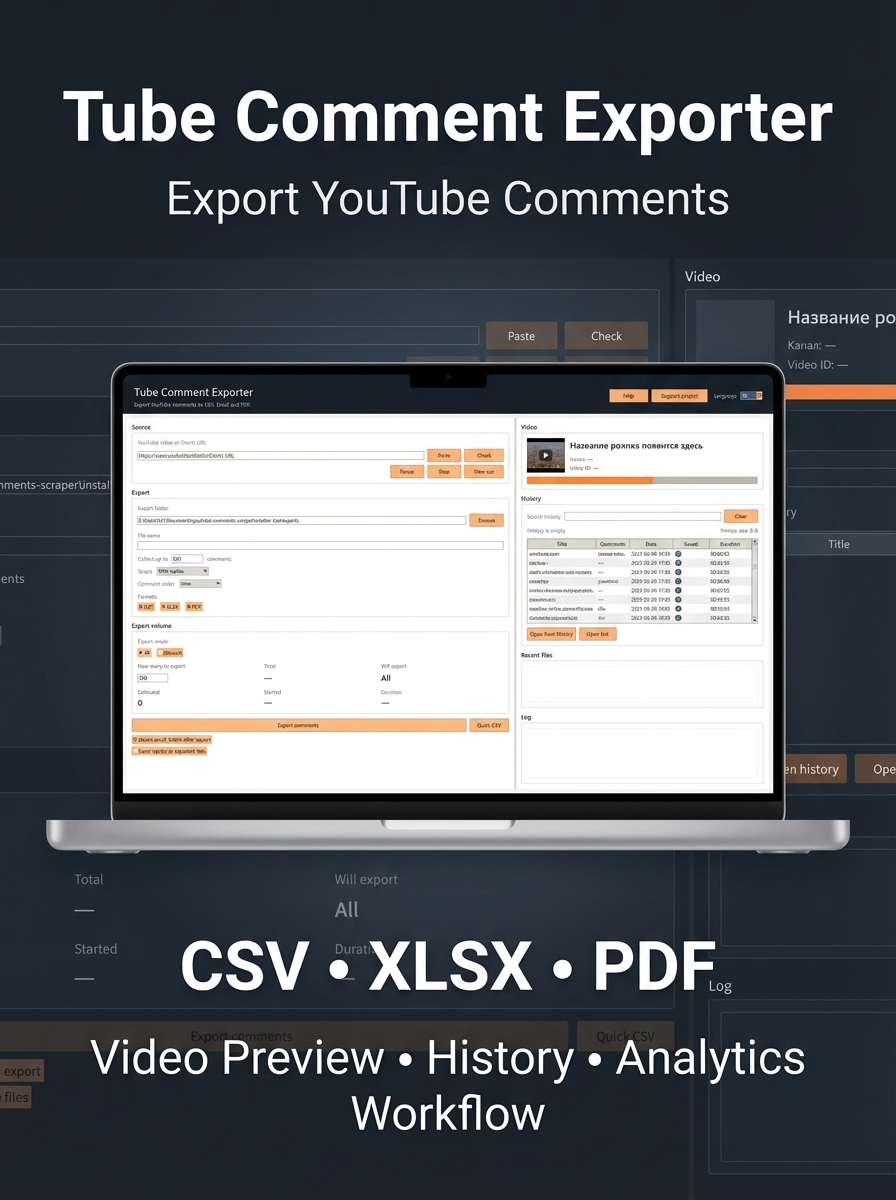
Tube Comment Exporter is a ready-to-use Windows utility for collecting public comments from YouTube videos and Shorts without complicated setup. The user pastes a link, verifies the video by title and thumbnail, chooses the export volume and format, and receives structured files for further work.
The application helps turn YouTube comments into a practical working format for analysis, reporting, content planning, and manual review. It is especially useful for creators, marketers, SMM specialists, analysts, agencies, producers, editors, and researchers.
What It Is Used For
- Analyzing audience questions and pain points under your own videos.
- Studying competitor comments and identifying repeated themes.
- Finding ideas for new videos, offers, products, and FAQ sections.
- Preparing exports for Excel, Google Sheets, BI systems, and internal analytics.
- Manual moderation and comment review outside the YouTube interface.
- Building feedback datasets for further AI processing, categorization, and sentiment analysis.
Features:
- Verifies the video by link and immediately shows the title, channel, Video ID, and thumbnail.
- Collects public comments from YouTube videos and Shorts.
- Allows exporting all comments or only a selected amount.
- Supports two modes: top-level comments only or comments with replies.
- Exports data to CSV, XLSX, and PDF.
- Can optionally save replies into a separate _replies file.
- Keeps a history of processed videos and allows quick reopening of past results.
- Shows history size, recent export files, and an action log.
- Includes a built-in help center, user documents, and a risk note.
- Works as a local Windows desktop utility.
Main Advantages:
- A simple desktop application instead of an overloaded SaaS interface.
- Link-based workflow with video verification by title and thumbnail before export.
- Local storage of history and files on the user’s computer.
- Export to three practical formats at once: CSV, XLSX, and PDF.
- Video history, recent files, and quick access to previously collected data.
- Useful not only for exporting, but also for audience analytics, content research, and competitor analysis.
- No manual API key setup is required in the main workflow.
Why It Is Valuable For The Buyer
The buyer gets more than just a scraper. They get a practical day-to-day tool for working with YouTube comments. Instead of manually copying comments from a browser, they receive structured data that can be used in Excel, reports, audience analysis, repeated-question discovery, content research, and feedback review.
What The Buyer Gets
- A Windows installer.
- A ready-to-use desktop application.
- A built-in help center inside the program.
- User and legal documents in Russian and English.
- History, quick export, and a set of practical tools for regular comment processing.
- Export Columns
Name
Likes
Comment
The application helps turn YouTube comments into a practical working format for analysis, reporting, content planning, and manual review. It is especially useful for creators, marketers, SMM specialists, analysts, agencies, producers, editors, and researchers.
What It Is Used For
- Analyzing audience questions and pain points under your own videos.
- Studying competitor comments and identifying repeated themes.
- Finding ideas for new videos, offers, products, and FAQ sections.
- Preparing exports for Excel, Google Sheets, BI systems, and internal analytics.
- Manual moderation and comment review outside the YouTube interface.
- Building feedback datasets for further AI processing, categorization, and sentiment analysis.
Features:
- Verifies the video by link and immediately shows the title, channel, Video ID, and thumbnail.
- Collects public comments from YouTube videos and Shorts.
- Allows exporting all comments or only a selected amount.
- Supports two modes: top-level comments only or comments with replies.
- Exports data to CSV, XLSX, and PDF.
- Can optionally save replies into a separate _replies file.
- Keeps a history of processed videos and allows quick reopening of past results.
- Shows history size, recent export files, and an action log.
- Includes a built-in help center, user documents, and a risk note.
- Works as a local Windows desktop utility.
Main Advantages:
- A simple desktop application instead of an overloaded SaaS interface.
- Link-based workflow with video verification by title and thumbnail before export.
- Local storage of history and files on the user’s computer.
- Export to three practical formats at once: CSV, XLSX, and PDF.
- Video history, recent files, and quick access to previously collected data.
- Useful not only for exporting, but also for audience analytics, content research, and competitor analysis.
- No manual API key setup is required in the main workflow.
Why It Is Valuable For The Buyer
The buyer gets more than just a scraper. They get a practical day-to-day tool for working with YouTube comments. Instead of manually copying comments from a browser, they receive structured data that can be used in Excel, reports, audience analysis, repeated-question discovery, content research, and feedback review.
What The Buyer Gets
- A Windows installer.
- A ready-to-use desktop application.
- A built-in help center inside the program.
- User and legal documents in Russian and English.
- History, quick export, and a set of practical tools for regular comment processing.
- Export Columns
Name
Likes
Comment
System Requirements
- Operating system: Windows 10 or Windows 11, 64-bit.
- Internet connection: required for video verification and comment collection.
- Free disk space: at least 300 MB for the application and service files, more if history and exports are used actively.
- RAM: 4 GB minimum, 8 GB recommended.
- Screen resolution: 1366x768 or higher recommended.
- Operating system: Windows 10 or Windows 11, 64-bit.
- Internet connection: required for video verification and comment collection.
- Free disk space: at least 300 MB for the application and service files, more if history and exports are used actively.
- RAM: 4 GB minimum, 8 GB recommended.
- Screen resolution: 1366x768 or higher recommended.
No feedback yet