WINDOWS 11 Pro Key Retail
Content: text (0 symbol)
Available: 3
Uploaded: 16.04.2026
Positive responses: 0
Negative responses: 0
Sold: 1
Refunds: 0
$41.59
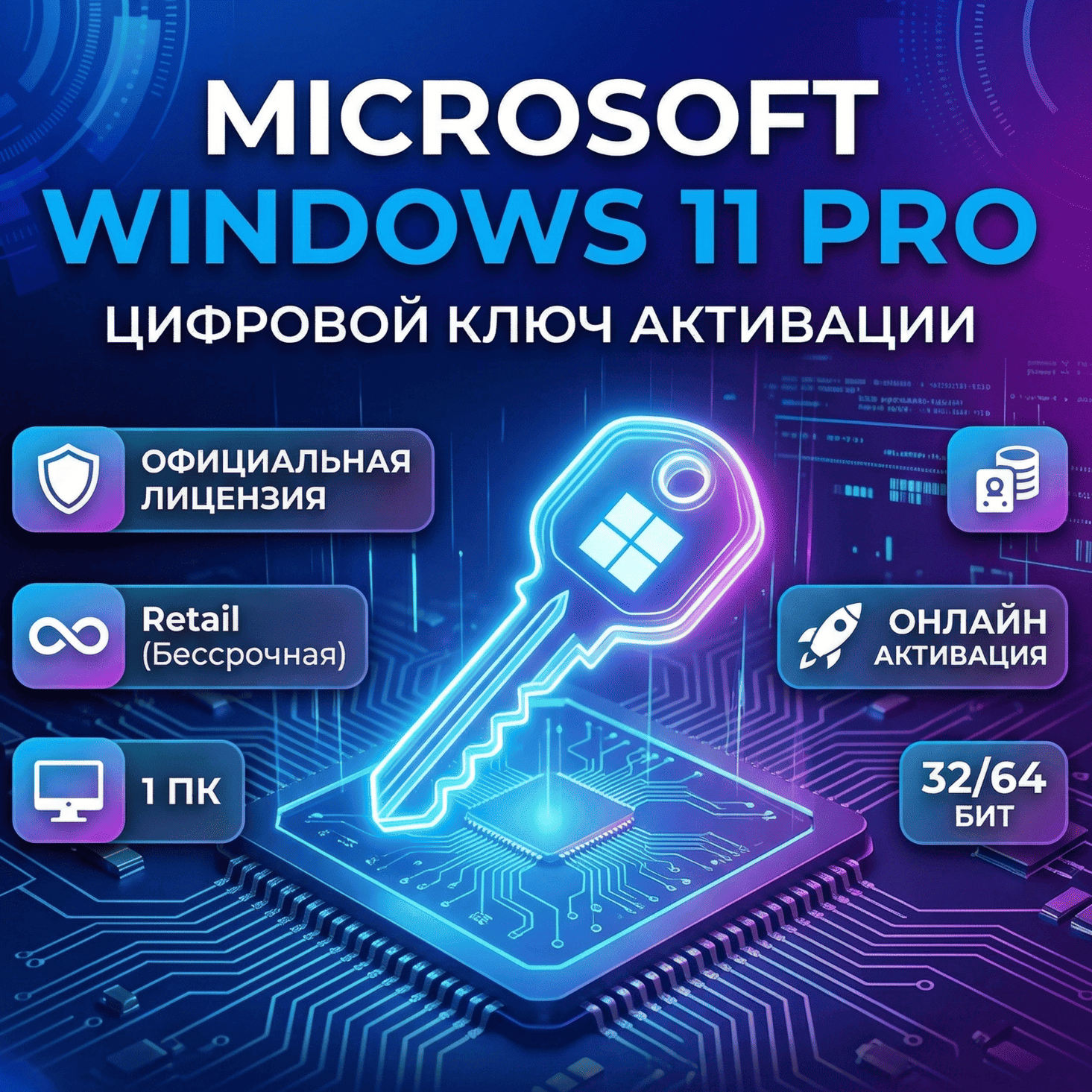
Fast one-click online activation for Windows 11 Pro
License Specifications:
License Type: Retail
Number of Devices: 1 PC
Activation Method: Online (Key entry within the system)
Architecture: 32/64-bit
Windows 11 Pro Activation Instructions:
1. Click the Start button and select the Settings icon (gear icon).
2. Open the Update & Security section.
3. In the left-hand menu, go to the Activation tab.
4. Click the Change product key link and enter your purchased key.
5. Click Next and follow the brief on-screen prompts to complete the process.
License Specifications:
License Type: Retail
Number of Devices: 1 PC
Activation Method: Online (Key entry within the system)
Architecture: 32/64-bit
Windows 11 Pro Activation Instructions:
1. Click the Start button and select the Settings icon (gear icon).
2. Open the Update & Security section.
3. In the left-hand menu, go to the Activation tab.
4. Click the Change product key link and enter your purchased key.
5. Click Next and follow the brief on-screen prompts to complete the process.
No feedback yet