Perplexity AI PRO Promo Code ($200 Value) | Official & Instant Delivery
Content: text (0 symbol)
Available: 3
Uploaded: 16.04.2026
Positive responses: 0
Negative responses: 0
Sold: 0
Refunds: 0
$19.37
How to Claim Your Perplexity Pro Subscription
⚠️ IMPORTANT PREREQUISITE ⚠️
This offer is for NEW SUBSCRIPTIONS ONLY. If you have already subscribed to Perplexity Pro with your current email, this code will not work. Please use a new, non-upgraded account.
Step-by-Step Guide:
Open the official Perplexity website and log into your account.
Click your profile icon (bottom left) and navigate to Account → Upgrade plan.
Ensure you select the Personal plan. (Perplexity Pro is often pre-selected by default).
Add a valid, real payment method (such as a credit/debit card). Rest assured, no charges will be applied once the code is successfully used.
Paste your promo/discount code into the designated discount box.
Click "Apply".
(Note: If the first attempt fails, click "Apply" again a few times. If it still says "Invalid Code", go back, refresh the page, and restart the process from Step 1).
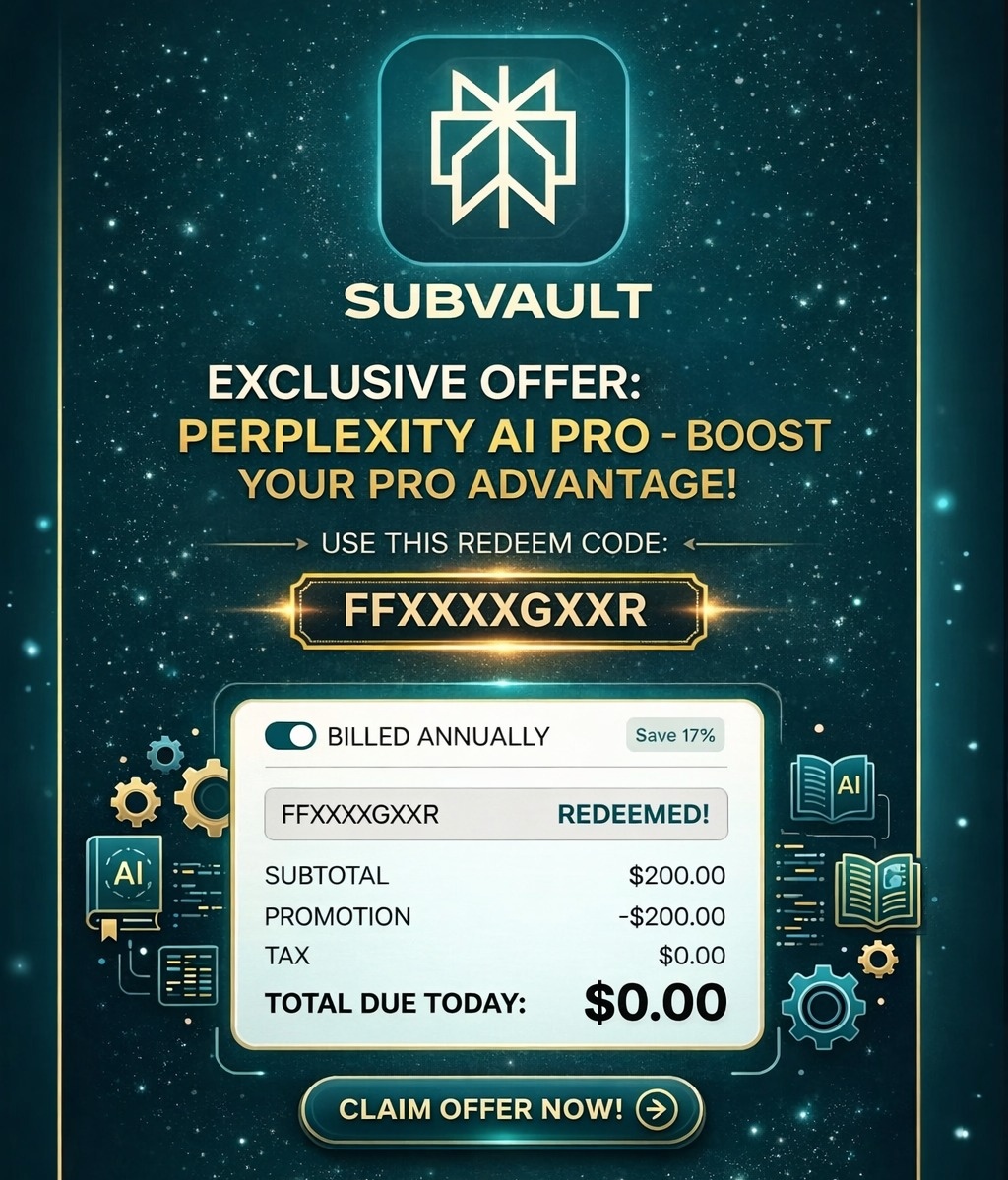
When the "Total due today" updates to $0.00, click "Confirm and pay".
🛑 CRITICAL WARNING & TERMS 🛑
Do NOT refresh the page, close the tab, or exit your browser after clicking "Confirm and pay". Interrupting the checkout at this point will permanently invalidate the promo code.
This is a single-use code. Once successfully applied and activated, no replacements or refunds are available under any circumstances.
⚠️ IMPORTANT PREREQUISITE ⚠️
This offer is for NEW SUBSCRIPTIONS ONLY. If you have already subscribed to Perplexity Pro with your current email, this code will not work. Please use a new, non-upgraded account.
Step-by-Step Guide:
Open the official Perplexity website and log into your account.
Click your profile icon (bottom left) and navigate to Account → Upgrade plan.
Ensure you select the Personal plan. (Perplexity Pro is often pre-selected by default).
Add a valid, real payment method (such as a credit/debit card). Rest assured, no charges will be applied once the code is successfully used.
Paste your promo/discount code into the designated discount box.
Click "Apply".
(Note: If the first attempt fails, click "Apply" again a few times. If it still says "Invalid Code", go back, refresh the page, and restart the process from Step 1).
When the "Total due today" updates to $0.00, click "Confirm and pay".
🛑 CRITICAL WARNING & TERMS 🛑
Do NOT refresh the page, close the tab, or exit your browser after clicking "Confirm and pay". Interrupting the checkout at this point will permanently invalidate the promo code.
This is a single-use code. Once successfully applied and activated, no replacements or refunds are available under any circumstances.
No feedback yet