Seedance Prompt Manager v1 [Win Mac]. Professional neural network management console
Content: text (0 symbol)
Available: 30
Uploaded: 14.05.2026
Positive responses: -1
Negative responses: 0
Sold: -1
Refunds: -1
$9.7
video https://youtu.be/JsS8JqLG6eY?si=ULc4laPqTYy6V2Df
Tired of losing your best prompts in messy notebooks or endless chats? It’s time to level up!
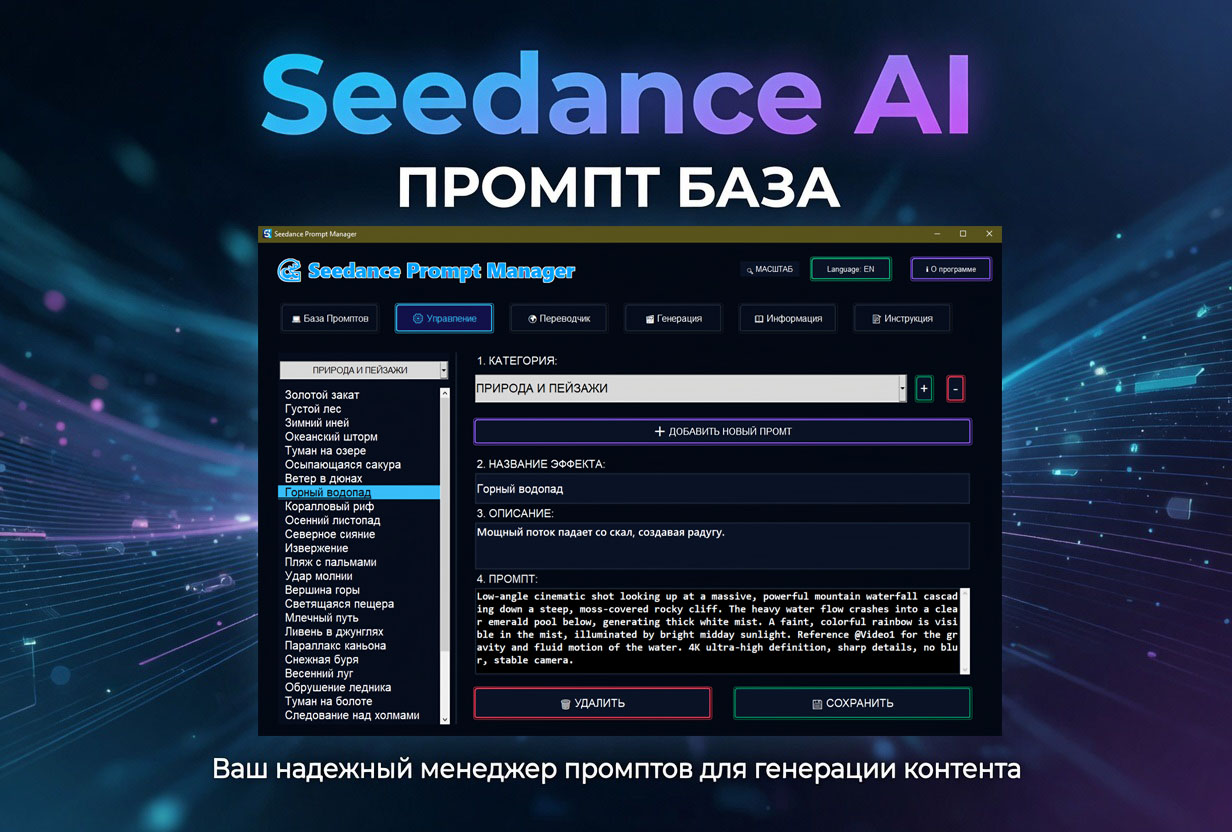
Seedance Prompt Manager is a professional-grade tool designed for AI creators (Seedance, Syntx.ai, and more). It helps you organize your creative process and turn the chaos of text queries into a streamlined movie production workflow.
🚀 Core Features:
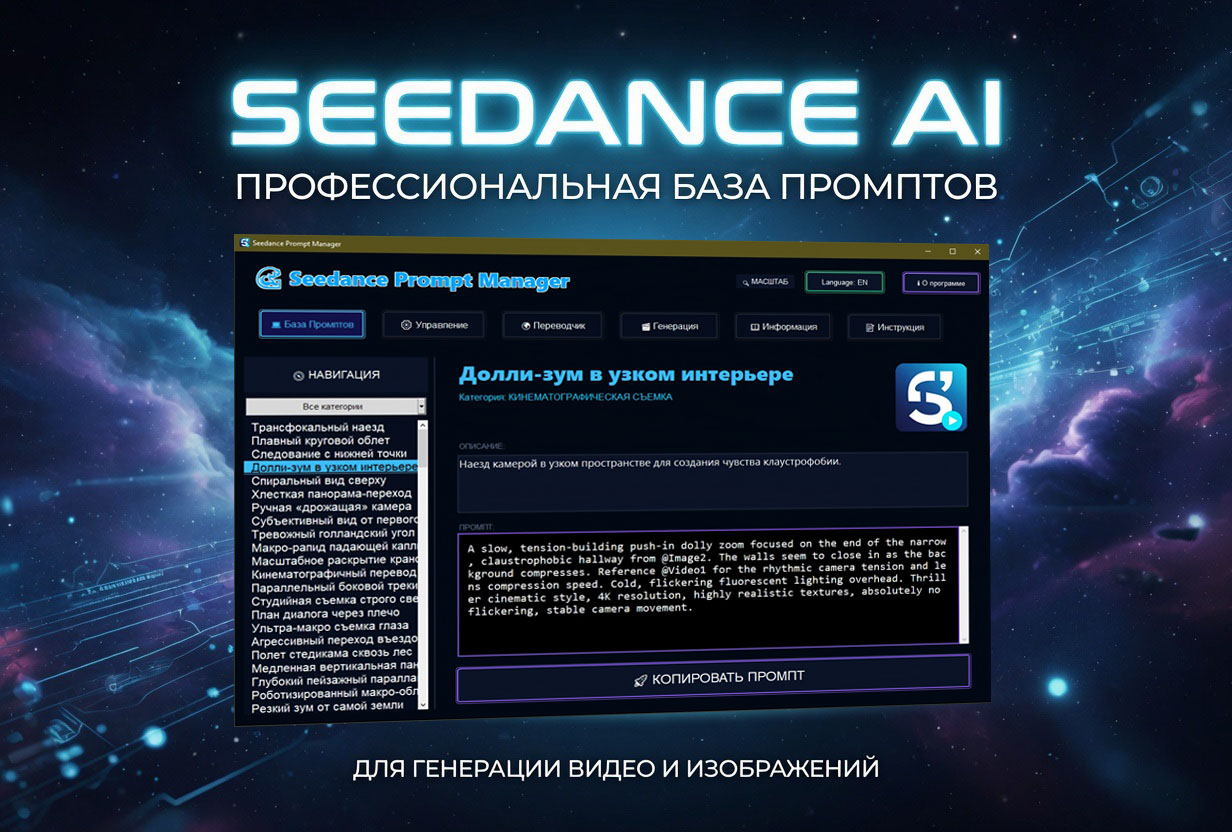
Smart Prompt Database: Store hundreds of prompts organized by categories (Cinematography, Effects, Lighting, etc.).
One-Click Copy: Save time with instant clipboard copying.
Built-in Online Translator: Translate your ideas and prompts without leaving the app.
Management Panel: Add your own discoveries, edit existing prompts, and build your personal effect collections.
Secure & Local: Your data is encrypted and stored locally in *.ikd format.
Futuristic UI: Experience the "Deep Ocean" aesthetic with smooth animations and responsive scaling.
Turn your AI generation process into a professional studio experience.
Tired of losing your best prompts in messy notebooks or endless chats? It’s time to level up!
Seedance Prompt Manager is a professional-grade tool designed for AI creators (Seedance, Syntx.ai, and more). It helps you organize your creative process and turn the chaos of text queries into a streamlined movie production workflow.
🚀 Core Features:
Smart Prompt Database: Store hundreds of prompts organized by categories (Cinematography, Effects, Lighting, etc.).
One-Click Copy: Save time with instant clipboard copying.
Built-in Online Translator: Translate your ideas and prompts without leaving the app.
Management Panel: Add your own discoveries, edit existing prompts, and build your personal effect collections.
Secure & Local: Your data is encrypted and stored locally in *.ikd format.
Futuristic UI: Experience the "Deep Ocean" aesthetic with smooth animations and responsive scaling.
Turn your AI generation process into a professional studio experience.
📝 INSTALLATION AND ACTIVATION INSTRUCTIONS:
For Windows users:
Download the Windows ZIP archive, unzip it, and run GrokPromptManager.exe.
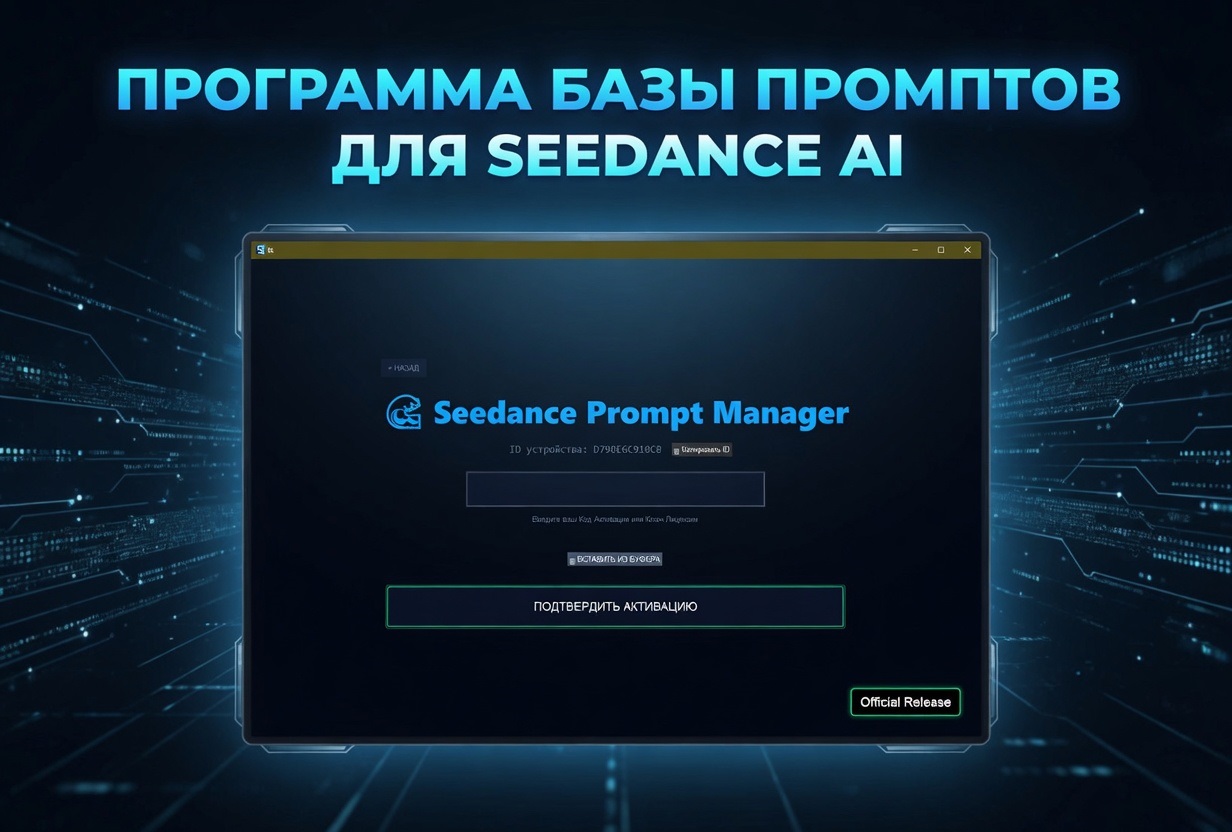
Enter your Activation Key in the window that appears.
For macOS users:
Download the .dmg image, open it, and drag the program icon to the Applications folder.
On first launch, you may be asked to confirm in "System Preferences" -> "Privacy & Security" (allow launching from unknown sources).
Enter your Activation Key upon startup.
💻 TECHNICAL REQUIREMENTS:
Windows: 10 / 11 (64-bit).
macOS: Monterey (12.0) and newer. Full support for Intel and Apple Silicon chips (M1/M2/M3).
Internet connection: Required for activation and the built-in online translator.
Disk space: ~150 MB.
⚠️ IMPORTANT INFORMATION:
License: One purchase = one activation on one (1) computer. If you need to use the program on both Windows and Mac, you must purchase two licenses.
Transfer: When purchasing a new computer, you can transfer your license by contacting support.
Digital product: Refunds are not provided after receiving the Activation Key.
Antivirus: Due to the built-in encryption system, some security systems may display a warning. This is a false positive; please add the program to your exceptions.
📞 Support: We are available 24/7. If you have any issues installing on Mac or Windows, please contact us via private message!
For Windows users:
Download the Windows ZIP archive, unzip it, and run GrokPromptManager.exe.
Enter your Activation Key in the window that appears.
For macOS users:
Download the .dmg image, open it, and drag the program icon to the Applications folder.
On first launch, you may be asked to confirm in "System Preferences" -> "Privacy & Security" (allow launching from unknown sources).
Enter your Activation Key upon startup.
💻 TECHNICAL REQUIREMENTS:
Windows: 10 / 11 (64-bit).
macOS: Monterey (12.0) and newer. Full support for Intel and Apple Silicon chips (M1/M2/M3).
Internet connection: Required for activation and the built-in online translator.
Disk space: ~150 MB.
⚠️ IMPORTANT INFORMATION:
License: One purchase = one activation on one (1) computer. If you need to use the program on both Windows and Mac, you must purchase two licenses.
Transfer: When purchasing a new computer, you can transfer your license by contacting support.
Digital product: Refunds are not provided after receiving the Activation Key.
Antivirus: Due to the built-in encryption system, some security systems may display a warning. This is a false positive; please add the program to your exceptions.
📞 Support: We are available 24/7. If you have any issues installing on Mac or Windows, please contact us via private message!
No feedback yet