MTNova — Manager for unlimited Telegram accounts with TData and search
Content: text (0 symbol)
Uploaded: 08.05.2026
Positive responses: 0
Negative responses: 0
Sold: 0
Refunds: 0
$15.58
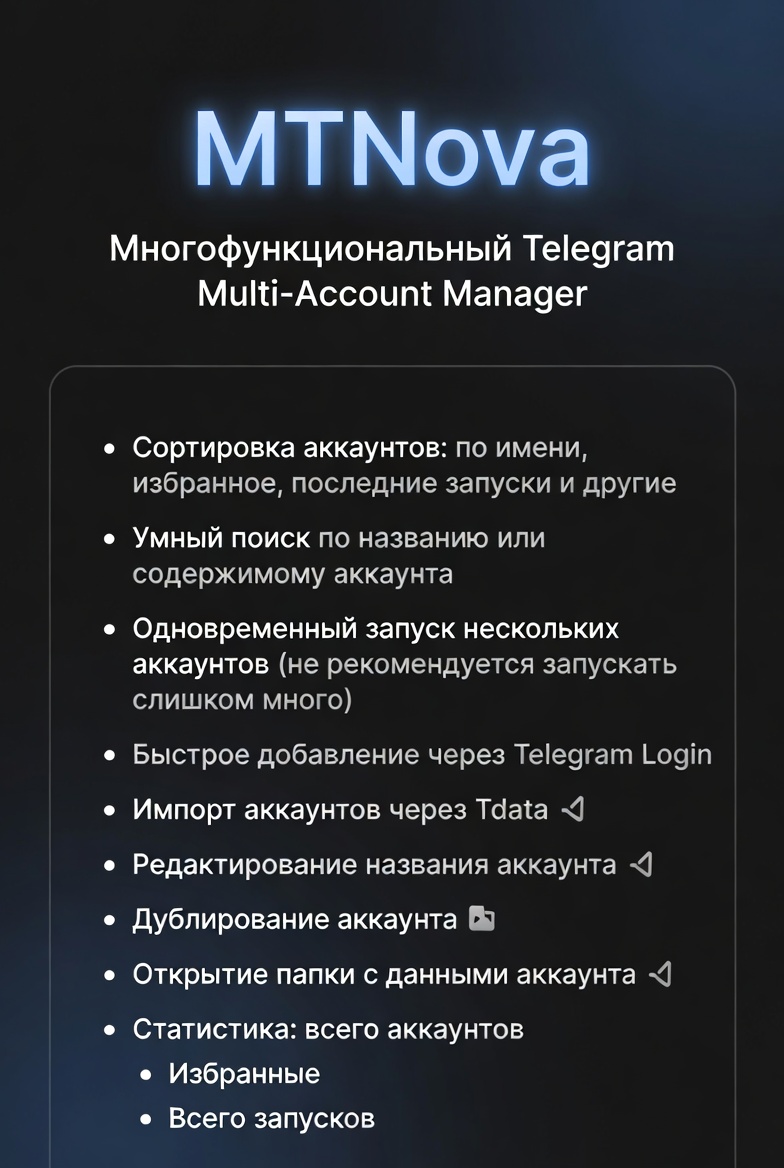
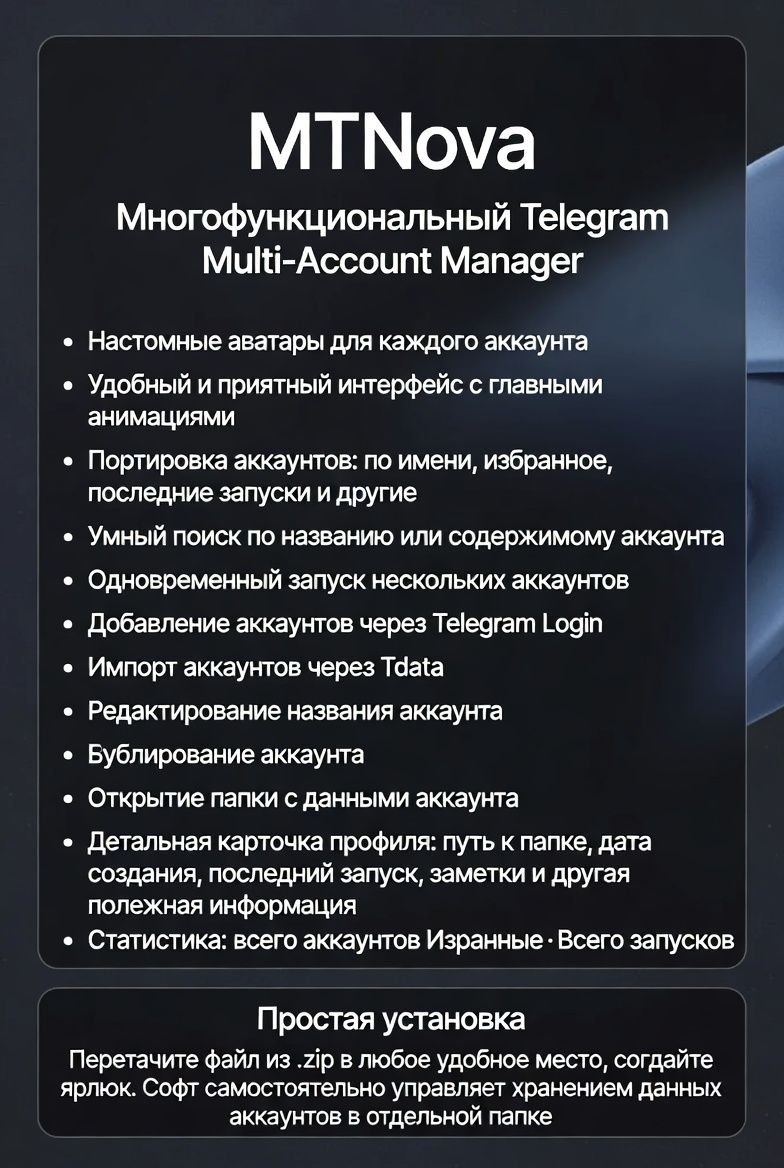
MTNova (MultiTelegram Nova) is a powerful, lightweight, and visually appealing launcher designed to bring perfect order to your Telegram accounts. Forget about confusing personal and work profiles—you can store an unlimited number of accounts and run them simultaneously.
Suitable for:
Marketers, affiliate marketers, SMM specialists, channel network administrators, and anyone who manages dozens or hundreds of profiles daily.
Key features:
🗂️ Complete organization without limits
Add any number of accounts and easily navigate them: the list is sorted by name, showing favorites and recently launched ones. A separate panel shows the total number of accounts in the database and the total number of launches.
🔍 Smart search in a second
Looking for a specific profile among hundreds? Enter part of the name or any word—the search will instantly show the desired account, no more manual scrolling.
⚡ Parallel Multitasking
Use multiple accounts simultaneously for mailings, inviting, or monitoring. (For stability, we recommend not running too many copies at once.)
🔄 Quick Start: TData and Direct Login
Stop wasting time logging in repeatedly. Simply import ready-made TData folders (Telegram Desktop data) or log in via the built-in launcher—the software will remember your session forever.
🎨 Detailed Profile Control
To avoid confusion with duplicate nicknames, assign each profile its own avatar directly in the software. Pictures help you visually distinguish accounts at a glance.
✏️ Full Management on the Fly
You can instantly rename each account entry in the list or duplicate a profile for different tasks. Want to find the location of files for a specific session? Click "Open Location"—the data folder will open instantly in File Explorer.
📋 Profile details at your fingertips
The details block displays everything for the selected account:
Path to the data folder
Profile creation date
Last launch date
Notes (for important notes)
✨ User-friendly interface
A well-thought-out design with smooth animations reduces eye fatigue during long work sessions. A convenient list, compact panels, and a clear layout of elements ensure a pleasant work experience.
Installation instructions
Installation is extremely simple and does not require administrator rights:
Download the purchased .zip archive.
Extract the program file to any convenient location:
Drag it to your desktop for quick access.
Or place it in a separate folder and create a desktop shortcut manually.
Launch the program. The software will automatically detect and configure a separate location for storing your account data. You can always view the specific path to the data folder in the "Profile Details" block within the program.
No complicated installers—just download, open, and enjoy.
Enjoy and enjoy MTNova!
Suitable for:
Marketers, affiliate marketers, SMM specialists, channel network administrators, and anyone who manages dozens or hundreds of profiles daily.
Key features:
🗂️ Complete organization without limits
Add any number of accounts and easily navigate them: the list is sorted by name, showing favorites and recently launched ones. A separate panel shows the total number of accounts in the database and the total number of launches.
🔍 Smart search in a second
Looking for a specific profile among hundreds? Enter part of the name or any word—the search will instantly show the desired account, no more manual scrolling.
⚡ Parallel Multitasking
Use multiple accounts simultaneously for mailings, inviting, or monitoring. (For stability, we recommend not running too many copies at once.)
🔄 Quick Start: TData and Direct Login
Stop wasting time logging in repeatedly. Simply import ready-made TData folders (Telegram Desktop data) or log in via the built-in launcher—the software will remember your session forever.
🎨 Detailed Profile Control
To avoid confusion with duplicate nicknames, assign each profile its own avatar directly in the software. Pictures help you visually distinguish accounts at a glance.
✏️ Full Management on the Fly
You can instantly rename each account entry in the list or duplicate a profile for different tasks. Want to find the location of files for a specific session? Click "Open Location"—the data folder will open instantly in File Explorer.
📋 Profile details at your fingertips
The details block displays everything for the selected account:
Path to the data folder
Profile creation date
Last launch date
Notes (for important notes)
✨ User-friendly interface
A well-thought-out design with smooth animations reduces eye fatigue during long work sessions. A convenient list, compact panels, and a clear layout of elements ensure a pleasant work experience.
Installation instructions
Installation is extremely simple and does not require administrator rights:
Download the purchased .zip archive.
Extract the program file to any convenient location:
Drag it to your desktop for quick access.
Or place it in a separate folder and create a desktop shortcut manually.
Launch the program. The software will automatically detect and configure a separate location for storing your account data. You can always view the specific path to the data folder in the "Profile Details" block within the program.
No complicated installers—just download, open, and enjoy.
Enjoy and enjoy MTNova!
No feedback yet