THE SIMS 4 STAR WARS - JOURNEY TO BATUU (DLC) ✅EA APP KEY
Content: 1.txt (16 B)
Available: 5
Uploaded: 09.05.2026
Positive responses: 0
Negative responses: 0
Sold: 0
Refunds: 0
Seller: mrakk
information about the seller and its items
Loyalty discount! If the total amount of your purchases from the seller more than:
| $1 | the discount is | 1% |
| $5000 | the discount is | 2% |
| $10000 | the discount is | 3% |
$32.1
✅THE SIMS 4: LEAD UP YOUR ADVENTURES EXPANSION PACK LICENSE KEY WILL BE DISPLAYED IN YOUR BROWSER WINDOW AND WILL BE SENT TO YOUR EMAIL AUTOMATICALLY AFTER PAYMENT!!!
ATTENTION! To access the expansion pack content, you must have The Sims 4 activated.
Activation: EA APP
Release Date: September 8, 2020
Languages: English, French, Italian, German, Spanish (Spain), Czech, Danish, Dutch, Japanese, Norwegian, Polish, Portuguese (Brazil), Russian, Swedish, Finnish, Traditional Chinese, Korean, Simplified Chinese
Region: Region-Free (ALL COUNTRIES)
---------------------------------
GIFT!!! Leave a positive review with the words "I WANT A GIFT" and duplicate this message (in the MESSAGES tab on the Oplata.info order page). You are then guaranteed to receive a random, inexpensive STEAM game.
If you didn´t message the seller, don´t be upset if you don´t receive the gift.
---------------------------------
MORE ABOUT THE EXPANSION PACK:
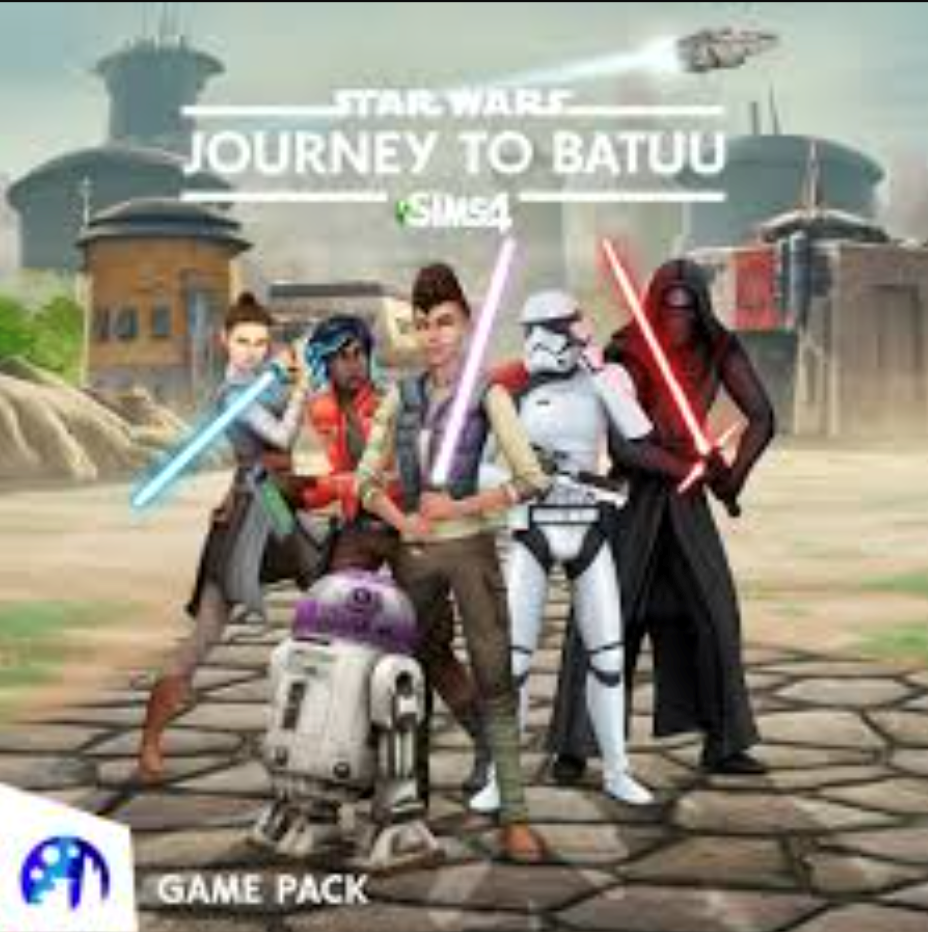
Create your own Star Wars™ story by traveling to the remote planet Batuu from Galaxy´s Edge at Disneyland® and Disney World® with The Sims™ 4 Star Wars™: Journey to Batuu Game Pack. Will your character side with the Resistance, join the scoundrels, or join the First Order? The choice is yours! Increase your character´s reputation to unlock new missions, purchase a lightsaber or droid, and meet Rey, Kylo Ren, and other legendary heroes from Star Wars™.
ATTENTION! To access the expansion pack content, you must have The Sims 4 activated.
Activation: EA APP
Release Date: September 8, 2020
Languages: English, French, Italian, German, Spanish (Spain), Czech, Danish, Dutch, Japanese, Norwegian, Polish, Portuguese (Brazil), Russian, Swedish, Finnish, Traditional Chinese, Korean, Simplified Chinese
Region: Region-Free (ALL COUNTRIES)
---------------------------------
GIFT!!! Leave a positive review with the words "I WANT A GIFT" and duplicate this message (in the MESSAGES tab on the Oplata.info order page). You are then guaranteed to receive a random, inexpensive STEAM game.
If you didn´t message the seller, don´t be upset if you don´t receive the gift.
---------------------------------
MORE ABOUT THE EXPANSION PACK:
Create your own Star Wars™ story by traveling to the remote planet Batuu from Galaxy´s Edge at Disneyland® and Disney World® with The Sims™ 4 Star Wars™: Journey to Batuu Game Pack. Will your character side with the Resistance, join the scoundrels, or join the First Order? The choice is yours! Increase your character´s reputation to unlock new missions, purchase a lightsaber or droid, and meet Rey, Kylo Ren, and other legendary heroes from Star Wars™.
Activation Key:
1. Download and install the program EA APP (http://www.origin.com/download).
2. Start EA APP.
3. Select an interface language, and the place where the game is installed.
4. Go to "EA APP-activate the product code."
5. Enter key. After that the game will appear in the games library, where you can download it and play.
1. Download and install the program EA APP (http://www.origin.com/download).
2. Start EA APP.
3. Select an interface language, and the place where the game is installed.
4. Go to "EA APP-activate the product code."
5. Enter key. After that the game will appear in the games library, where you can download it and play.
No feedback yet