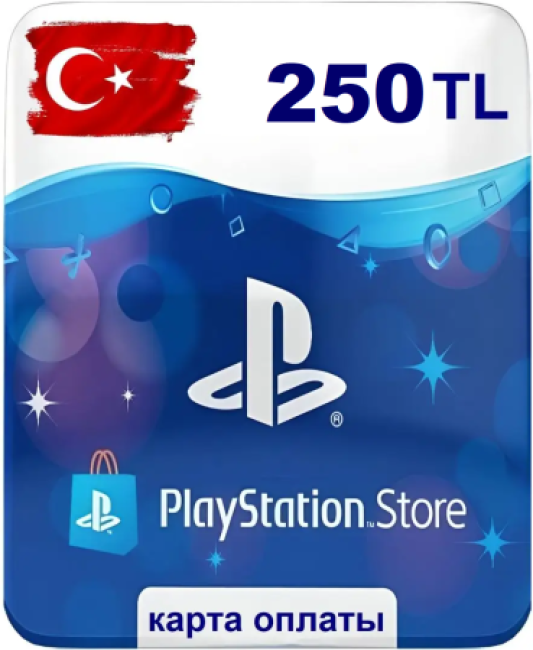
PSN Top-Up Code Türkiye 250 TL
Content: text (0 symbol)
Available: 1
Uploaded: 10.05.2026
Positive responses: 0
Negative responses: 0
Sold: 0
Refunds: 0
$6.19
💥 Instant issuance 24/7
🔑 After payment, you will immediately receive a digital activation code
🇹🇷 Suitable for topping up a Turkish PlayStation account
💳 Account currency: Turkish Lira / TL
⚠️ Important before purchase
The code can only be activated on a PlayStation account with the Turkish region
Before purchasing, check your account region and current wallet balance
The wallet limit for a Turkish account is 5,000 TL
Example:
If you already have 3,000 TL in your balance and you purchase a code for 2,500 TL, activation will not occur until your balance is 2,500 TL or less
🔑 How to activate the code
Via browser
Open the PlayStation Store
Click on your profile picture
Select "Redeem Codes"
Enter the code
Click "Redeem"
On PS5
Settings → Users and Accounts → Account → Payments and Subscriptions → Redeem Codes → Enter Code → Redeem
On PS4
PlayStation Store → Scroll down the side menu → Redeem Codes → Enter Code → Redeem
During payment
In payment methods, select Redeem Codes and Gift Cards → Enter Code → Redeem
🔑 After payment, you will immediately receive a digital activation code
🇹🇷 Suitable for topping up a Turkish PlayStation account
💳 Account currency: Turkish Lira / TL
⚠️ Important before purchase
The code can only be activated on a PlayStation account with the Turkish region
Before purchasing, check your account region and current wallet balance
The wallet limit for a Turkish account is 5,000 TL
Example:
If you already have 3,000 TL in your balance and you purchase a code for 2,500 TL, activation will not occur until your balance is 2,500 TL or less
🔑 How to activate the code
Via browser
Open the PlayStation Store
Click on your profile picture
Select "Redeem Codes"
Enter the code
Click "Redeem"
On PS5
Settings → Users and Accounts → Account → Payments and Subscriptions → Redeem Codes → Enter Code → Redeem
On PS4
PlayStation Store → Scroll down the side menu → Redeem Codes → Enter Code → Redeem
During payment
In payment methods, select Redeem Codes and Gift Cards → Enter Code → Redeem
No feedback yet