🔥 FREE AI FOR PROGRAMMING IN VS CODE WITHOUT SUBSCRIPTIONS OR API 🔥
Content: DigiSeller/копия_1.txt (96 B)
Available: 100
Uploaded: 30.05.2026
Positive responses: 0
Negative responses: 0
Sold: 4
Refunds: 0
$1.38
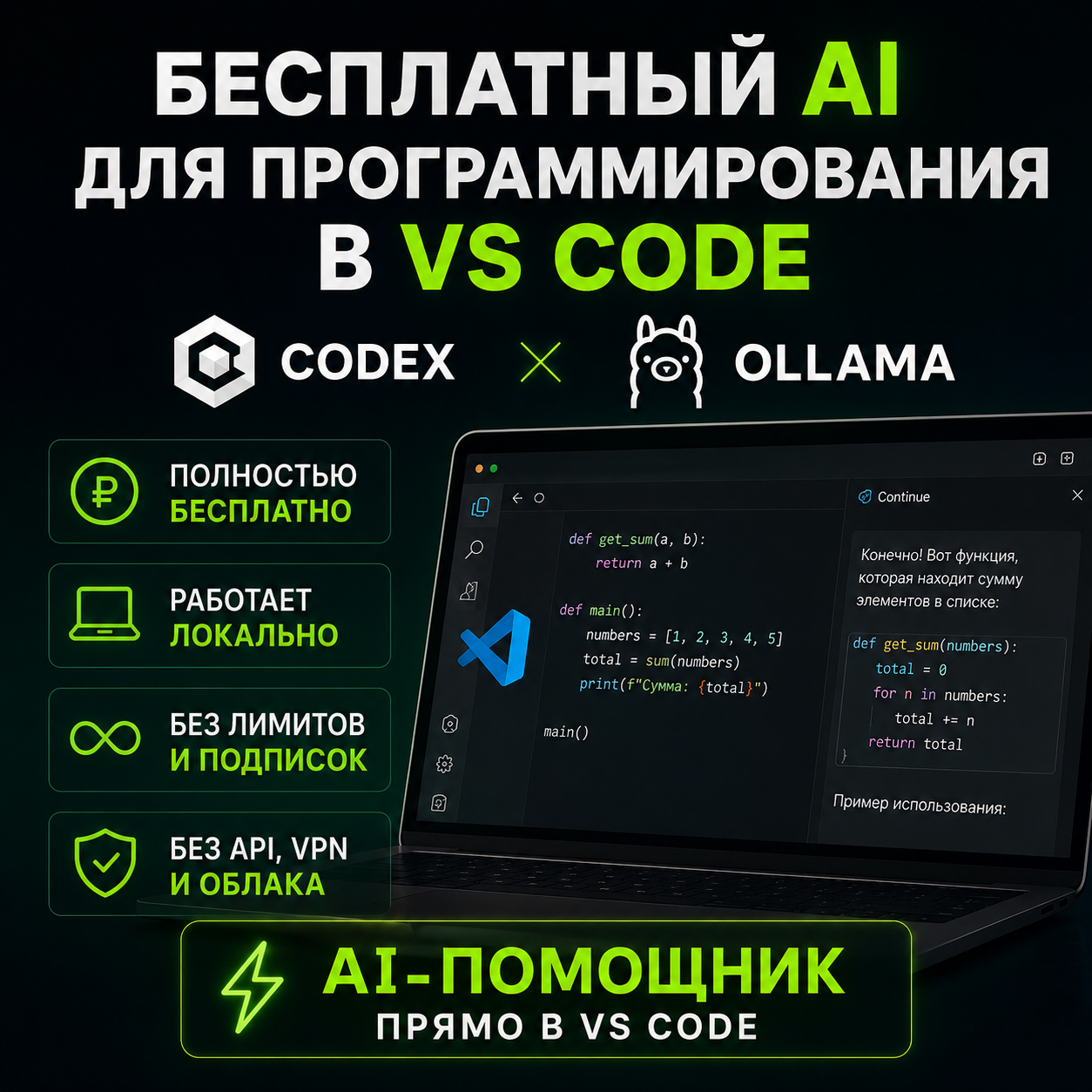
🔥 FREE AI FOR PROGRAMMING IN VS CODE WITHOUT SUBSCRIPTIONS OR API 🔥 🟢 LOCAL GPT ON YOUR PC 🟢 COMPLETELY FREE 🟢 WORKS THROUGH OLLAMA 🟢 NO MONTHLY PAYMENTS 🟢 NO MESSAGE LIMITS 🟢 NO VPN REQUIRED 🟢 NO API KEYS 🟢 NO CREDIT CARD NEEDED 🚀 WHAT YOU GET A detailed DOCX guide for installing and configuring: ✔️ Ollama ✔️ Qwen2.5-Coder ✔️ Continue ✔️ VS Code After setup, you will get a full AI coding assistant directly inside VS Code. ⚡ MAIN ADVANTAGES ✅ Completely free No need to pay monthly fees like ChatGPT Plus or Copilot. ✅ Runs locally The AI works directly on your computer. ✅ No limits You can send unlimited requests. ✅ No VPN needed Everything works directly. ✅ No API or tokens No need to buy API access. ✅ Your code stays private Your files remain on your PC. ✅ Beginner friendly Step-by-step setup guide. ✅ Works on weak PCs Includes recommendations for different hardware. ✅ Fast performance Especially with a GPU. ✅ Great for studying Helps you understand and write code. ✅ Great for work Autocompletion, function generation, and bug fixing. 🧠 WHAT THE AI CAN DO ✔️ Write code ✔️ Fix bugs ✔️ Explain code ✔️ Refactor projects ✔️ Generate scripts ✔️ Help with homework ✔️ Work with Python, JS, TS, C++, Go, and more ✔️ Create Telegram bots ✔️ Help with HTML/CSS ✔️ Generate SQL queries ✔️ Explain compilation errors 💻 PC REQUIREMENTS 🔹 Low-end PC: - 8 GB RAM - Qwen2.5-Coder 1.5B 🔹 Mid-range PC: - 16 GB RAM - GPU with 6–8 GB VRAM - Qwen2.5-Coder 7B 🔹 High-end PC: - 32–64 GB RAM - GPU with 12–24 GB VRAM - Qwen2.5-Coder 14B / 32B 📦 WHAT IS INCLUDED ✔️ DOCX setup guide ✔️ Installation commands ✔️ Continue configuration ✔️ Model connection setup ✔️ Local AI configuration ✔️ Performance optimization tips ✔️ Solutions for common issues ❗ IMPORTANT • This product contains a setup instruction guide only • All software is free • Models are downloaded from official sources • No subscriptions required 🔥 Great alternative to cloud AI services 🔥 Perfect for programming and learning 🔥 Fully local AI directly inside VS Code
No feedback yet