007 First Light (PS5) P1 - Offline
Content: text (0 symbol)
Available: 1
Uploaded: 27.05.2026
Positive responses: 0
Negative responses: 0
Sold: 1
Refunds: 0
Seller: GamesCartel
information about the seller and its items
Loyalty discount! If the total amount of your purchases from the seller more than:
| $1 | the discount is | 5% |
| $10 | the discount is | 8% |
| $30 | the discount is | 10% |
| $50 | the discount is | 12% |
| $100 | the discount is | 15% |
| $200 | the discount is | 17% |
$16.22
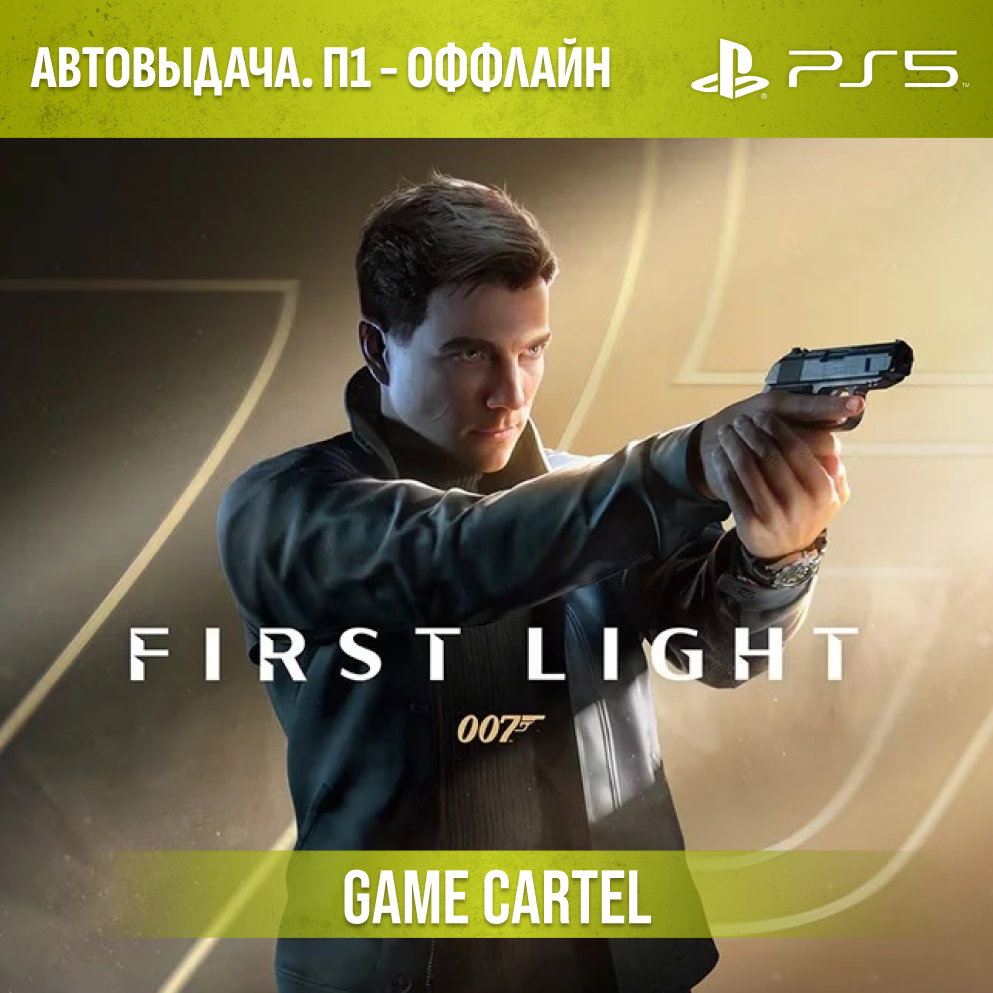
In 007 First Light, players will experience a story not about a seasoned Bond, but about a rookie who has just joined MI6!
⚠️ P1 Activation — offline mode
After downloading the game and disconnecting the internet, you will be able to launch it from your personal account with no time limits, as well as earn trophies and save progress.
Instant delivery 24/7 🔥
(After payment, you will automatically receive access to the account with the game — no waiting required. Login and password will be sent to your email.)
❗️ Important ❗️
This type of activation works only in offline mode.
👉 How it works:
1) download the game
2) turn off the internet on the console
3) play without time limits from your account
❗ But:
if the console connects to the internet at any moment (even if you just turn it on for 1 second),
the game will be locked with no possibility of recovery
👉 As long as you need the game, the console must remain without internet at all times, both during gameplay and outside of it
Before purchasing, be sure to read the usage rules.
🔐 Security — The account is created by us and is our property, the game is purchased in the official store.
🗣️ Voice acting - This game only has English voice acting, there are Russian subtitles.
🌍 Account region — IN (Most games have Russian voice acting and subtitles.)
🎮 Platform — PS5
🎁 Gifts - Leave a review on the first day of your rental and receive a promo code for a discount on your next purchase.
⚠️ Terms of use
1) Use the account strictly according to the instructions.
2) It is forbidden to log into the account from any other devices (phone, PC, etc.).
3) It is forbidden to change account details. In case of attempt: you will lose access without refund.
4) After the rental period ends, access is closed.
5) Support is provided for the entire rental period. In case of any problems, contact us first — we will help.
📝 How to start playing
All actions must be performed strictly from your console:
1. Select “Add User” (on startup or by pressing the “PS” button → “Switch User”)
2. In the window that appears, select “Get Started” (not quick play!) → “Sign in manually”
3. Enter the login and password of the provided account; if a code is requested, enter it
4. After logging in, the console will prompt you to enable “Console Sharing”. Select “Enable”
5. Go to Library → “Purchased” and start downloading the game
6. Switch to your user and wait for the full installation
7. Make sure the download is complete (check the “Activities” section), sometimes the game may launch before it is fully downloaded
8. After verifying that the game works:
turn off the internet on the console (Settings → Network)
"
9) WRITE TO US IN THE CORRESPONDENCE COLUMN THAT EVERYTHING HAS BEEN COMPLETED‼️"
⏱ You are given 24 hours to complete all actions.
If the download takes longer — inform us, and we will extend the time.
❗ If the internet is not turned off in time — the game will stop working.
🎮 Further use
Play from your account without limits
The internet must remain turned off
When you are done with the game:
1. Turn on the internet — the game will get locked
2. Delete the provided account and the game via user settings
Enjoy the game ✅
Your Game Cartel 🥷
⚠️ P1 Activation — offline mode
After downloading the game and disconnecting the internet, you will be able to launch it from your personal account with no time limits, as well as earn trophies and save progress.
Instant delivery 24/7 🔥
(After payment, you will automatically receive access to the account with the game — no waiting required. Login and password will be sent to your email.)
❗️ Important ❗️
This type of activation works only in offline mode.
👉 How it works:
1) download the game
2) turn off the internet on the console
3) play without time limits from your account
❗ But:
if the console connects to the internet at any moment (even if you just turn it on for 1 second),
the game will be locked with no possibility of recovery
👉 As long as you need the game, the console must remain without internet at all times, both during gameplay and outside of it
Before purchasing, be sure to read the usage rules.
🔐 Security — The account is created by us and is our property, the game is purchased in the official store.
🗣️ Voice acting - This game only has English voice acting, there are Russian subtitles.
🌍 Account region — IN (Most games have Russian voice acting and subtitles.)
🎮 Platform — PS5
🎁 Gifts - Leave a review on the first day of your rental and receive a promo code for a discount on your next purchase.
⚠️ Terms of use
1) Use the account strictly according to the instructions.
2) It is forbidden to log into the account from any other devices (phone, PC, etc.).
3) It is forbidden to change account details. In case of attempt: you will lose access without refund.
4) After the rental period ends, access is closed.
5) Support is provided for the entire rental period. In case of any problems, contact us first — we will help.
📝 How to start playing
All actions must be performed strictly from your console:
1. Select “Add User” (on startup or by pressing the “PS” button → “Switch User”)
2. In the window that appears, select “Get Started” (not quick play!) → “Sign in manually”
3. Enter the login and password of the provided account; if a code is requested, enter it
4. After logging in, the console will prompt you to enable “Console Sharing”. Select “Enable”
5. Go to Library → “Purchased” and start downloading the game
6. Switch to your user and wait for the full installation
7. Make sure the download is complete (check the “Activities” section), sometimes the game may launch before it is fully downloaded
8. After verifying that the game works:
turn off the internet on the console (Settings → Network)
"
9) WRITE TO US IN THE CORRESPONDENCE COLUMN THAT EVERYTHING HAS BEEN COMPLETED‼️"
⏱ You are given 24 hours to complete all actions.
If the download takes longer — inform us, and we will extend the time.
❗ If the internet is not turned off in time — the game will stop working.
🎮 Further use
Play from your account without limits
The internet must remain turned off
When you are done with the game:
1. Turn on the internet — the game will get locked
2. Delete the provided account and the game via user settings
Enjoy the game ✅
Your Game Cartel 🥷
No feedback yet