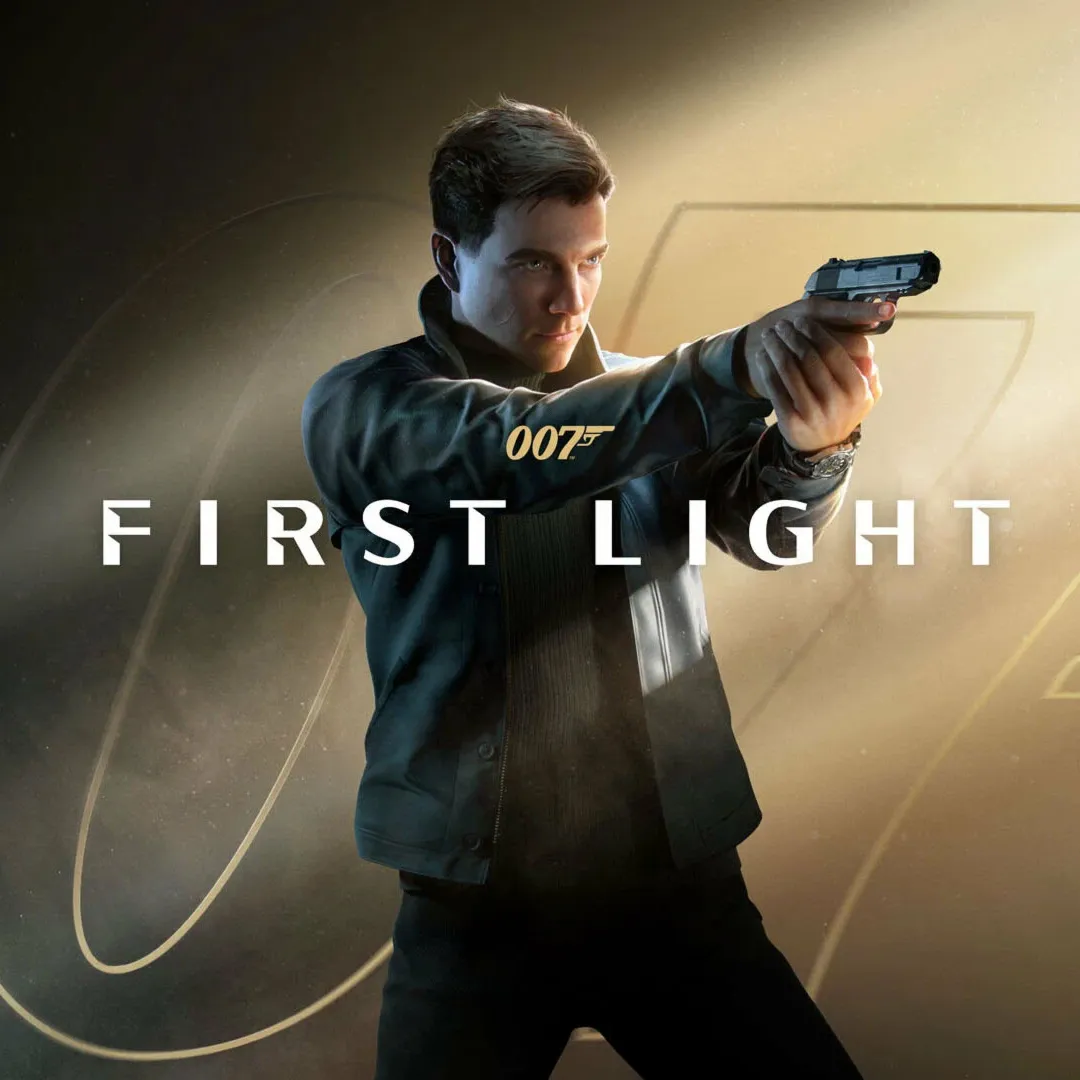
007 First Light / Ps5 / P2
Content: text (0 symbol)
Available: 1
Uploaded:
Positive responses: 0
Negative responses: 0
Sold: 0
Refunds: 0
$9.15
⚪️ P2 activation requires playing only with the added profile. After launching, be sure to disable internet access in the settings while playing, otherwise games will stop launching after a while.
⚪️ After finishing a game session, we recommend logging out of your profile (without deleting it) or restarting the console (logging in only to your primary profile). This will help avoid possible crashes and ensure proper system operation.
⚪️ To launch the game, log in with an internet connection, then minimize and disable internet access in the system settings. Repeat this each time you launch it.
⚪️ In rare cases, a server error may occur—just wait a bit, and you should be able to play again. If the error persists regularly for an extended period (more than 24 hours), please let us know!
⚪️ If you have PS Plus on your own profile, be sure to go to Settings from your profile and disable cloud save syncing, otherwise you will be stealing other people´s saves and progress!
⚪️ After finishing a game session, we recommend logging out of your profile (without deleting it) or restarting the console (logging in only to your primary profile). This will help avoid possible crashes and ensure proper system operation.
⚪️ To launch the game, log in with an internet connection, then minimize and disable internet access in the system settings. Repeat this each time you launch it.
⚪️ In rare cases, a server error may occur—just wait a bit, and you should be able to play again. If the error persists regularly for an extended period (more than 24 hours), please let us know!
⚪️ If you have PS Plus on your own profile, be sure to go to Settings from your profile and disable cloud save syncing, otherwise you will be stealing other people´s saves and progress!
📌 Rules
1. Do not change the login/password
2. Do not share data with third parties
3. Do not disable two-factor protection
4. You can download free games
5. You cannot link your phone or enable Passkey
6. You can only log in from the console. ⚠️ Violation of the rules may result in the account being removed without a refund. ⸻ 📄 The connection instructions are provided immediately after purchase.
7. If you mistakenly delete the provided account, you can only restore it through a new purchase.
1. Do not change the login/password
2. Do not share data with third parties
3. Do not disable two-factor protection
4. You can download free games
5. You cannot link your phone or enable Passkey
6. You can only log in from the console. ⚠️ Violation of the rules may result in the account being removed without a refund. ⸻ 📄 The connection instructions are provided immediately after purchase.
7. If you mistakenly delete the provided account, you can only restore it through a new purchase.
No feedback yet