PlayStation Store Gift Card Turkey 25–2500 TRY — 24/7 Auto Delivery
Content: text (0 symbol)
Available: 1
Uploaded:
Positive responses: 0
Negative responses: 0
Sold: 0
Refunds: 0
$6.41
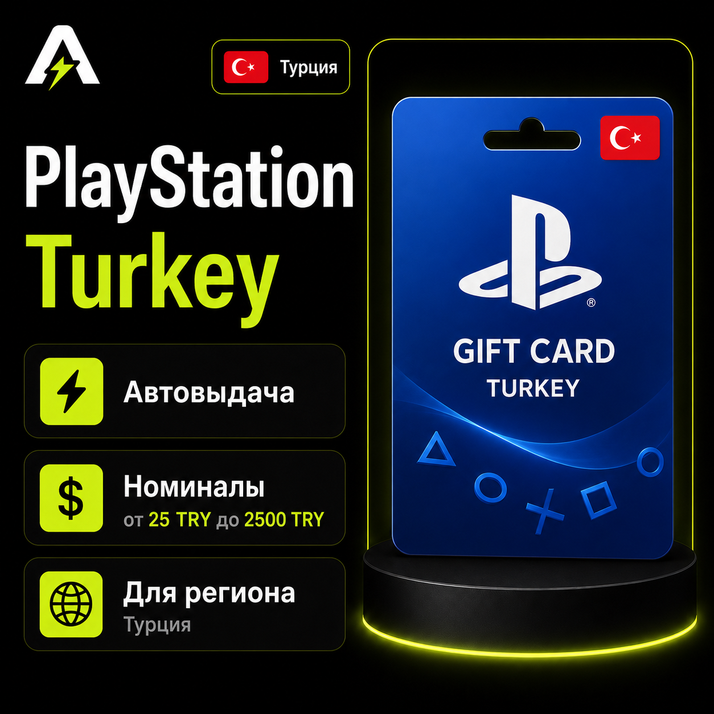
🎮 PlayStation Gift Cards
PlayStation Gift Cards are a convenient way to top up your PSN wallet and purchase games, add-ons, subscriptions, and other digital content in PlayStation Store.
The card is suitable for the selected PSN account region and can be redeemed on PlayStation 4, PlayStation 5, through a browser, or in the PlayStation mobile app.
✅ Suitable for topping up a PSN account of the selected region
✅ Works on PlayStation 4, PlayStation 5, browser, and PlayStation App
✅ Automatic code delivery after payment
✅ The code will also be sent to your email and available on the order page
1. Sign in to your PSN account
2. Open PlayStation Store
3. Click the three-dot menu next to the cart
4. Select Redeem Code
5. Enter the code you received
6. Confirm the activation
🌐 How to redeem the code in a browser:
1. Go to the official PlayStation Store website
2. Sign in to your PSN account
3. Open your profile menu
4. Select Redeem Code
5. Enter the code you received
6. Confirm the activation
📱 How to redeem the code in PlayStation App:
1. Open the PlayStation App
2. Sign in to your PSN account
3. Open PlayStation Store
4. Open the menu and select Redeem Code
5. Enter the code you received
6. Confirm the activation
PlayStation Gift Cards are a convenient way to top up your PSN wallet and purchase games, add-ons, subscriptions, and other digital content in PlayStation Store.
The card is suitable for the selected PSN account region and can be redeemed on PlayStation 4, PlayStation 5, through a browser, or in the PlayStation mobile app.
✅ Suitable for topping up a PSN account of the selected region
✅ Works on PlayStation 4, PlayStation 5, browser, and PlayStation App
✅ Automatic code delivery after payment
✅ The code will also be sent to your email and available on the order page
The product is delivered automatically after payment. After purchase, you will receive a PlayStation Gift Card code. The code will be available on the order page and will also be sent to your email.
🎮 How to redeem the code on PlayStation:1. Sign in to your PSN account
2. Open PlayStation Store
3. Click the three-dot menu next to the cart
4. Select Redeem Code
5. Enter the code you received
6. Confirm the activation
🌐 How to redeem the code in a browser:
1. Go to the official PlayStation Store website
2. Sign in to your PSN account
3. Open your profile menu
4. Select Redeem Code
5. Enter the code you received
6. Confirm the activation
📱 How to redeem the code in PlayStation App:
1. Open the PlayStation App
2. Sign in to your PSN account
3. Open PlayStation Store
4. Open the menu and select Redeem Code
5. Enter the code you received
6. Confirm the activation
Before purchasing, make sure that the region of your PSN account matches the region of the selected gift card. If the account region does not match the gift card region, the code may not be redeemed. Please also consider the PSN wallet limit for the selected region. Refunds are not provided if the code has already been issued and cannot be redeemed due to the wrong region or account settings.
No feedback yet