🎯 Call of Duty Points | Xbox / PC | RUSSIA + GLOBAL 🌍 | INSTANT ⚡
Content: text (0 symbol)
Available: 1
Uploaded:
Positive responses: 0
Negative responses: 0
Sold: 0
Refunds: 0
$7.08
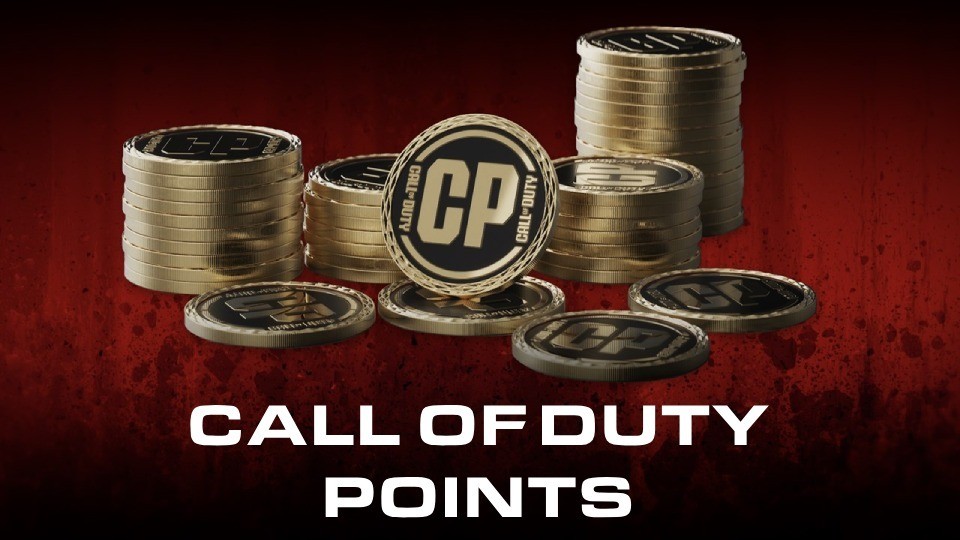
🎯 Call of Duty Points 🎯 Xbox / PC | RUSSIA + GLOBAL 🎯
⚡️ INSTANT 24/7 AUTO-DELIVERY ⚡️
🔥 ORIGINAL ACTIVISION CODE 🔥
⚠️ IMPORTANT — PLEASE READ
🎮 Item: Call of Duty Points (CP)💵 Available denominations:
💻 Platforms: Xbox One / Xbox Series X|S / PlayStation 5 / PlayStation 4 / Windows PC (Battle.net & Steam)
🌎 Region: RUSSIA + GLOBAL (works in any region)
🎯 Type: digital CP top-up code
✅ Original Activision / Microsoft code
✅ Call of Duty Points (CP) — in-game currency of the Call of Duty series
✅ Spend on: Battle Pass + Pro tiers, Operator bundles, Weapon Blueprints, emblems, operator skins, COD Endowment packs
✅ Works in: Modern Warfare II/III, Warzone, Black Ops 6 / Cold War, Vanguard and current Call of Duty titles
❗ REQUIRED: a Call of Duty game must be installed (free Warzone qualifies).
❗ CP are tied to the account/platform you redeem on. Xbox-redeemed CP works on both Xbox and PC (Microsoft Store / Battle.net).
❗ No refunds after redemption.
🚚 Auto-delivery: code arrives instantly after payment.
📌 How to redeem Call of Duty Points?
🎯 BEFORE BUYING make sure you have:
• Microsoft / Xbox or Battle.net account
• A Call of Duty game installed (free Warzone qualifies)
▶️ On Xbox console (One / Series X|S):
1. Sign in to Microsoft / Xbox account.
2. Open Microsoft Store → "Redeem".
3. Enter the 25-character key → confirm.
4. Launch any Call of Duty game — CP appear in the in-game shop.
▶️ Via website (universal — Xbox/PC):
1. Go to https://redeem.microsoft.com
2. Sign in to Microsoft account.
3. Enter key → confirm.
▶️ On Windows PC (Battle.net / Microsoft Store):
1. Open the Xbox app or redeem.microsoft.com.
2. Redeem via Microsoft account.
3. Launch COD via Battle.net — CP syncs.
⚠️ IMPORTANT:
• CP are tied to the platform/account of redemption
• Microsoft / Xbox account can be of any region — the code is global
• No refund after the code is revealed
• Single-use key
🎯 BEFORE BUYING make sure you have:
• Microsoft / Xbox or Battle.net account
• A Call of Duty game installed (free Warzone qualifies)
▶️ On Xbox console (One / Series X|S):
1. Sign in to Microsoft / Xbox account.
2. Open Microsoft Store → "Redeem".
3. Enter the 25-character key → confirm.
4. Launch any Call of Duty game — CP appear in the in-game shop.
▶️ Via website (universal — Xbox/PC):
1. Go to https://redeem.microsoft.com
2. Sign in to Microsoft account.
3. Enter key → confirm.
▶️ On Windows PC (Battle.net / Microsoft Store):
1. Open the Xbox app or redeem.microsoft.com.
2. Redeem via Microsoft account.
3. Launch COD via Battle.net — CP syncs.
⚠️ IMPORTANT:
• CP are tied to the platform/account of redemption
• Microsoft / Xbox account can be of any region — the code is global
• No refund after the code is revealed
• Single-use key
No feedback yet